SIP Phone Configuration Guide
- 32 -
Enable Wi-Fi Connection
Enable by Web Portal
1. Check the box next to “Use Wi-Fi over Ethernet”, and then Ethernet port is disabled.
2. Click Save to reboot the phone.
Enable by Configuration
1. Set the network configuration by referring to Section 6.6.3 Network Module.
2. Reboot the phone manually.
Enable by Voice menu
1. Follow the steps of voice menu by referring to Chapter 5 Configure with Voice Menu - 1
Network Configuration.
Required Not required Optional
Note:
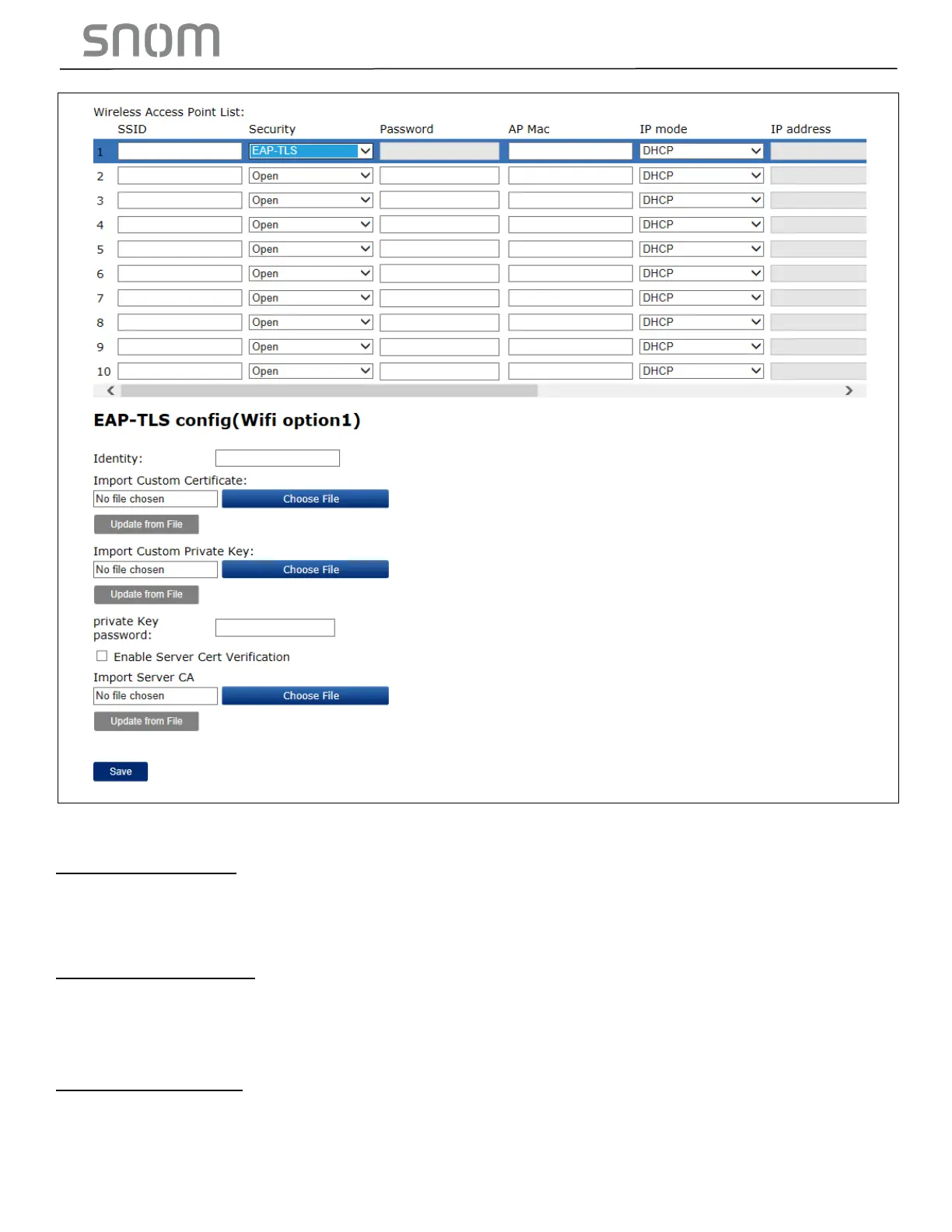
If Custom Certificate is imported,
“Import Custom Private Key” will be required.
Note:
If the box next to “Enable Server Cert Verification” is checked,
“Import Server CA” will be required.



 To Next Page