- 6 -
3 Configure via Web Portal
Configure all SIP phones via web portal menus.
3.1 Configuration Process
3.1.1 Step 1: Obtain IP Address
To obtain auto IP address
By default, the phones automatically obtain IP address through DHCP server. You may use a DHCP
lease viewer to find out the IP address assigned by matching the MAC address on the back of the
phone with the search results displayed.
To discover IP address using the phone IP address read back
HD100
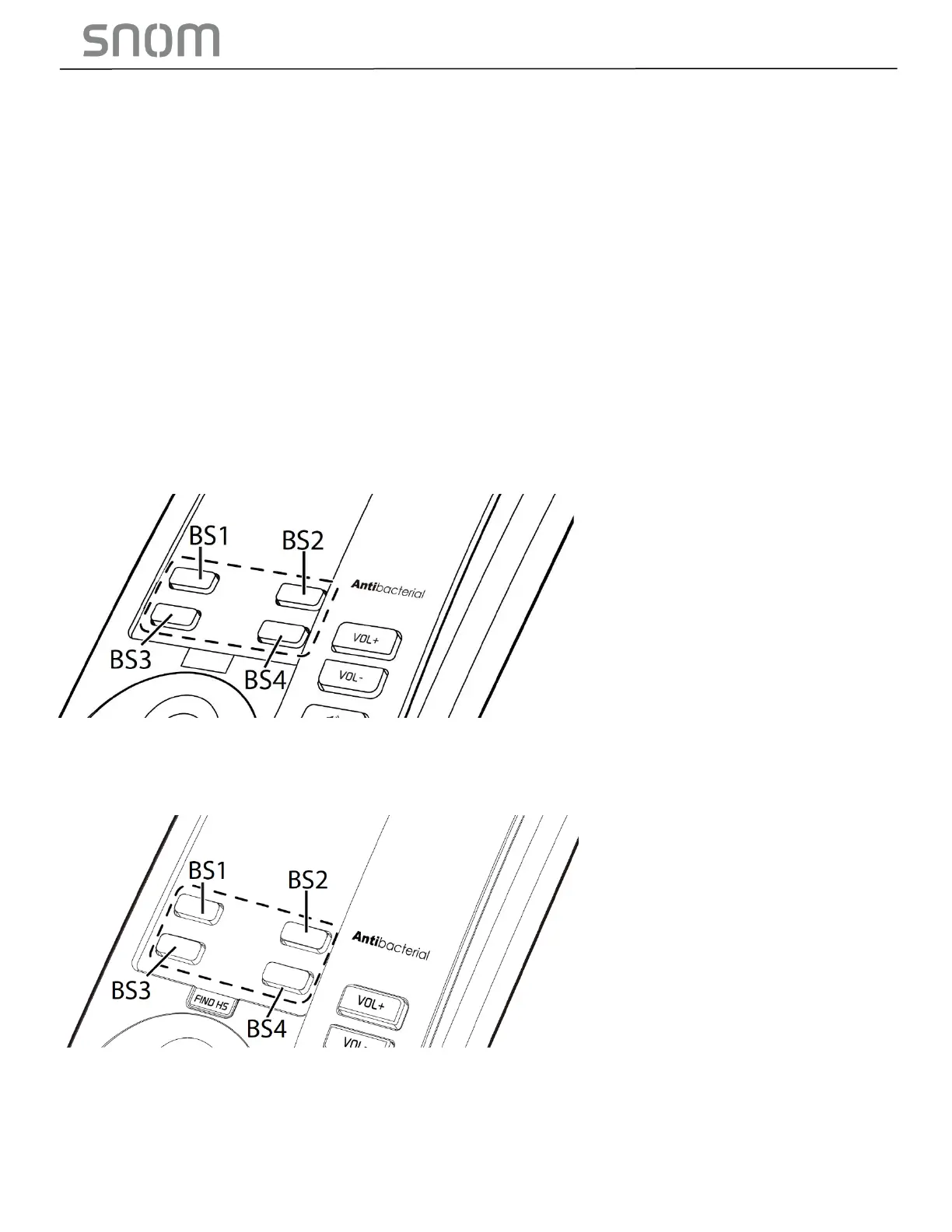
• Use the keypad to press and hold [VOL+] for more than 5 seconds, and then press [VOL-] [VOL+]
[VOL-] [VOL+] [VOL-] [BS1] [BS2] [BS3] in sequence.
HD101
• Press on its handset's keypad [TALK] [*] [*] [*] [*] [1] [2] in sequence.
HD350W & HD351W
• Press on its keypad [*] [4] [7] [1] [2] [3] [3] [#] in sequence.



 To Next Page