SIP Phone Configuration Guide
- 41 -
3.4.3.1 Firmware Server Settings
Click the link for each setting to see the matching configuration file parameter in Section 6.6.4
Provisioning Settings ("provisioning" Module). Default values and ranges are listed there.
The URL where the HD10X telephone base firmware
update file resides. This should be a full path, including the
file name of the firmware file.
The URL where the HD10X cordless handset firmware
update file resides. This should be a full path, including the
file name of the firmware file.
Installed Handset Firmware
The version number of handset firmware currently installed.
Installed Color Handset Firmware
The version number of color handset firmware currently
installed.
Server authentication name
Authentication username for the firmware server
Server authentication password
Authentication password for the firmware server
To update the firmware immediately:
•
Click Update Base Firmware Now or Install HS Firmware Now.
Note
•
You can also configure the HD10X to check for firmware updates at regular intervals. See Section
3.4.4.Provisioning.
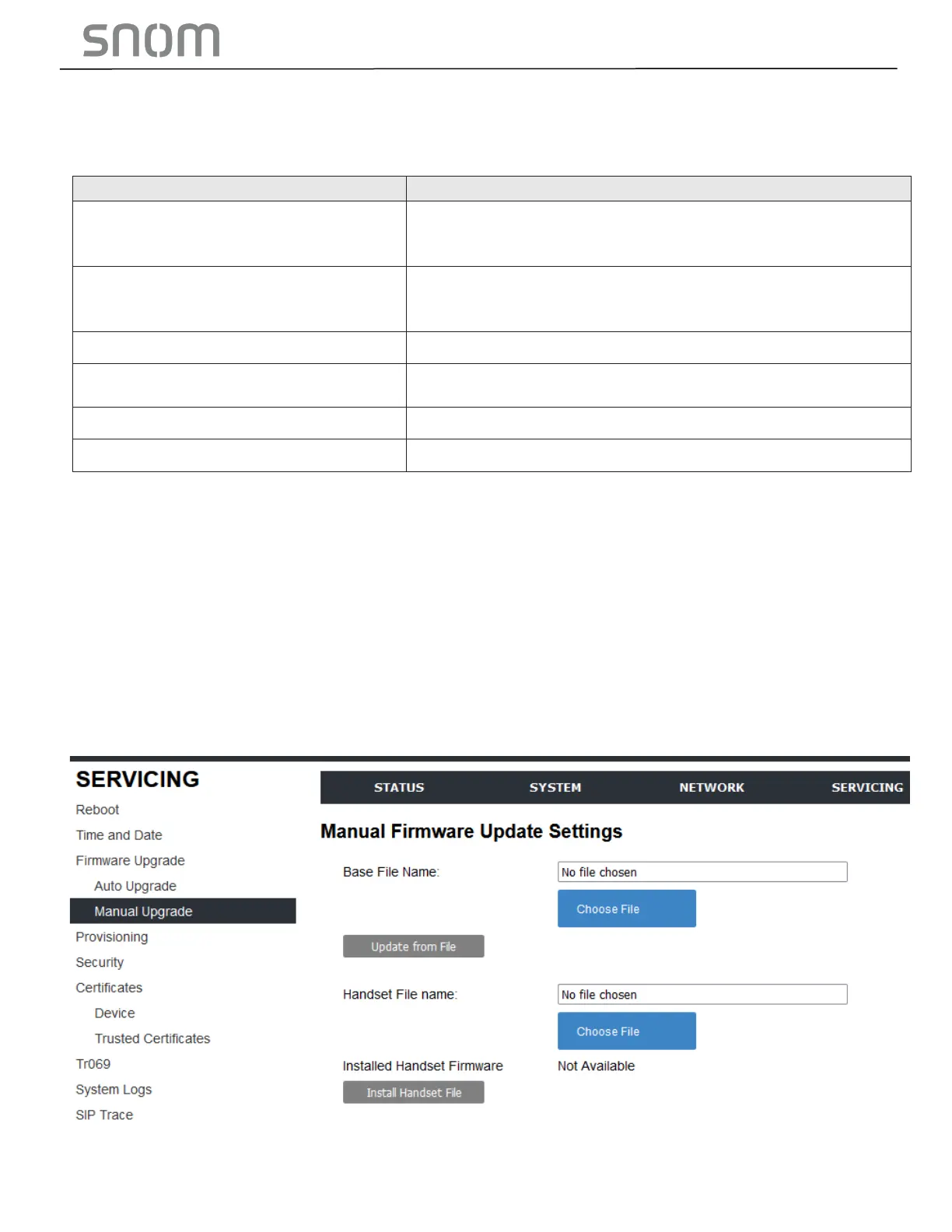
3.4.3.2 Manual Firmware Update and Upload
On the Manual Firmware Update Settings page, you can upgrade the HD10X / HM201 telephone base and
cordless handset firmware using a file located on your computer or local network. To upload color handset
firmware, the base’s software version should be 2.22.6.0 or later.



 To Next Page