- 48 -
The exported configuration file will contain the following passwords in plain text:
•
SIP account authentication password
•
EAPOL password
•
Firmware server password
•
Provisioning server password
•
Encryption passphrase
•
LDAP server password
Please ensure that you save the exported configuration file in a secure location.
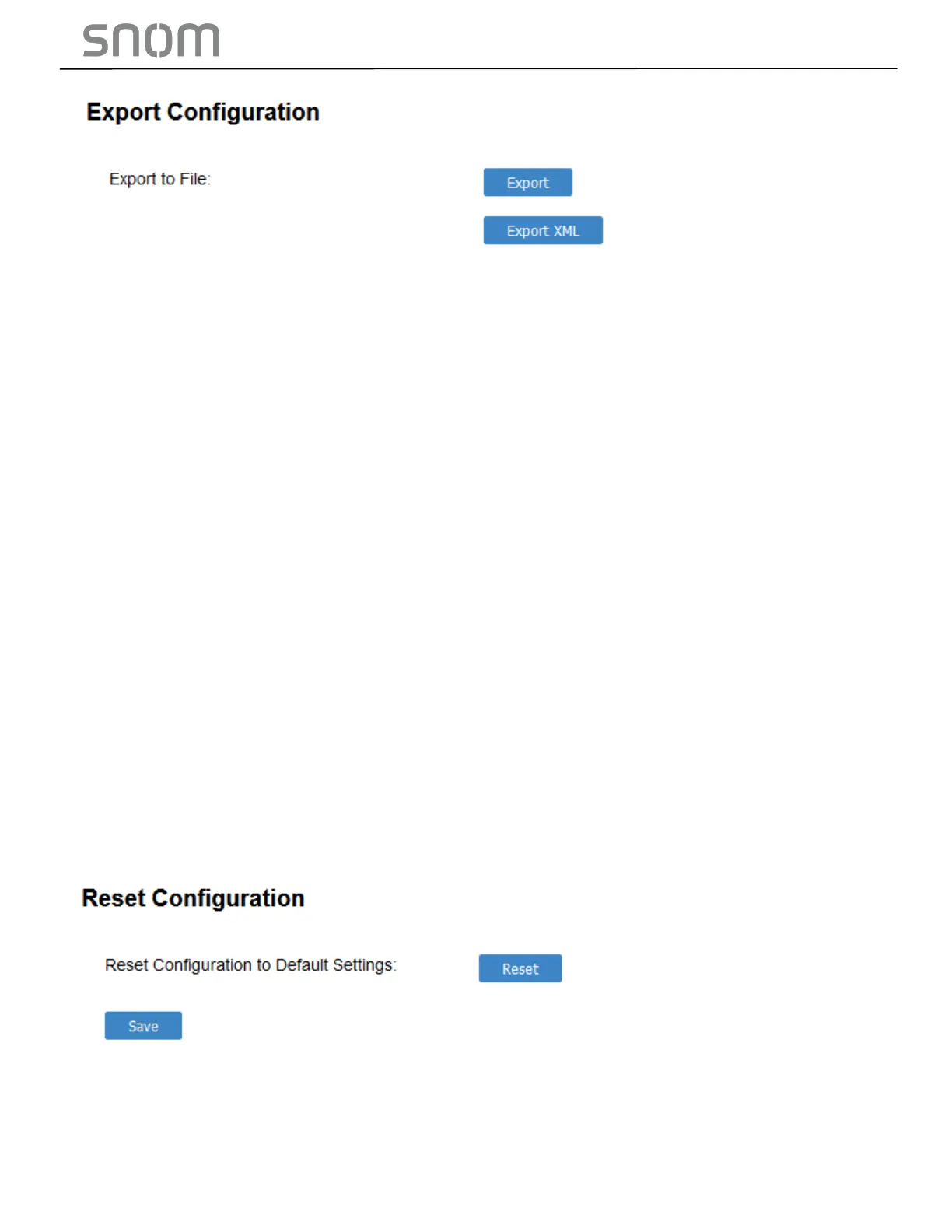
To export the configuration file:
•
Click EXPORT.
The format of the exported file is <model name>_<mac address>.cfg. For example,
HD10X_00041367803C.cfg
Exporting a configuration file generates two header lines in the configuration file. These header lines
provide the model number and software version in the following format:
#Model Number = xxxxxxx
#SW Version = xxxxxxx
You can use the exported file as a general configuration file, and duplicate the settings across multiple
units. However, ensure that you edit the file to remove any MAC-specific SIP account settings before
applying the general configuration file to other units.
3.4.4.7 Reset Configurations
You can reset the phone to its default settings.
To reset the HD10X to its default configuration:
1. Under Reset Configuration, click RESET.
2. When the confirmation box appears, click OK.



 To Next Page