- 61 -
-OR-
o HD100, HD101:
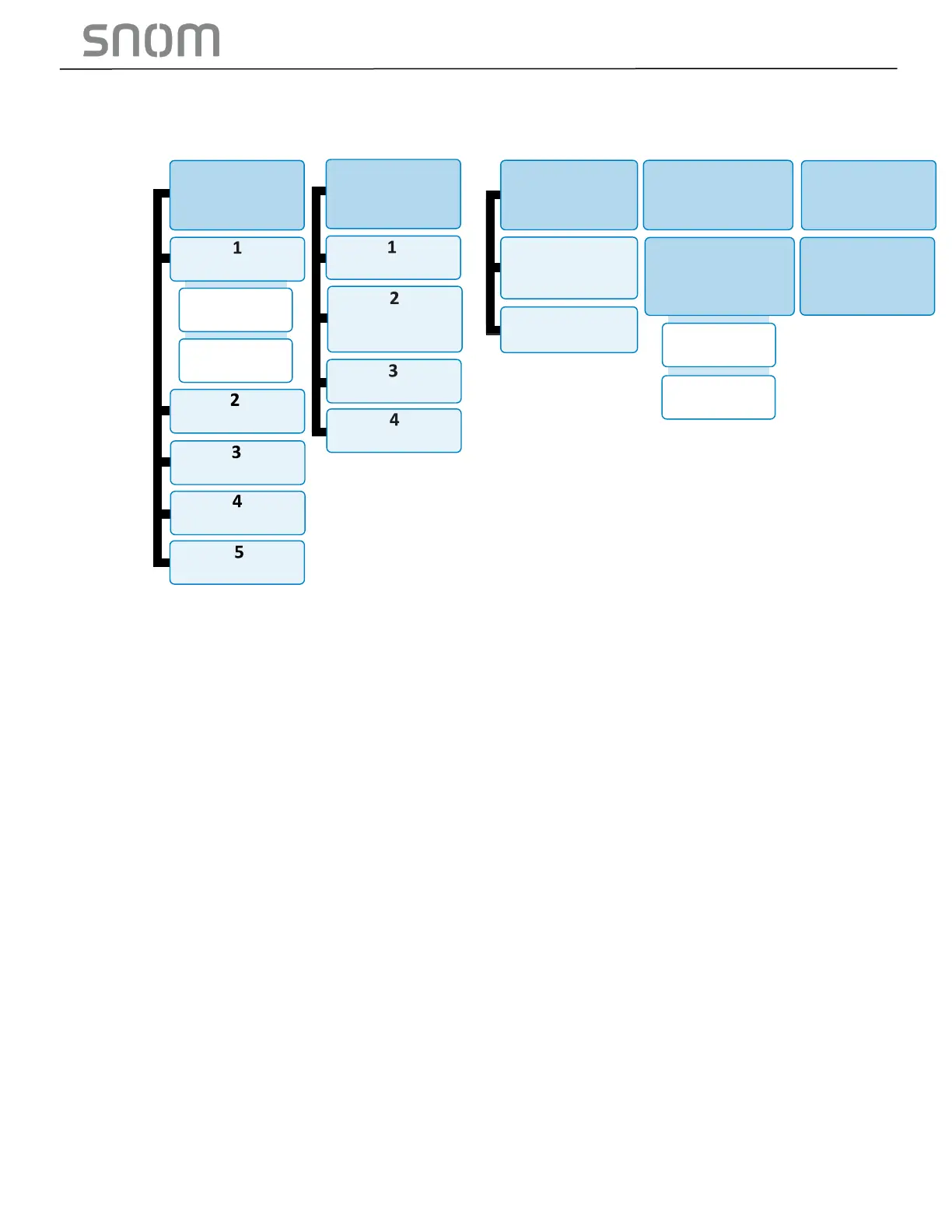
• Example 1: to find out the IP address of the phone, press 1 for Network Configuration, and
then press 2 for IP Address.
• Example 2: to disable Wi-Fi connection, press 1 for Network Configuration, then press 6 for
Wi-Fi status and then press 2 for Disable.
3. Exit Voice menu:
When you have done querying or configuring with the Voice menu,
• HD100 (corded):
Place the handset in the cradle.
-OR-
• HD101 (cordless phone on base):
Place the handset in the cradle or press OFF.
Note: If you change any network settings, your phone will automatically reboot. This will
enable your new settings to take effect.



 To Next Page