Paramount GEM User Guide
137 | P a g e
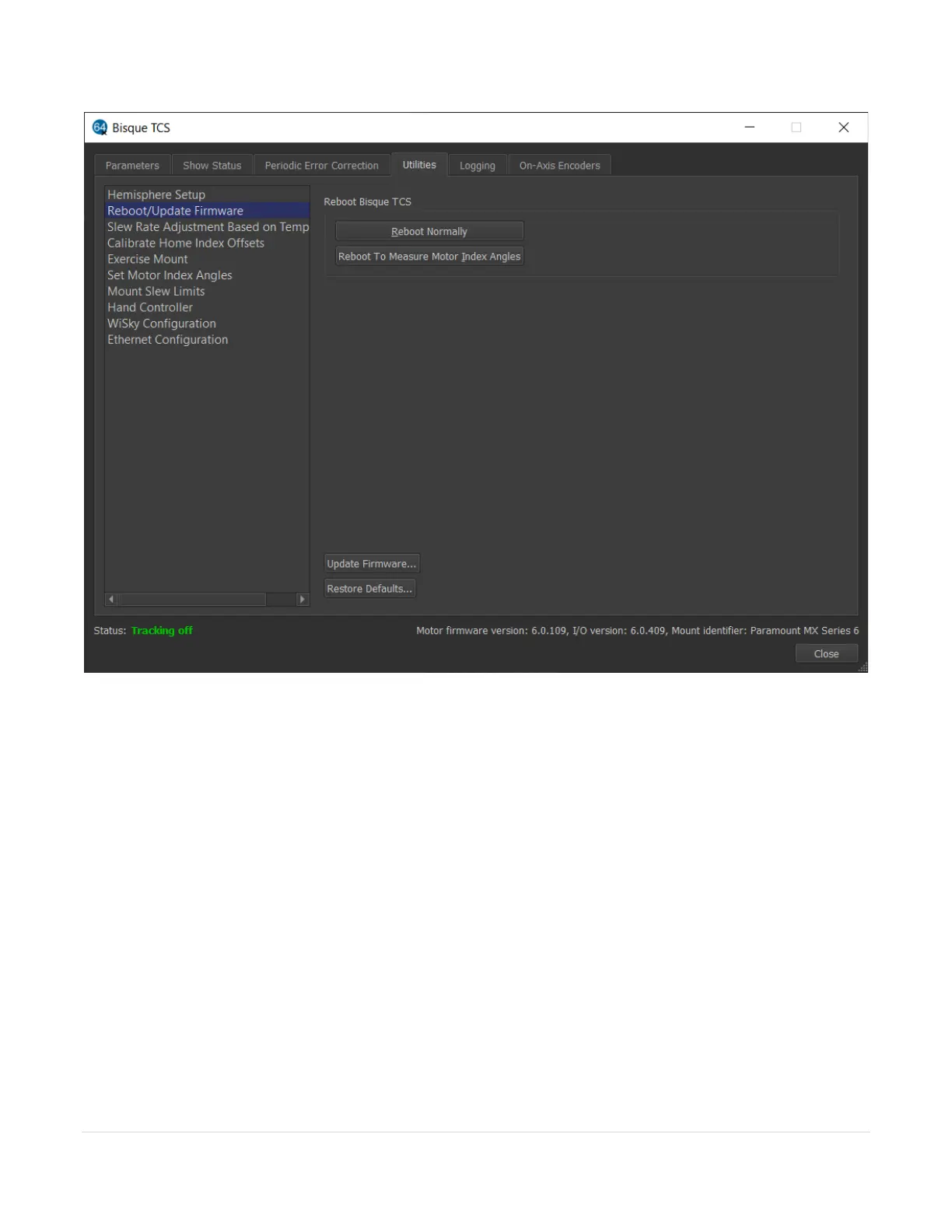
Figure 66: The Reboot/Update Firmware settings on the Utilities tab.
Reboot Normally
Click this button, then click the Yes button on the confirmation window to restart the control system for normal
operation. Rebooting the control system can be used to reset the mount after an error condition has occurred,
or after the control system has been restarted to measure the motor index angles as described below.
Reboot to Measure Motor Index Angles
Click this button to restart the control system so that the mount’s motor index angles can be measured. The
control system’s motor index angles must be re-measured after installing a new control system, or installing a new
worm block that has a new motor. See
Control System Firmware Updates
While every attempt is made to apply the latest firmware to the MKS 5000 control system before the mount is
shipped, Software Bisque may periodically release newer versions. The current motor firmware version is listed
on the bottom left of the Bisque TCS window.



 To Next Page