Paramount GEM User Guide
141 | P a g e
Current Slew Rate Percentage
This text shows the current temperature-adjusted slew rate percentage. A value of 100 percent means the
temperature inside the mount is above the When the Temperature Is Below value.
Ambient Temperature
Shows the ambient temperature measured by the mount’s internal temperature sensor.
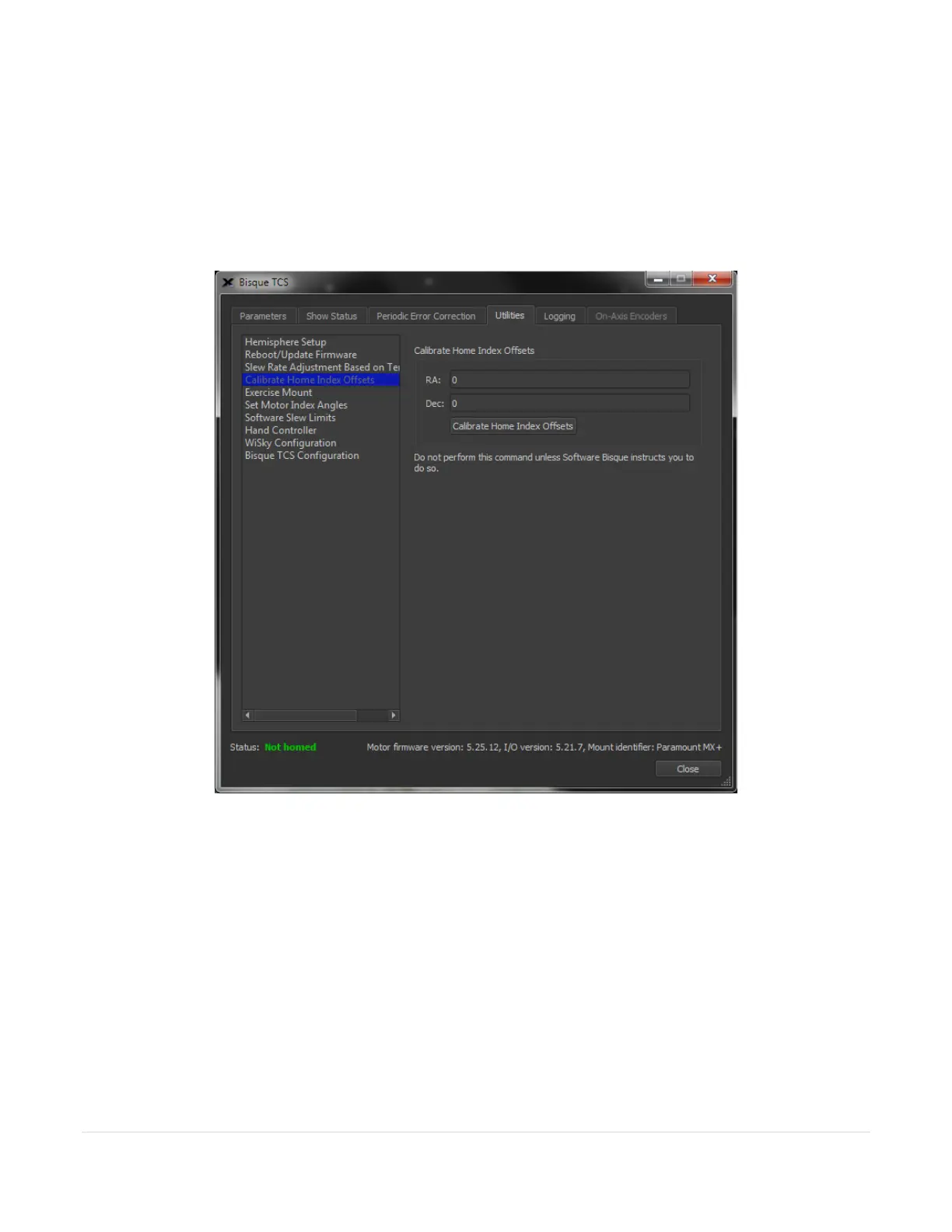
Figure 68: The Calibrate Home Index Offsets pane.
Calibrate Home Index Offsets
In rare cases, the home position may not be consistent due to small changes in the mechanical position of the
home sensor and homing mark caused by temperature variations. In this case, the home position can differ by
one turn of the motor when the mount is homed (from 3 to 6 arcminutes, depending on mount model and axis).
On the Bisque TCS window, highlight Calibrate Home Index Offsets on the left side of the Utilities tab and click
the Calibrate Home Index Offsets button to have the control system measure the motor’s home index offset.



 To Next Page