Paramount GEM User Guide
142 | P a g e
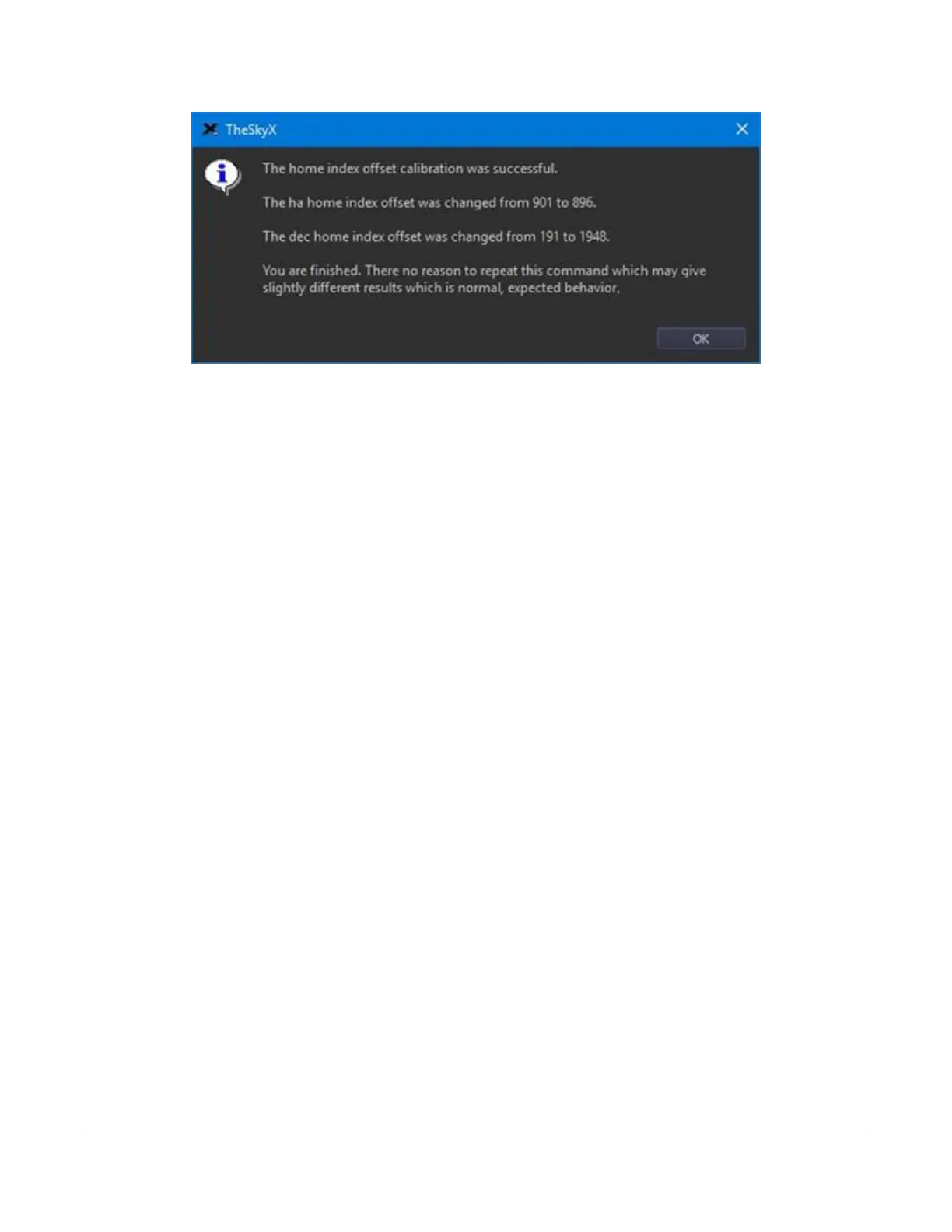
Figure 69: Window showing successful home index offset calibration.
Calibration ensures minor mechanical motions due to temperature changes do not cause the home position to
change from session to session. The results are automatically saved to the mount’s flash memory and applied
when finding the home position. After calibrating the home index offsets, one or both axes may locate the home
position in a slightly different mechanical position than before the calibration (by one motor turn). In this case, a
TPoint pointing recalibration should be performed after calibration (a new pointing calibration is not required).
Please do not click the Calibrate Home Index Offsets button unless specifically instructed to do so by Software
Bisque.
Exercise Mount
Every Paramount undergoes a factory “run in” or exercise procedure that slews the mount between the slew limits
to ensure that the gear train, motors, and electronic systems are functioning normally. The Use the Exercise
Mount command can be used to perform the same procedure.



 To Next Page