Paramount GEM User Guide
145 | P a g e
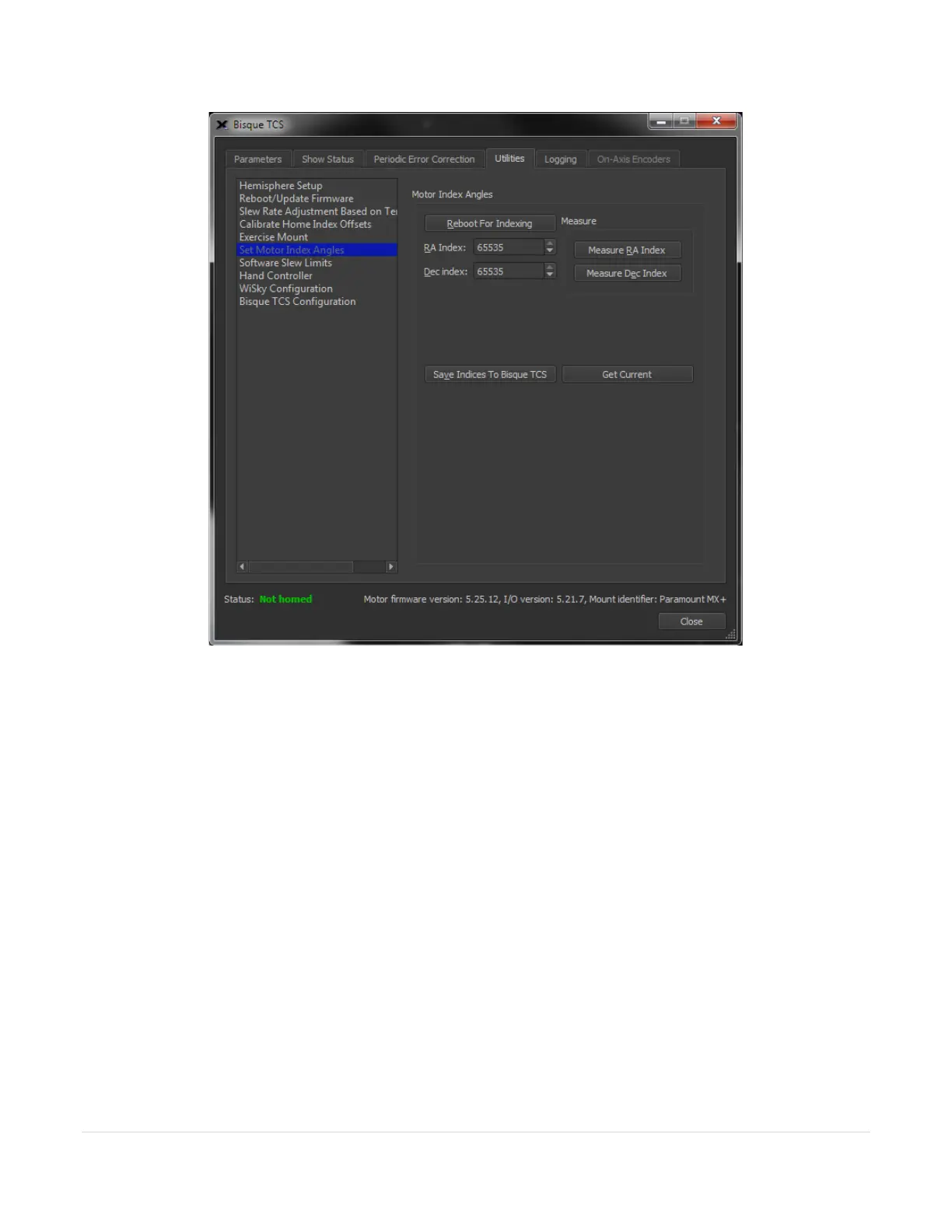
Figure 71: The Set Motor Index Angles settings on the Utilities tab.
Reboot For Indexing
Click this button to restart the Bisque TCS so that DC servomotor’s motor index angle can be measured.
Measure RA
Click this button to measure the home index offset on the hour angle axis. This value will be applied when the
Find Home command (page 108) is issued.
Measure Dec
Click this button to measure the home index offset on the declination axis.
Measure Dec (Dec Button)
Click this button to measure the declination motor index angle.
Save Indices to Bisque TCS
Click the button to save the RA Index and Dec Index motor index angles to the Bisque TCS firmware. The motors
and control system will not operate normally if the wrong motor index angles are saved, so please double-check
these values before proceeding.



 To Next Page