Paramount GEM User Guide
152 | P a g e
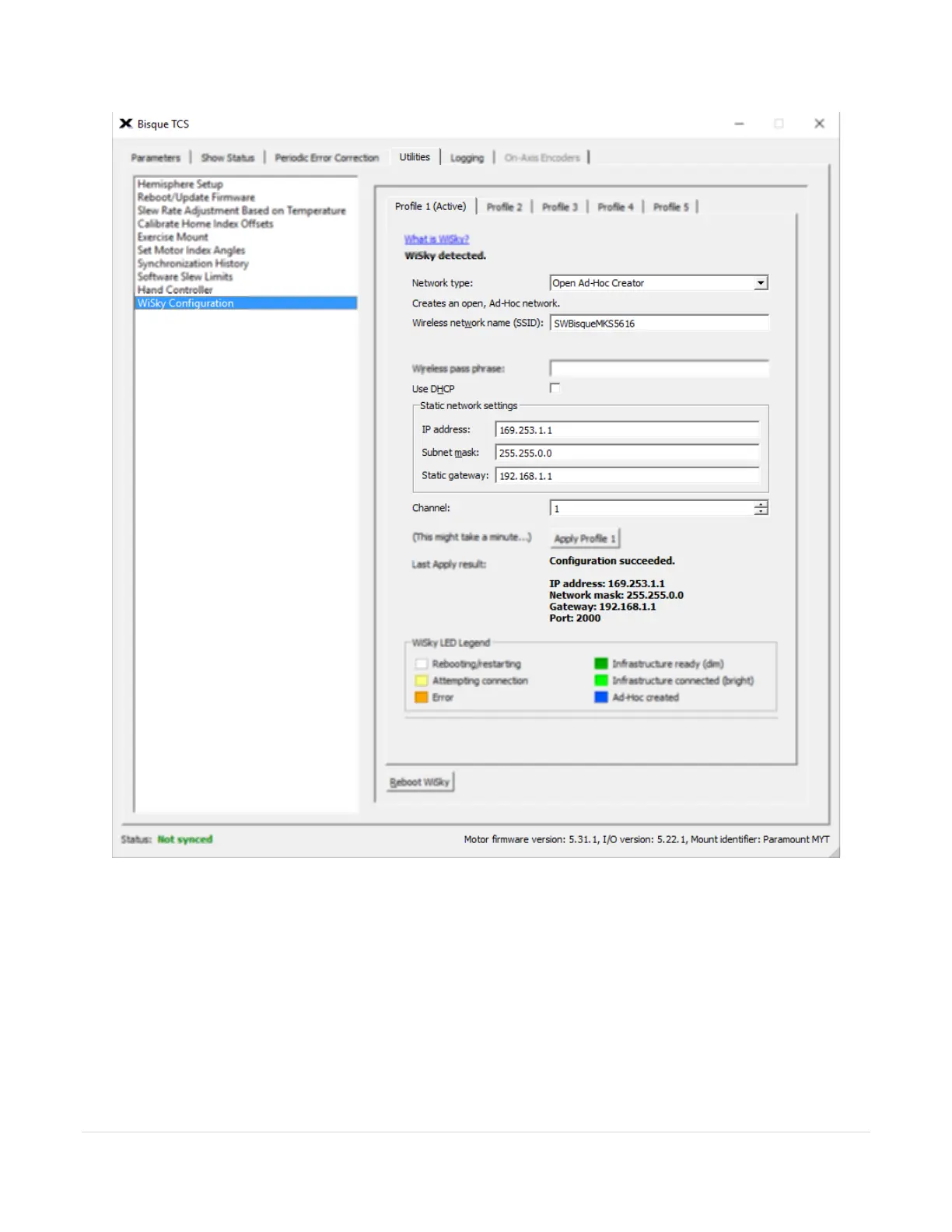
Figure 74: Profile 1 (Active) is shown here SSID SWBisqueMKS5616
The WiSky Configuration window includes five Profile tabs that can be used to configure WiSky for different
networks.
By default, Profile 1 is configured as an ad hoc network, and the Wi-Fi LED on the outside of the Electronics Box
emits dark blue. If the LED is any color other than dark blue, the Wi-Fi is not configured as an ad hoc network.
The WiSky LED Legend shows the what each LED color means. Click the Apply Profile 1 button to make the ad
hoc mode active.



 To Next Page