Paramount GEM User Guide
172 | P a g e
3. Turn the mount on. The control system uses the factory default motor index angles to initialize
the motors, and this may cause the motor initialization to fail. When motor initialization fails,
the control system emits continuous audible beeps. Note that even if there are no audible
beeps, you should still follow the steps below.
4. Launch TheSky Professional Edition.
5. Click Telescope, Telescope Setup. Under Imaging System, double-click Mount and select the
name of your original model mount. For example, choose Paramount ME II for the Paramount
ME II mount, not Paramount ME or Paramount ME Series 6. Click OK and Close the Imaging
System Setup window.
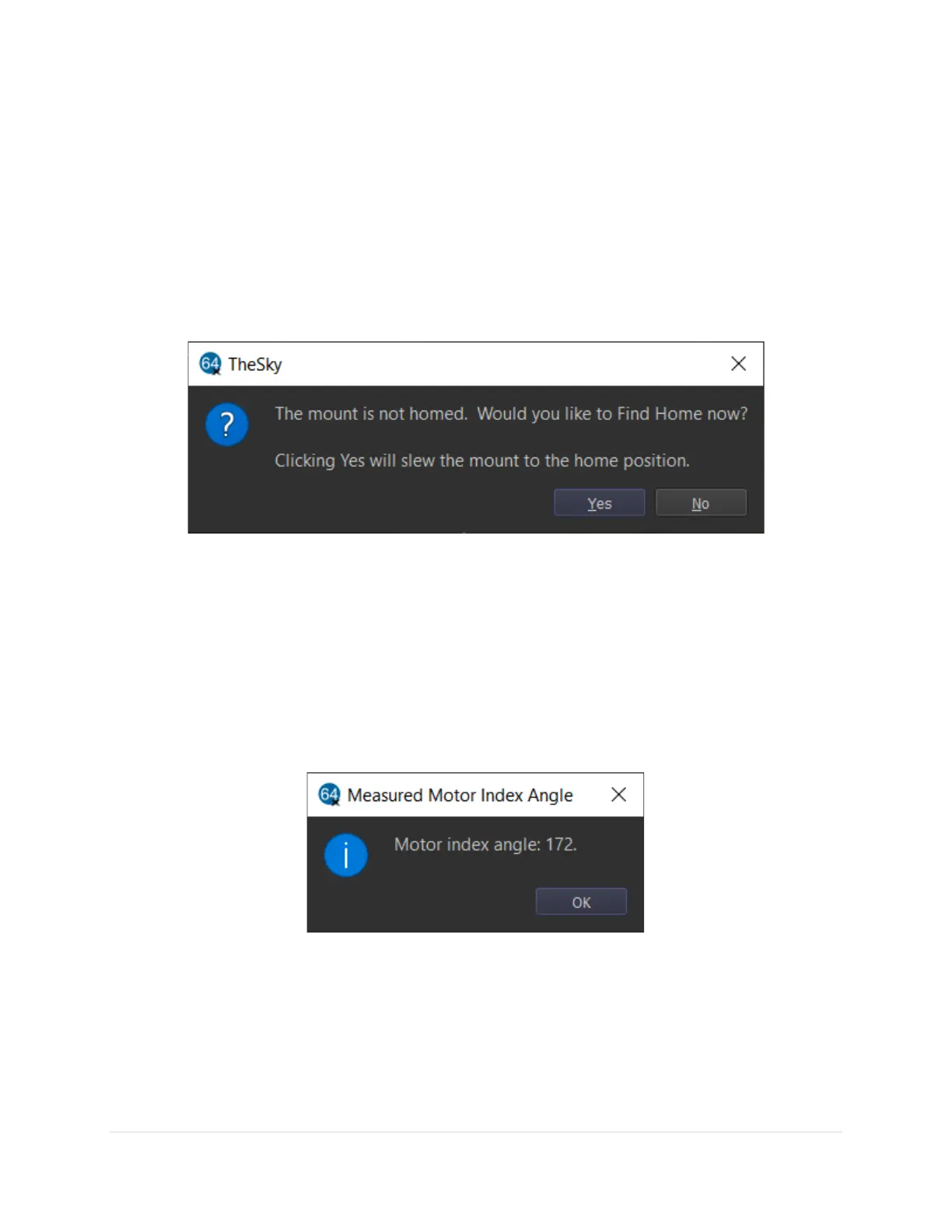
6. Click Telescope, Connect. When prompted if you want to slew the mount to the home position,
click No (see Figure 83).
Figure 83: Slewing the mount to the home position is not required when measuring the motor index angles.
7. From the Telescope window, click Tools, Bisque TCS.
8. Click the Utilities tab and highlight the Set Motor Index Angles option on the left side of the
window. The steps below are highlighted in Figure 85.
a. Click the Reboot To Measure Motor Index Angles button and click Yes when prompted.
Rebooting the MKS 6000 takes about 15 seconds or so.
b. After double-checking that both axes are in the Balance position, click the Measure HA
Index Angle button. When prompted, click Yes (Figure 86). The HA motor will rotate
briefly as the motor index angle is measured, and a window showing the result is
displayed.
Figure 84: Enter the measured motor index angle into HA or Dec Index Angle text box.
c. Enter this number into the HA Index Angle text box.
d. Click the Measure Dec Index Angle button and wait for the result to be displayed.
e. Enter this number into the Dec Index Angle text box.
f. Click the Save to Bisque TCS button to permanently save these values to the control
system.



 To Next Page