5-16
1-3. CAMERA SYSTEM ADJUSTMENTS
Before perform the camera system adjustments, check that the
specified values of “VIDEO SYSTEM ADJUSTMENT” are
satisfied.
1. 27MHz Origin Oscillation Adjustment
(VC-242 board)
Set the frequency of the clock for synchronization.
If deviated, the synchronization will be disrupted and the color will
become inconsistent.
Subject Not required
Measurement Point Pin rj of IC771 or pin qf of IC706
Measuring Instrument Frequency counter
Adjustment Page F
Adjustment Address 1C
Specified Value f=13500000 ± 68Hz
Adjusting method:
Order Page
Address
Data Procedure
1 0 01 01 Set the data.
2 F 1C Change the data and set the
frequency (f) to the specified
value.
3 F 1C Press PAUSE button.
4 0 01 00 Set the data.
2. Zoom Key Center Adjustment
Set the A/D value center of the microprocessor to the center voltage
of the zoom key.
If deviated, the zoom lens operates of itself ,even if the zoom key is
the center position.
Subject Not required
Measurement Point Display data of page: 6, address: 50
Measuring Instrument Adjustment remote commander
Adjustment Page F
Adjustment Address 5D
Note: Don’t touch the zoom switch during adjustment.
Adjusting method:
Order Page
Address
Data Procedure
1 0 01 01 Set the data.
2 6 50 Read the data, and this data is
named D
50
.
3F5DD
50
Set the data, and press PAUSE
button.
4 0 01 00 Set the data.
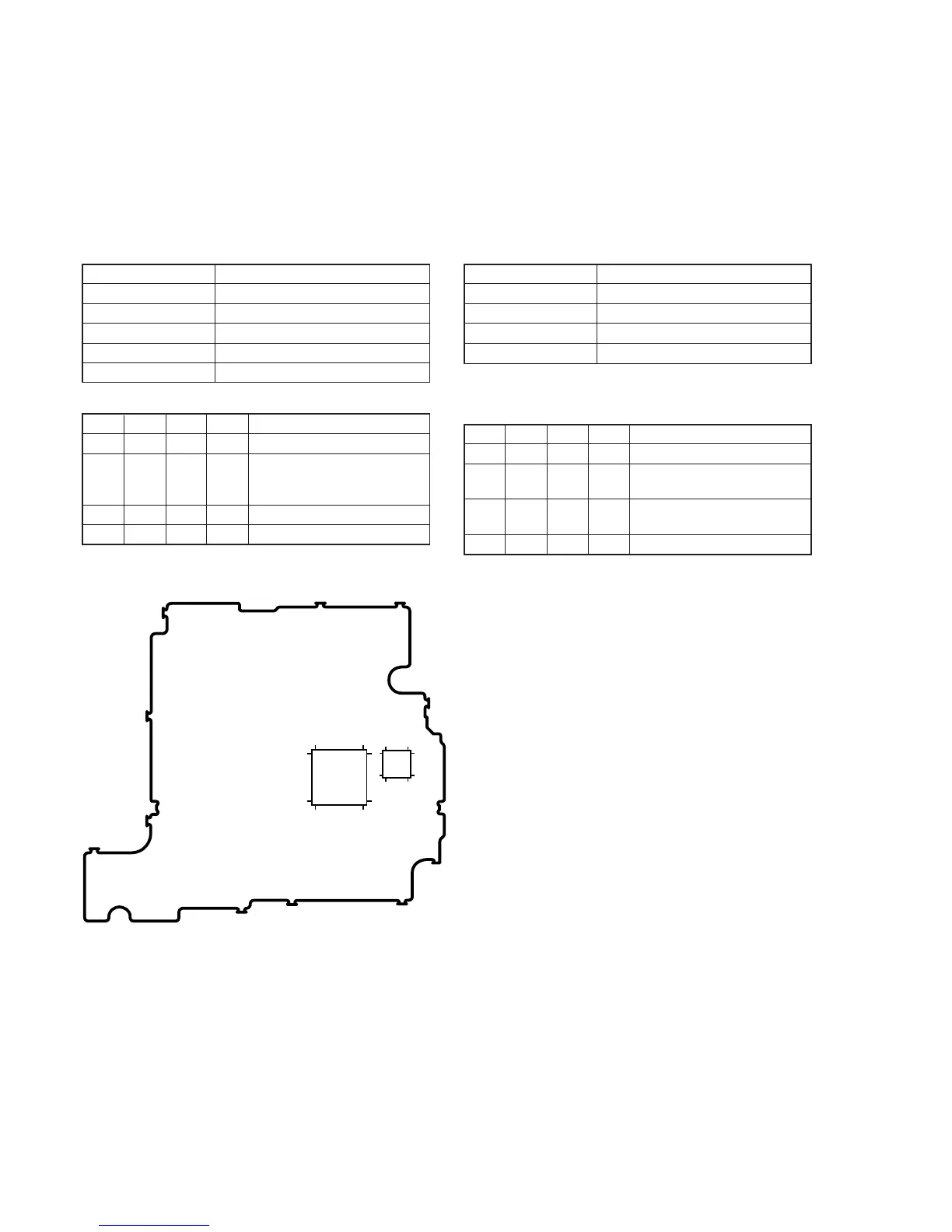
VC-242 board
IC771
IC706
10076
26
25
12
1324
4837
1
1
51
75
50
Fig. 5-1-6.















 To Next Page