5-23
13. White Balance ND Filter 1 Compensation
Compensate the white balance deviation when ND FILTER switch
is “1”.
Subject Clear chart
(Color bar standard picture frame)
Adjustment Page F
Adjustment Address 4A, 4B
Note1: After the power is turned on, this adjustment can be done only
once.
Note2: Check that the data of page: 6, address: 02 is “00”. If not, to page:
6, address: 01, set data: 00, and press the PAUSE button.
Switch setting:
ND FILTER........................................................................... 1
(The data of page: 6, address: 9D is “01”.)
Adjusting method:
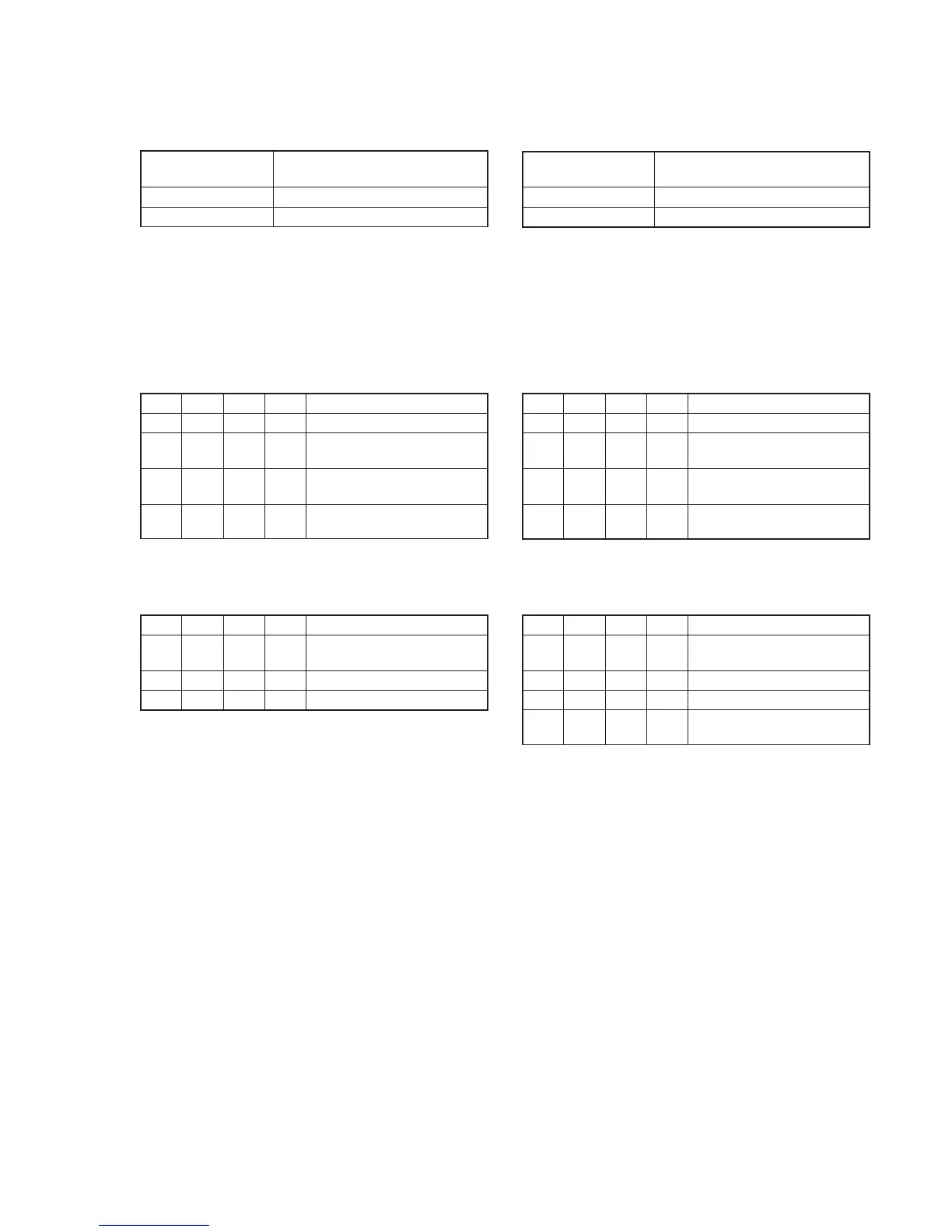
Order Page
Address
Data Procedure
1 0 01 01 Set the data.
2 6 01 11 Set the data, and press PAUSE
button.
3 6 01 09 Set the data, and press PAUSE
button. (Note)
4 6 02 Check that the data changes to
“01”.
Note: The adjustment data will be automatically input to page: F, address:
4A and 4B.
Processing after Completing Adjustments
Order Page
Address
Data Procedure
1 6 01 00 Set the data, and press PAUSE
button.
2 6 02 00 Set the data.
3 0 01 00 Set the data.
14. White Balance ND Filter 2 Compensation
Compensate the white balance deviation when ND FILTER switch
is “2”.
Subject Clear chart
(Color bar standard picture frame)
Adjustment Page E
Adjustment Address 8E, 8F
Note1: After the power is turned on, this adjustment can be done only
once.
Note2: Check that the data of page: 6, address: 02 is “00”. If not, to page:
6, address: 01, set data: 00, and press the PAUSE button.
Switch setting:
ND FILTER........................................................................... 2
(The data of page: 6, address: 9D is “02”.)
Adjusting method:
Order Page
Address
Data Procedure
1 0 01 01 Set the data.
2 6 01 CF Set the data, and press PAUSE
button.
3 6 01 CD Set the data, and press PAUSE
button. (Note)
4 6 02 Check that the data changes to
“01”.
Note: The adjustment data will be automatically input to page: E, address:
8E and 8F.
Processing after Completing Adjustments
Order Page
Address
Data Procedure
1 6 01 00 Set the data, and press PAUSE
button.
2 6 02 00 Set the data.
3 0 01 00 Set the data.
4 Set ND FILTER switch to
“OFF”.















 To Next Page