5-54
2. Recording System Check
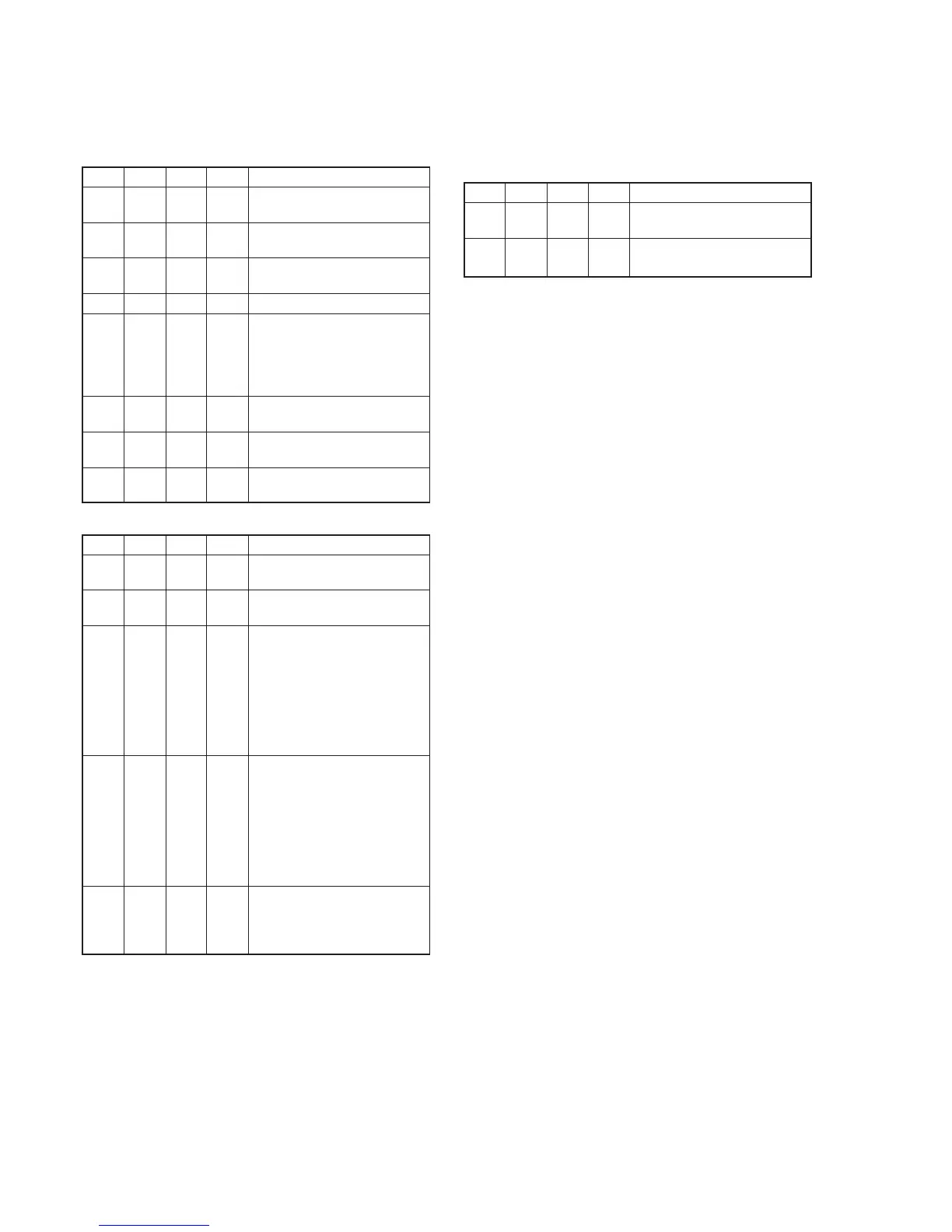
2-1. Preparations for recording
Order Page
Address
Data Procedure
1 Playback the BIST check tape.
(XH5-6(NTSC), XH5-6P(PAL))
2 3 10 C0 Set the data, and press PAUSE
button.
3 3 11 07 Set the data, and press PAUSE
button.
4 Enter the stop mode.
5 While keep the HOLD switch of
the adjustment remote
commander at ON (SERVICE)
position, eject the BIST check
tape.
6 Close the cassette compartment
without inserting a cassette.
7 Set the power switch to
“CAMERA”.
8 3 01 0C Set the data, and press PAUSE
button.
2-2. IC301 TRX (RF) REC BIST Check
Order Page
Address
Data Procedure
1 3 70 04 Set the data, and press PAUSE
button.
2 3 70 00 Set the data, and press PAUSE
button.
3 3 71 Check that the data is equal to
either of the following values.
And memorize the case number
of the value.
NTSC model:
26 (Case1), 5E (Case2)
PAL model:
53 (Case1), 77 (Case2)
4 3 72 Check that the data is equal to
the following value which case
number is equal to that of
address 71.
NTSC model:
95 (Case1), E3 (Case2)
PAL model:
DF (Case1), D5 (Case2)
5 3 If the data of address 71 and
address 72 are correct, IC301
TRX (RF) recording system is
normal.
2-3. Processing after Completing Recording System
Check
Order Page
Address
Data Procedure
1 3 01 00 Set the data, and press PAUSE
button.
2 Turn off the power and turn on
again.















 To Next Page