1-1. DSR-2000
42
Chapter 2 Setting/Displaying Time Data and Text Information
Chapter 2 Setting/Displaying Time Data and Text Information
Synchronizing the Internal Time Code Generator With an External
Signal—External Lock
You can synchronize the internal time code generator to an external time
code signal (TC) input to this unit. Use this method to synchronize the
time code generators of a number of VCRs, or to carry out recording
maintaining the synchronization between the source video and time code.
In this case, the settings of the FREE RUN/REC RUN switch and DF/NDF
switch on the subsidiary control panel are ignored.
You can synchronize the internal time code generator to one of the
following external time codes.
•The time code (TC) output of an external time code generator or external
VCR connected to the TIME CODE IN connector
•The time code (VITC) present in a video signal input to the unit
•The time code (TC) input to the SDTI(QSDI) INPUT connector or
i.LINK connector (when fitted with the optional DSBK-190) of the unit
To synchronize to an external time code signal
Proceed as follows.
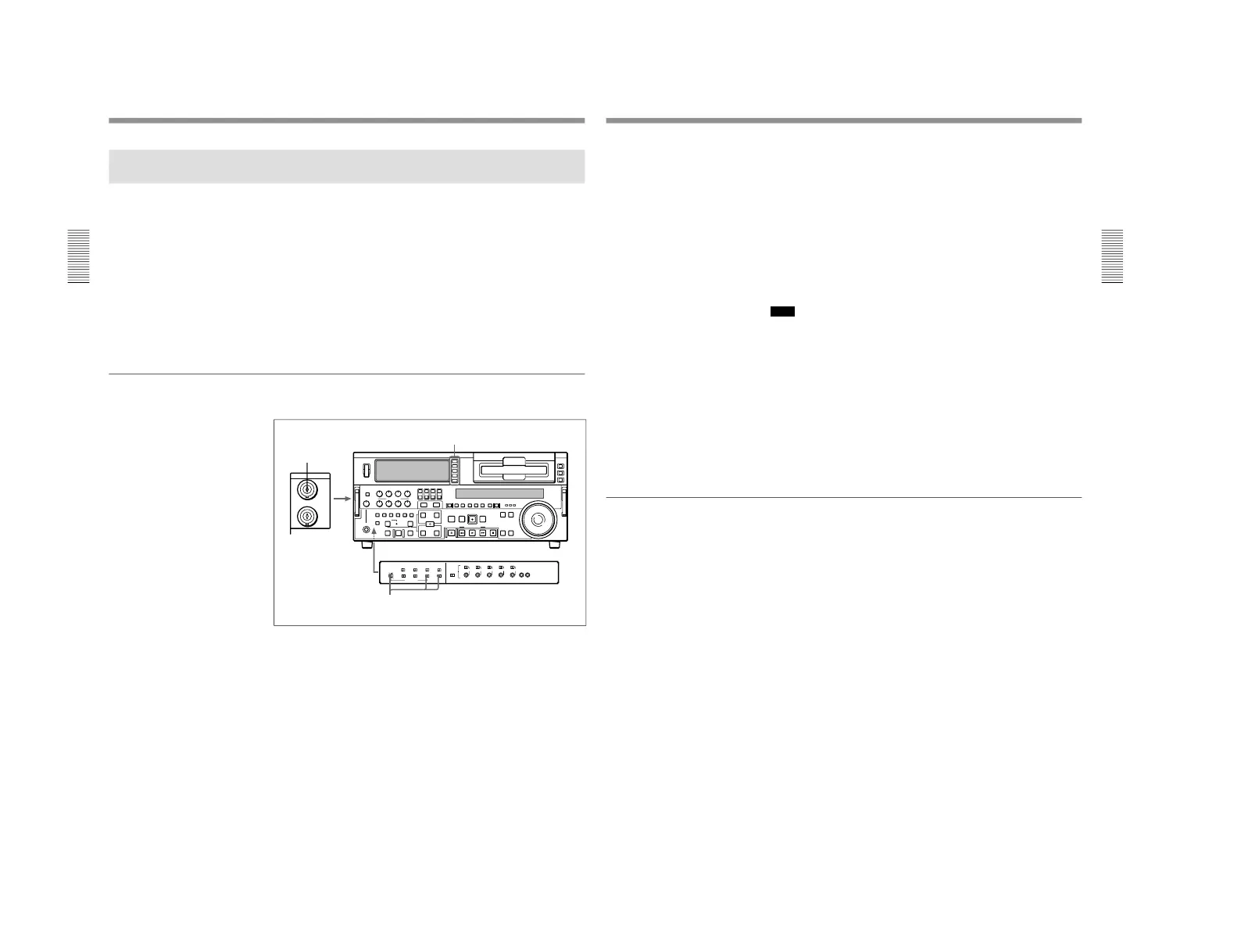
1
• When synchronizing to an external time code
Connect the time code output of the external time code generator or
external VCR to the TIME CODE IN connector.
• When synchronizing to the time code (VITC) in an input video
signal
In the input selection section, select an input video signal containing
VITC.
Chapter 2 Setting/Displaying Time Data and Text Information
Chapter 2 Setting/Displaying Time Data and Text Information
43
2
Set switches on the subsidiary control panel as follows.
TC SELECT switch: TC or VITC according as you are
synchronizing to TC or VITC
INT/EXT–PRESET/REGEN switch: EXT–REGEN (left position)
VITC switch: ON (when recording VITC)
This starts the internal time code generator running in synchronization
with the external time code generator.
Once the internal time code generator is synchronized with the external
time code generator, even if the external time code generator
connection is removed, the internal time code generator continues to
run.
Note
When the input mode is V:SDTI, SDTI or i.LINK (the V:SDTI, SDTI or
i.LINK indicator is lit in the input selection/audio mode display section),
then setting the INT/EXT−PRESET/REGEN switch to EXT−REGEN
automatically synchronizes the internal time code generator to the time
code transferred through the SDTI(QSDI) INPUT connector or i.LINK
connector (when fitted with the optional DSBK-190).
Note that when the INT/EXT−PRESET/REGEN switch is set to EXT−
REGEN, the advance mode and frame count mode (DSR-2000 only) are
automatically set as follows.
Advance mode: free running
Frame count mode (DSR-2000 only): the same as the external time
code signal (drop frame or non-drop frame)
To check the synchronization to the external signal
Press the STOP button to stop this unit, then press the REC button.
Watch the time counter display, and check that the values displayed
coincide with the external time code values.



 To Next Page