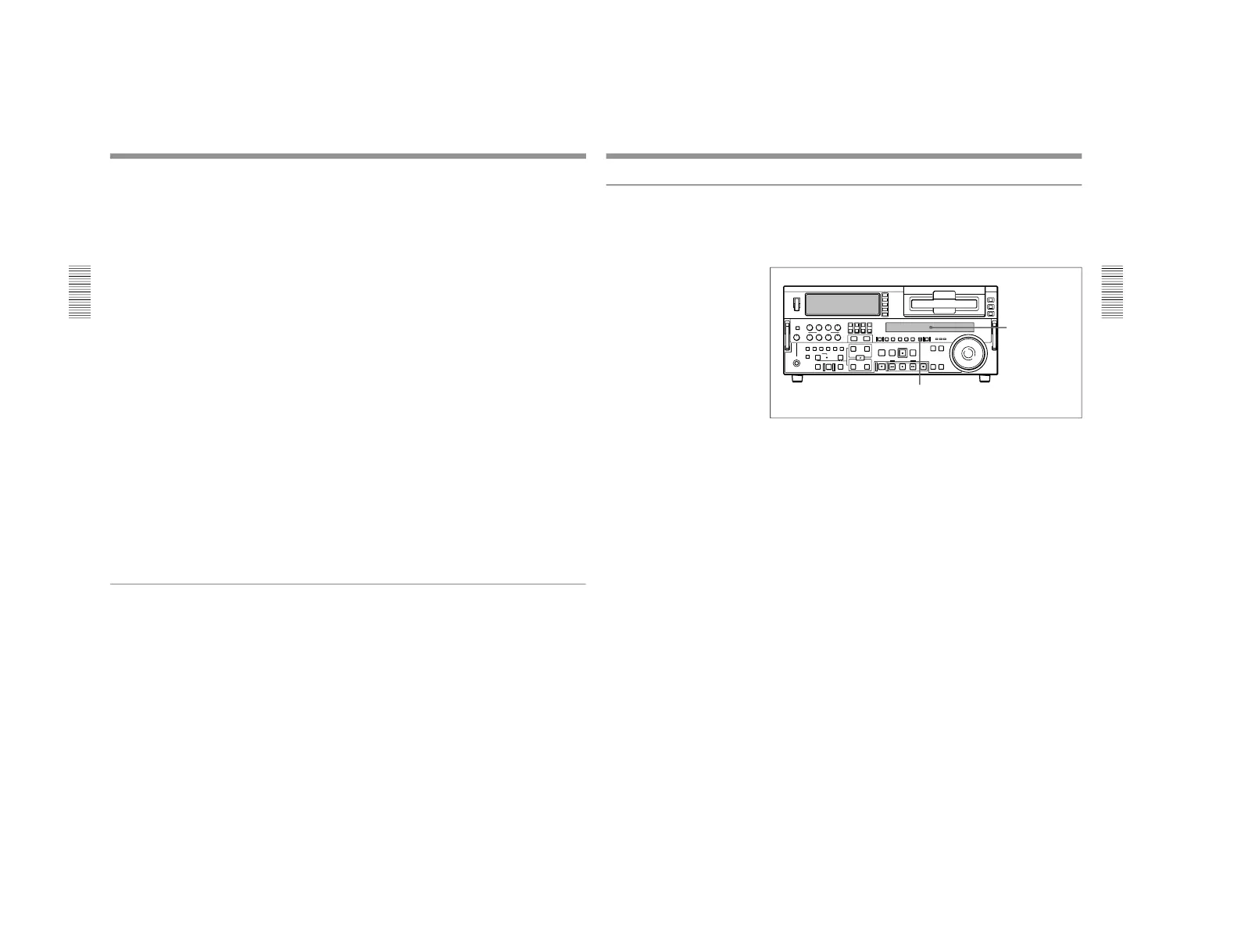
1-1. DSR-2000
40
Chapter 2 Setting/Displaying Time Data and Text Information
Chapter 2 Setting/Displaying Time Data and Text Information
1
Press the COUNTER SEL button and select TC.
Time data type indicator TC lights in the display section of the lower
control panel.
2
Press the HOLD button.
The first digit of the time counter display
(hours:minutes:seconds:frames) in the display section begins to flash.
To set all digits to 0
Press the RESET button.
3
Confirm the JOG indicator in the display section is lit.
If not lit, press the search dial to select jog mode.
4
Select the digit to set by rotating the search dial.
The flashing digit changes to the digit on the right when you rotate the
search dial clockwise, and to the digit on the left when you rotate it
counterclockwise.
5
Set the value for the flashing digit by rotating the search dial while
pressing the SEARCH button.
6
Repeat steps 4 and 5 until you finish setting all digits.
7
Press the SET button.
If the FREE RUN/REC RUN switch is set to FREE RUN, the time
code starts to advance immediately.
To set time code to the current time
1
Set the FREE RUN/REC RUN switch and DF/NDF switch (for DSR-
2000 only) on the subsidiary control panel to FREE RUN and DF,
respectively.
2
Carry out steps 1 to 6 of the previous section “Setting an initial time
code value” to set the time code to a time slightly ahead of the current
time.
3
Press the SET button at the instant when the current time matches the
displayed time code.
Setting Time Code and User Bits
Chapter 2 Setting/Displaying Time Data and Text Information
Chapter 2 Setting/Displaying Time Data and Text Information
41
To set user bits
You can record up to 8 hexadecimal digits of information (date, time,
event number, etc.) in the time code track.
Proceed as follows.
1
Watching the time data type indicator in the display section, press the
COUNTER SEL button and select U-BIT.
2
Carry out steps 2 to 7 of the section “Setting an initial time code
value” (page 39).
Settings are made in hexadecimal (0, 1, 2,... 8, 9, A, B,... E, F).
Display section



 To Next Page