1-1. DSR-2000
Chapter 3 Recording and Playback
52
Chapter 3 Recording and Playback
Playback in shuttle mode
In shuttle mode, you can control the speed of playback by the angular
position of the search dial. The range of playback speed is ±32 times
normal speed (can be changed using menu item 102).
There are detents on the search dial at the still position and at ±10 times
normal speed.
To carry out playback in shuttle mode, use the following procedure.
1
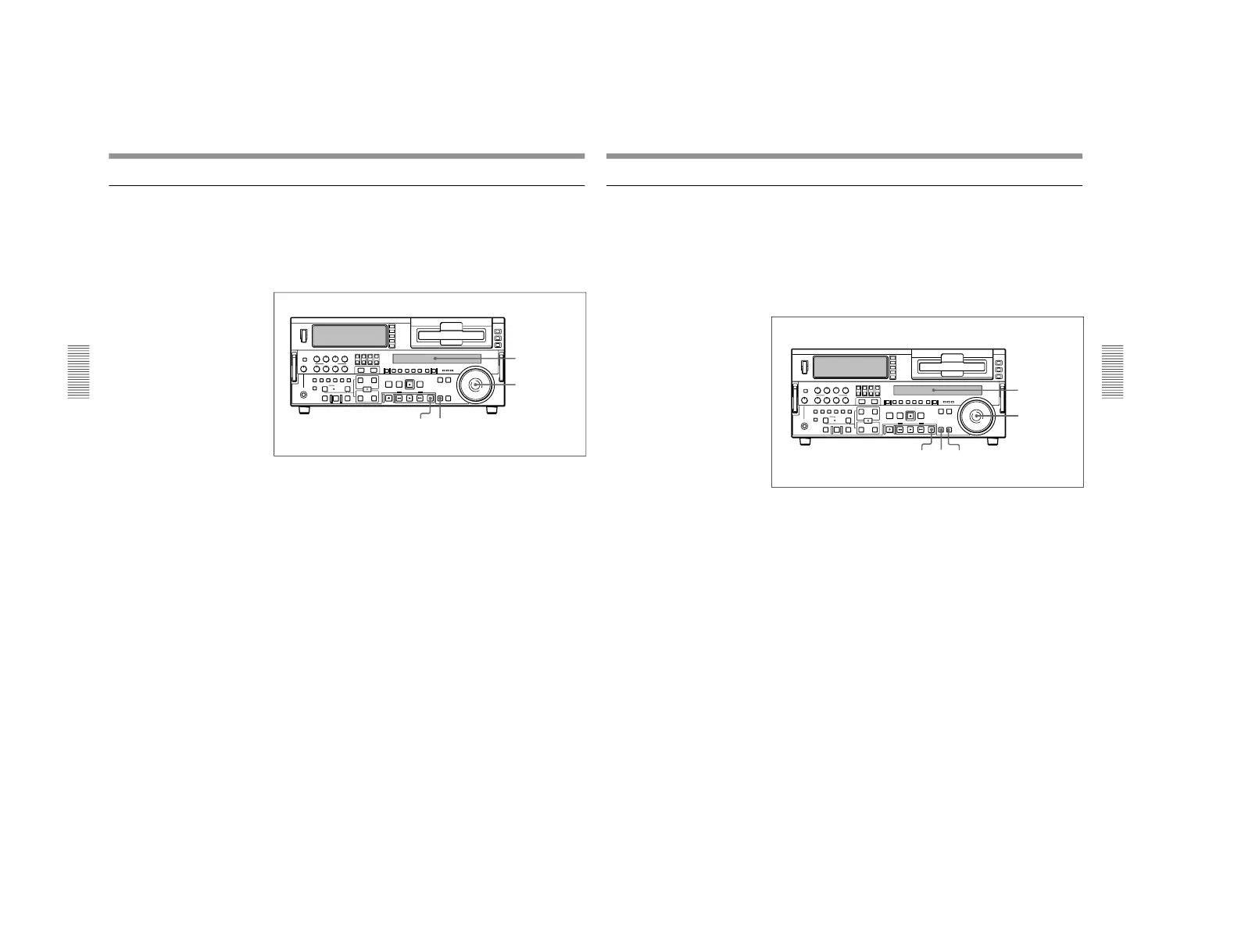
Press the SEARCH button or search dial so that the SHUTTLE
indicator in the display section is lit.
Pressing the search dial toggles between jog mode and shuttle mode.
2
Turn the search dial to the desired angle corresponding to the desired
playback speed.
Playback in shuttle mode starts.
3
To stop playback in shuttle mode, return the search dial to the center
position, or press the STOP button.
To return to normal-speed playback
Press the PLAY button.
To alternate between normal-speed playback and shuttle mode
playback
Set the search dial to the position corresponding to the desired shuttle
playback speed, then switch between normal-speed playback and shuttle
playback by pressing the PLAY and SEARCH buttons alternately.
For intermittent shuttle mode playback, press the STOP and SEARCH
buttons alternately.
Display section
Chapter 3 Recording and Playback
Chapter 3 Recording and Playback
53
Playback in variable mode
In variable mode, you can finely control (61 steps) the speed of playback
in the range of −1 to +2 times normal speed. Noiseless playback is possible
in the range of ±1 times normal speed.
(The variable mode playback speed range can be changed using extended
menu item 119.)
There are detents on the search dial at the still position and at ±1 times
normal speed.
To carry out playback in variable mode, use the following procedure.
1
Press the VARIABLE button or search dial so that the SHUTTLE
indicator in the display section is lit.
2
If the SEARCH button is lit, press the VARIABLE button, turning it
on.
3
Turn the search dial to the desired angle corresponding to the desired
playback speed.
Playback in variable mode starts.
4
To stop playback in variable mode, return the search dial to the center
position, or press the STOP button.
To return to normal-speed playback
Press the PLAY button.
To alternate between normal-speed playback and variable
mode playback
Set the search dial to the position corresponding to the desired variable
playback speed, then switch between normal-speed playback and variable
playback by pressing the PLAY and VARIABLE buttons alternately.
For intermittent variable mode playback, press the STOP and VARIABLE
buttons alternately.
Display section



 To Next Page