1-1. DSR-2000
Chapter 6 Setup Menu
114
Chapter 6 Setup Menu
Extended Menu
Item number Item name Settings
Menu items in the 100s, relating to the control panels (continued)
118 KEY INHIBIT
SWITCH
EFFECTIVE AREA
Sub-item
Select which switches and buttons can be operated when the KEY INHIBIT switch on
the subsidiary control panel is set to ON. The following sub-items control different sets
of switches and buttons independently.
REMOTE
SELECT
Select whether the REMOTE button on the upper control panel is enabled.
DIS : Disabled.
ENA: Enabled.
1
CONTROL
PANEL
Select which switches and buttons on the control panel of this unit as well as the
external control panel connected to this unit are enabled.
DIS : All switches and buttons are disabled.
EDIT: All switches and buttons for editing operations are disabled.
ENA: All switches and buttons are enabled.
3
2
MON./ INPUT
SEL
Select whether the buttons in the input selection section on the upper control panel and
the MONITOR SELECT buttons on the lower control panel are enabled.
DIS : Disabled.
ENA: Enabled.
119 VARIABLE
SPEED LIMIT IN
KEY PANEL
CONTROL
Select whether to rewind the tape automatically when recording or playback reaches the
end of a tape.
DIS: Do not rewind the tape automatically.
ENA : Rewind the tape automatically.
125 AUTO REW
Select the playback speed range when carrying out playback in variable mode from the
control panel of this unit.
OFF : –1 to +2 times normal speed
ON: 0 to +1 times normal speed.
117
CONTROL PANEL
SELECTION
Select the control panel function when the CONTROL PANEL switch on the subsidiary
control panel is set to EXT.
SW : Only the control panel connected to the CONTROL PANEL control connector on
the connector panel functions.
PARA: Both the control panel connected to the CONTROL PANEL connector and the
control panel of this unit function.
116
JOG DIAL
RESPONSE
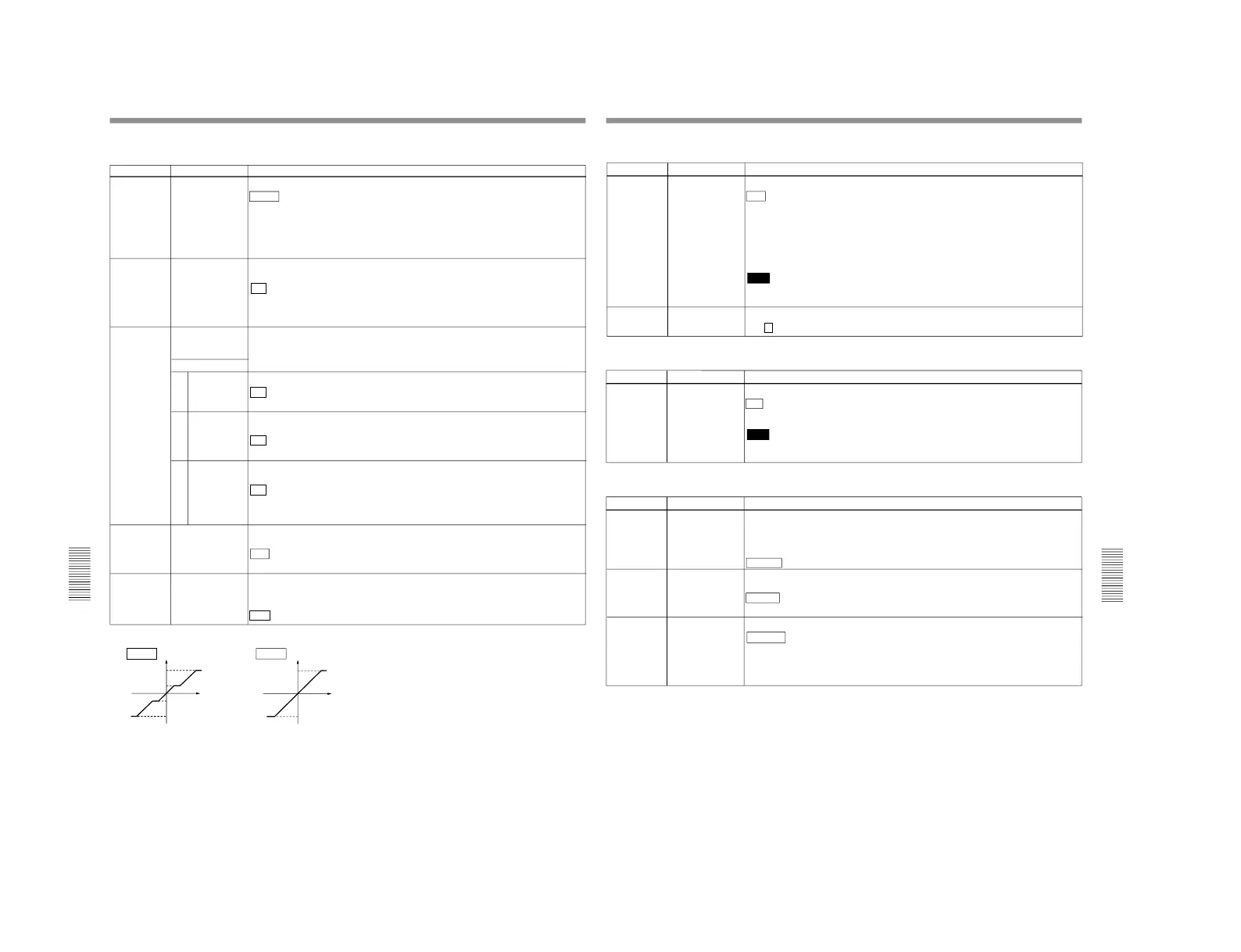
Select the tape speed characteristics for the search dial rotation rate in jog mode.
TYPE1 : Tape speed varies linearly over the range
–1 to +1.
TYPE2: Tape speed varies stepwise as shown in the figure below
a)
over the range
–3 to
+3. (Characterized by a zone around
–1 and +1 where the tape speed is independent
of the rotation rate)
TYPE3: Tape speed varies linearly over the range
–3 to +3, as shown in the figure
below
b)
.
a) b)
Chapter 6 Setup Menu
Chapter 6 Setup Menu
115
Item number Item name Settings
Menu items in the 100s, relating to the control panels (continued)
129 CLIPLINK Select whether to create ClipLink log data.
OFF : Do not create.
ON: Create.
When recording, the recording starting point is made a Mark IN point and the recording
ending point is made a Mark OUT point. When editing, the edit IN point (the video IN
point or audio IN point whichever coming first) is made a Mark IN point and the edit OUT
point (the video OUT point or audio OUT point whichever coming second) is made a
Mark OUT point.
Note
If recording or editing is carried out when this item is set to OFF, the existing ClipLink
log data is erased.
130
DISPLAY DIMMER
CONTROL
Set the brightness of the audio level meters.
0 ... 1 ...6 : Set in this range. 0 is the brightest, and 6 the dimmest.
Item number Item name Settings
201 PARA RUN Select whether or not to use synchronized operation for two or more VCRs.
DIS : No synchronized operation.
ENA: Use synchronized operation.
Note
To use synchronized operation for two or more VCRs, set this item to ENA on all of the
VCRs.
Menu items in the 200s, relating to the remote control interface
Item number Item name Settings
Menu items in the 300s, relating to editing operations
305 SYNC GRADE When editing in phase-synchronized mode with item 004 set to ON, select the target
phase synchronization accuracy.
ACCUR : ±0 frame accuracy.
ROUGH: ±1 frame accuracy.
301 VAR SPEED
RANGE FOR
SYNCHRONIZATION
Select the playback speed range when carrying out playback in variable mode from a
remote control unit connected to the REMOTE-IN connector or REMOTE-OUT
connector.
–1~+1: –1~+1 times normal speed.
–1.5 ~+2 : –1.5 ~+2 times normal speed
306 DMC INITIAL
SPEED
Select the initial speed automatically set when carrying out DMC editing.
MANUAL : The speed determined by the rotation of the search dial.
PLAY: Normal playback speed.
STILL: Stationary.
±0.03~±1: Speed set in the range ±0.03 to ±1 (select from ±1, ±0.5, ±0.03, ±0.2, ±0.1.)
(Continued)



 To Next Page