1-1. DSR-2000
Chapter 8 Maintenance and Troubleshooting
140
Chapter 8 Maintenance and Troubleshooting
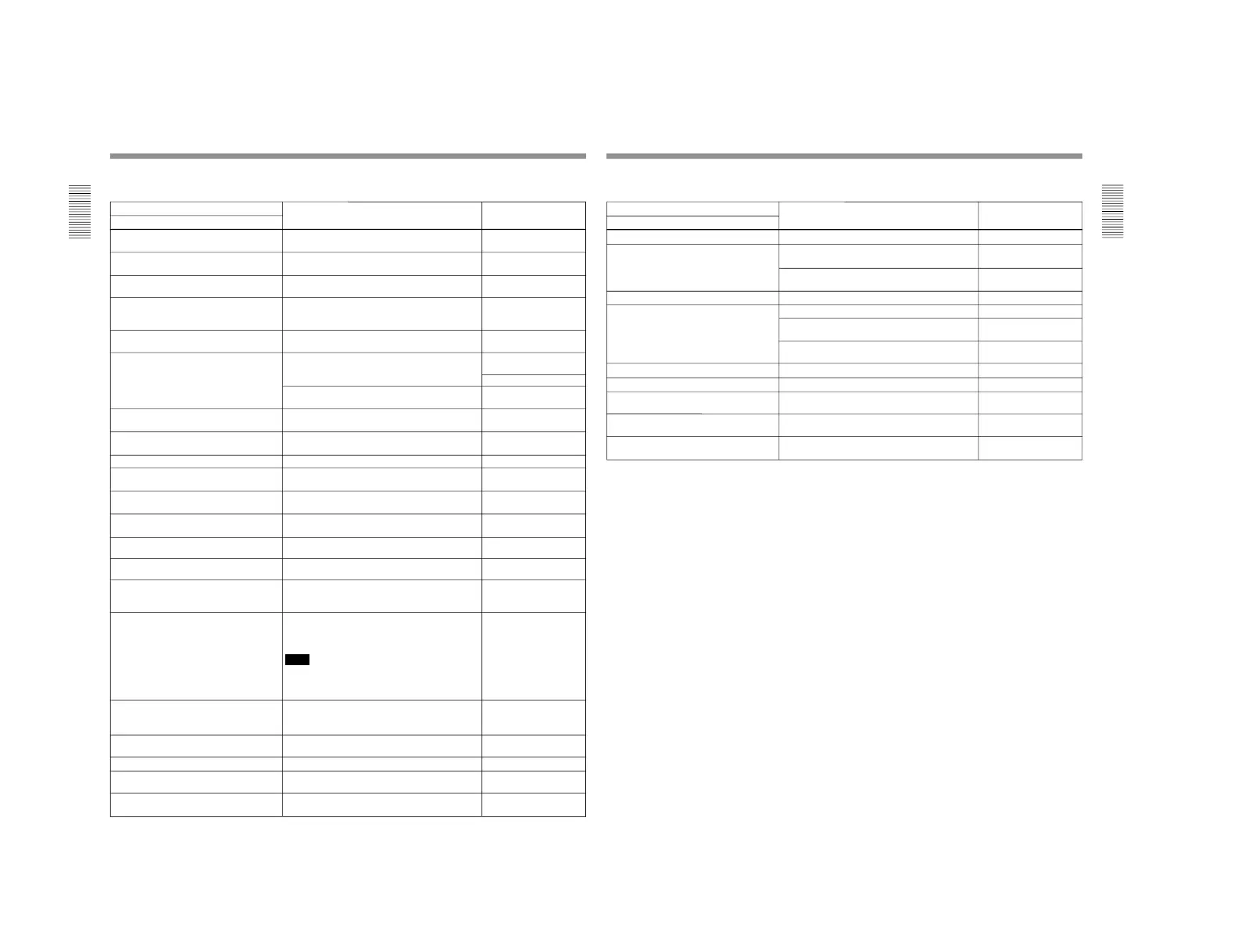
Alarm messages and associated directions
Alarm message on monitor screen Direction Alarm message in the
diaplay section
Cause
A cleaning tape has been inserted. The tape will automatically be ejected after cleaning
is completed.
Cleaning Tp
A non-standard ref. signal is being used for
REF. VIDEO.
Use a standard signal. REF NON-STD
Abnormal settings selected in setup menu. Correct the setup menu settings. Contact your
Sony dealer if this alarm message appears again
after making corrections.
ILL. SETUP
Audio not editable on this tape. Use a tape recorded in 2-channel (48 kHz) or
4-channel (32 kHz) mode.
2CH/32kHz!
Fs 44.1kHz!
Use a tape having audio signals recorded in locked
mode.
UNLOCK mode
Audio REC mode selection different from
audio on tape.
Select the same audio recording mode as that of
the tape.
A mode err
Audio REC (recording) mode cannot be
changed during recording.
— REC mode!
Counter mode is selected. Use the COUNTER SEL button to light the TC or U-
BIT indicator in the display section.
CNT mode!
Input selection cannot be changed in REC
(recording) mode.
— REC mode!
Input signal does not conform to DVCAM/DV
format.
— Unknown Sig
Input signal is 625/50. (For DSR-2000) — 625/50 sig! (For DSR-
2000)
Input signal is 525/60. (For DSR-2000P) — 525/60 sig! (For DSR-
2000P)
Input video is not detected. Check the INPUT VIDEO indication in the input
selection/audio mode display section and supply an
appropriate video signal.
No INPUT!
Moisture has been detected. Keep the power on and wait until this alarm
message disappears.
HUMID!
No cassette in VTR. Load a cassette. No Cass.!
Troubleshooting
A non-standard signal is being used for
input video.
Use a standard signal. VIN NON-STD
Audio mixing mode cannot be changed
during recording.
— REC mode!
Cassette adaptor not usable. Use a tape without cassette adaptor. Adaptor!
Input video signal does not synchronize with
REF. VIDEO signal.
Use a common reference signal or connect the
recorder REF. VIDEO OUT connector to the player
REF. VIDEO IN connector.
Note
When connecting the recorder REF. VIDEO OUT
connector to the player REF. VIDEO IN connector,
set extended menu item 308 to N-STD.
ILL. REF!
Key inhibit mode is selected.
Set the KEY INHIBIT switch on the subsidiary
control panel to OFF.
KEY INHI.
Record inhibit plug on the cassette is set to
inhibit.
Set the REC/SAVE switch on the cassette to REC. REC INHI.!
Rec inhibit mode is selected. Set the REC INHIBIT switch on the subsidiary
control panel to OFF.
REC INHI.!
(Continued)
Chapter 8 Maintenance and Troubleshooting
Chapter 8 Maintenance and Troubleshooting
141
Alarm messages and associated directions (Continued)
Alarm message on monitor screen
Direction Alarm message in the
display section
Cause
Tape cannot be replayed. Use a tape recorded in 525/60 format. (For DSR-
2000)
625/50 Tape (For DSR-
2000)
Use a tape recorded in 625/50 format. (For DSR-
2000P)
525/60 Tape (For DSR-
2000P)
Use a new cleaning tape. Tape end!Tape end has been detected.
Tape not editable. Use a tape recorded in DVCAM format. Not DVCAM!
Use a tape recorded in 525/60 format. (For DSR-
2000)
625/50 Tape (For DSR-
2000)
Use a tape recorded in 625/50 format. (For DSR-
2000P)
525/60 Tape (For DSR-
2000P)
Tape not usable. Use DVCAM/DV/DVCPRO (25) tape.
TC EXTERNAL is selected.
ILL. Tape!
Set the INT/EXT switch on the subsidiary contol
panel to INT.
TC EXT!
TCG REGEN mode is selected. Set the PRESET/REGEN switch on the subsidiary
control panel to PRESET.
REGEN mode!
TCG RUN mode is set to REC RUN. Set the FREE RUN/REC RUN switch on the
subsidiary control panel to FREE RUN.
REC RUN!
Remote mode is selected.
Turn off the REMOTE button. REMOTE!
Tape not recordable. Use a DVCAM/DV ME tape. REC INHI.!



 To Next Page