62
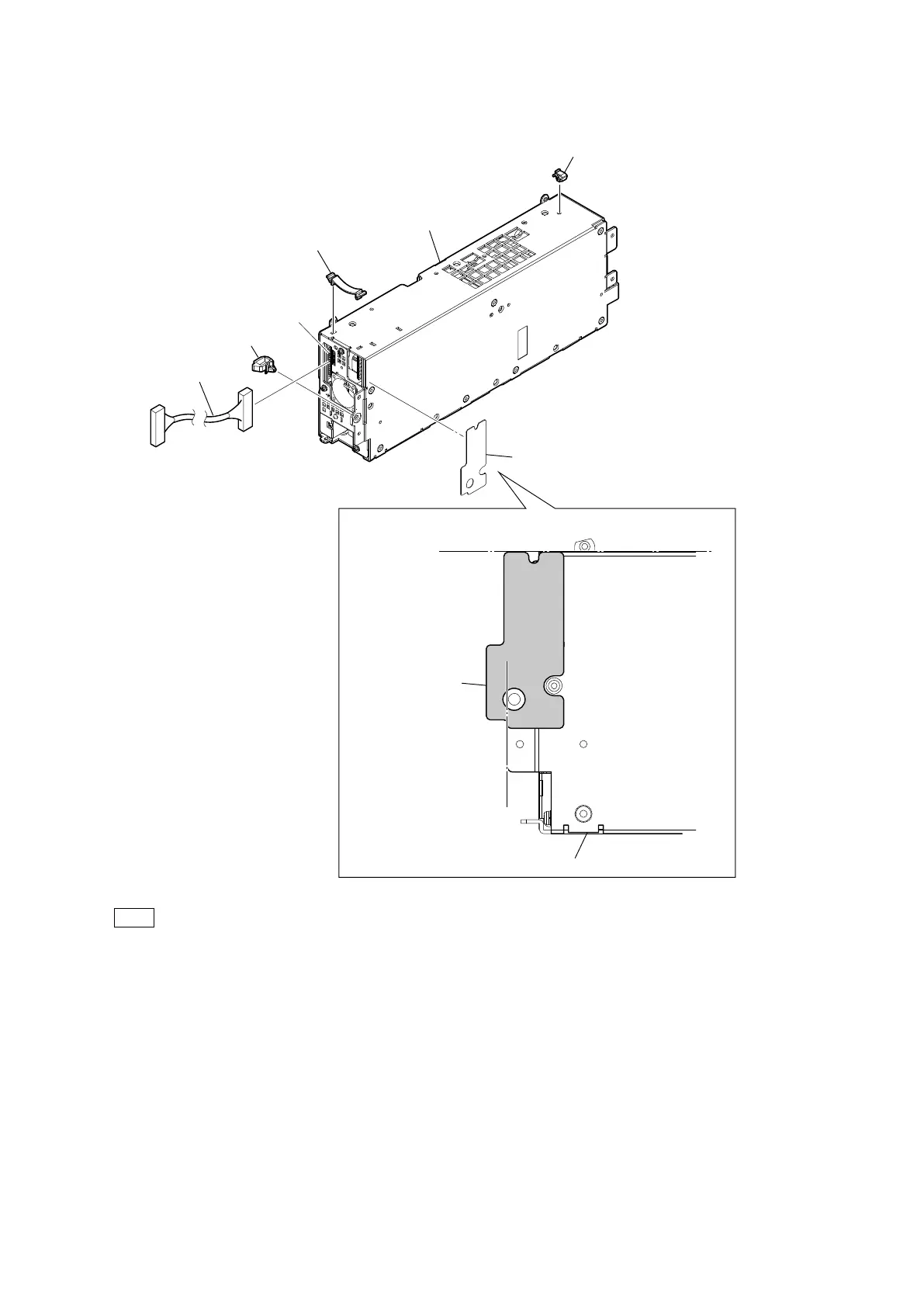
6. Disconnect the harness from the connector (CN5003) on the RE-345 board.
7. Remove the clamp, the two cable clamps and the power duct sheet.
Tip
When replacing the power block, attach new power duct sheet at the positions shown above.
8. Install the removed parts by reversing the steps of removal.
Power block
Cable clamp
Cable clamp
CN5003
(RE-345 board)
Clamp
Harness
Power duct sheet
Plate
Attaching position of the power duct sheet
Power duct sheet



 To Next Page