54
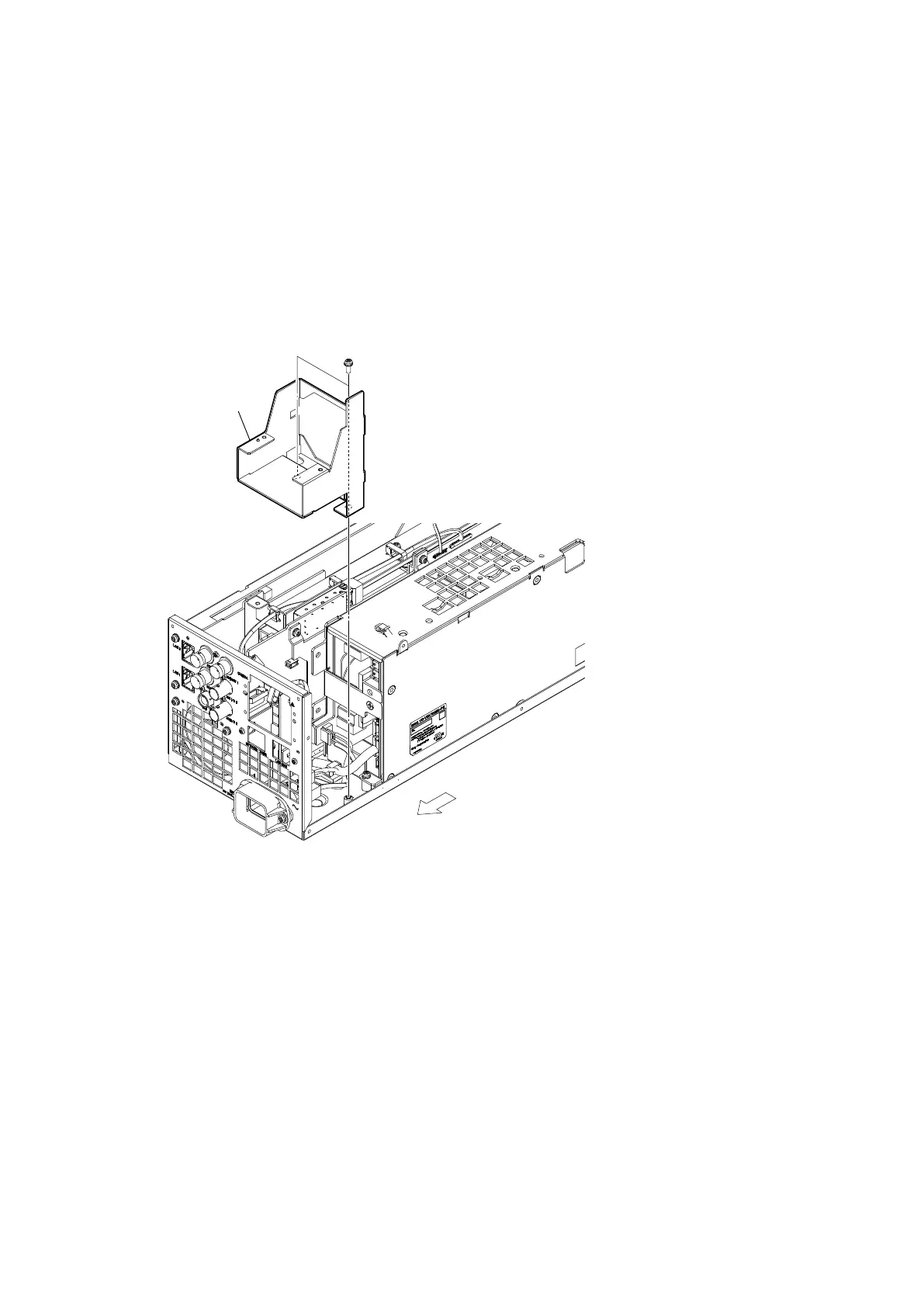
2-10. AC Inlet
Preparation
1. Remove the top cover. (Refer to “2-2. Top Cover”.)
2. Remove the optical multi fiber cable. (Refer to “2-7. Optical Multi Fiber Cables”.)
3. Remove the CN-4132 board. (Refer to “2-8. CN-4132 Board”.)
4. Remove the DC fan subassembly. (Refer to “2-9. DC Fan (60 x 15)”.)
Procedure
1. Remove the two screws, and then remove the power fan mounting bracket.
PSW
3 x 8
Power fan mounting bracket
Rear side



 To Next Page