Watching the TV
50
D:\WINNT\Profiles\fujii\Desktop\Troy book source\2597544111c20_TROY
Source data\01US05REM.fm
masterpage:3 columns Right
KDF-E42A10/KDF-E50A10
2-597-544-11(1)
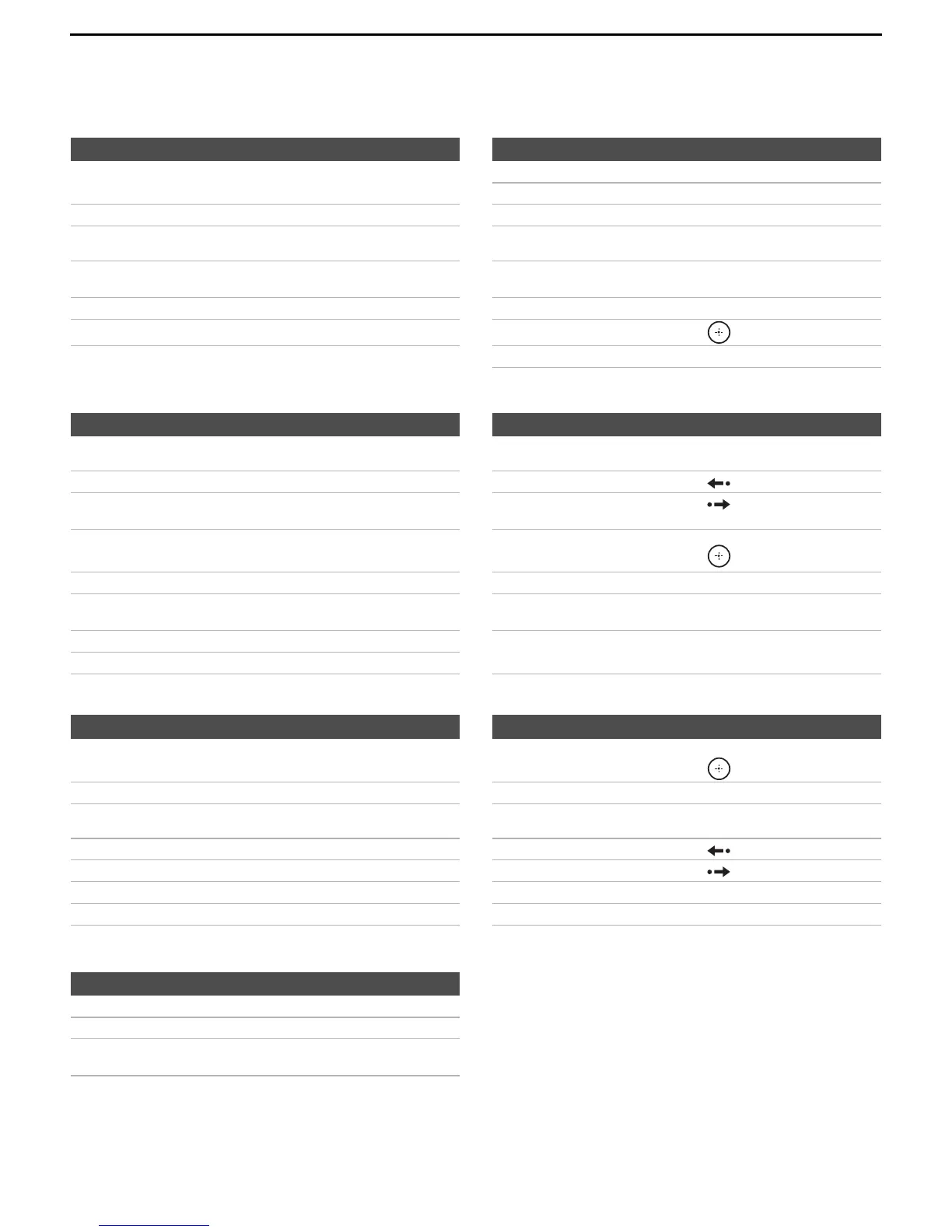
Operating a 5.1ch DVD AV System (Sony DAV)
Operating a DVD/VCR Combo Unit
Operating a HDD/DVD Combo Unit
Operating an AV Receiver
To Do This ... Press ... To Do This ... Press ...
Activate the remote control to operate
the DVD
DVD/VCR (FUNCTION)
Play H
Stop x
Turn on/off POWER Pause X
Select other equipment connected to
the DAV
F1 Search the picture forward or backward M or m during playback
Disk skip F2 Specify the previous chapter/track
Specify the next chapter/track
.
>
Display the top menu TOP MENU Move highlight (cursor) V v B b
Display the disc menu MENU Select item
Master volume VOL +/–, MUTING
To Do This ... Press ... To Do This ... Press ...
Activate the remote control to operate
the DVD/VCR
DVD/VCR (FUNCTION) Search the picture forward or backward M or m during playback
Turn on/off POWER Replay
Select the DVD
Select the VCR
F 1
F 2
Advance
Display the top menu TOP MENU Move highlight (cursor)
and select (DVD)
V v B b
Display the disc menu MENU Record (VCR) z
Play H Change channels (VCR) CH +/– or 0-9, ENT
(using tuner)
Stop x Adjust tracking (VCR) CH +/– (during tape
playback)
Pause X
To Do This ... Press ... To Do This ... Press ...
Activate the remote control to operate
the DVD/HDD
DVR (FUNCTION)
Move highlight (cursor)
and select
V v B b
Turn on/off POWER Record z
Select the HDD
Select the DVD
F 1
F 2
Specify the previous chapter/track
Specify the next chapter/track
.
>
Play H Replay
Stop x Advance
Pause X Display the disc menu MENU
Search the picture forward or backward M or m during playback Display the top menu TOP MENU
To Do This ... Press ...
Turn on/off POWER
Master volume VOL +/–, MUTING
Select other input connected to AV
receiver
F1



 To Next Page