Introducing WEGA GATE
59
Introducing WEGA GATE
KDF-E42A10/KDF-E50A10
2-597-544-11(1)
D:\WINNT\Profiles\fujii\Desktop\Troy book source\2597544111c20_TROY
Source data\01US06USI.fm
masterpage:3 columns Right
Using External Inputs in WEGA GATE
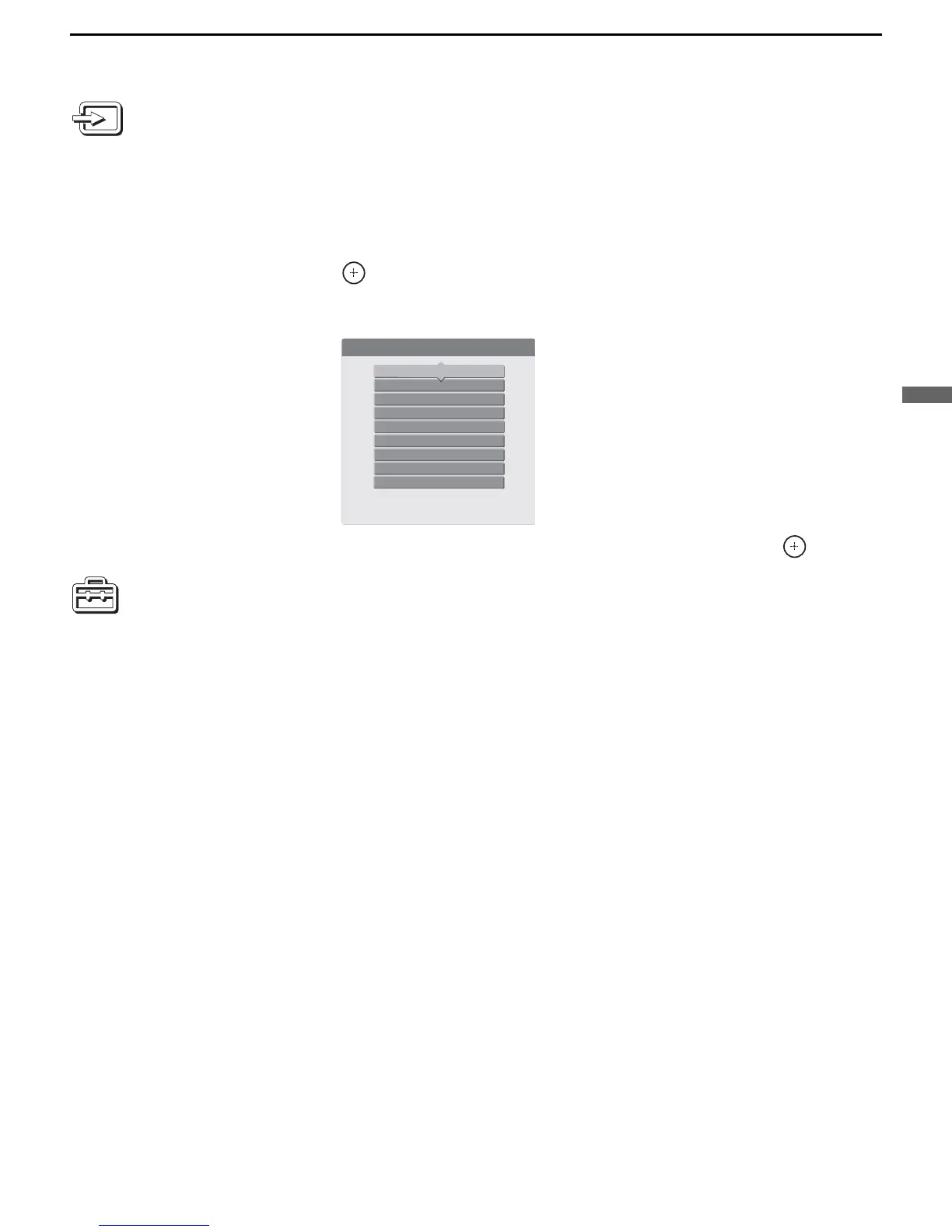
The External Inputs feature lets you view from a selected external input
connected to your TV. You can assign a label or skip over unused inputs by
selecting Edit Video Labels. Input label assignment can also be done by
going to Setup settings and select Label Video Inputs (see page 79).
1 Select External Inputs from the WEGA GATE control panel and press
.
The External Inputs list appears. Make your selection.
2 Press M/m to highlight the desired external input and press .
Using Settings in WEGA GATE
The Settings feature lets you enter to the settings screen where most of
advanced settings and adjustments are performed. See “Overview ” on page
61.
External Inputs
Exit
Video 1 VHS
Video 2
Video 3
Video 4
Video 5
Video 6
Video 7
Edit Video Labels



 To Next Page