Watching the TV
54
D:\WINNT\Profiles\fujii\Desktop\Troy book source\2597544111c20_TROY
Source data\01US05REM.fm
masterpage:3 columns Right
KDF-E42A10/KDF-E50A10
2-597-544-11(1)
Using the JUMP
Button
The JUMP button allows you to jump back and forth between the current
channel and the last channel that was selected.
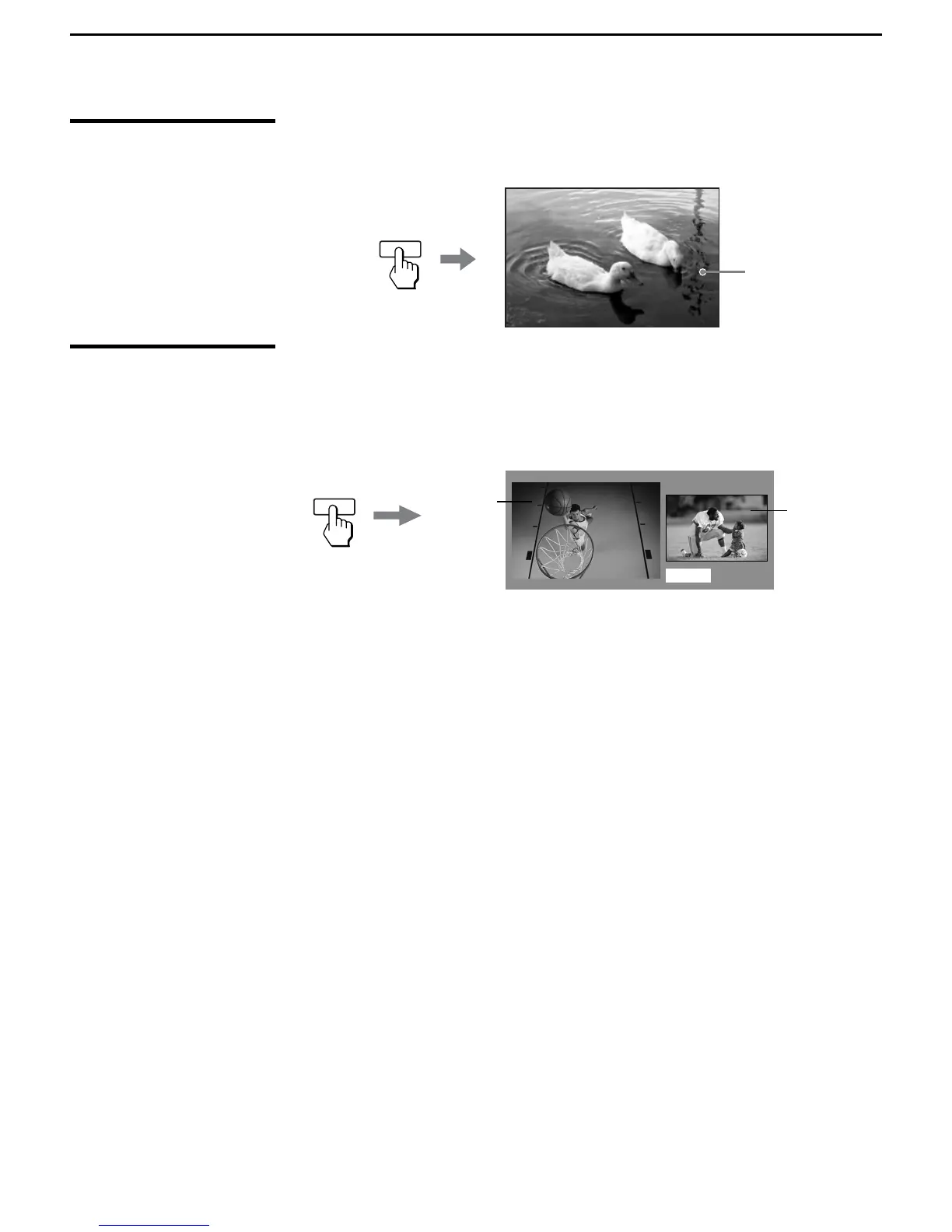
Using the FREEZE
Button
The FREEZE button allows you to temporarily capture a program’s picture.
You can use this feature to write down information such as phone numbers,
recipes, etc.
To cancel
FREEZE and return to normal viewing, press the FREEZE button
again.
JUMP
Previous channel
FREEZE
Frozen
picture
Freeze
Current
program in
prgress



 To Next Page