2-3 (E)
UP-D898MD/X898MD
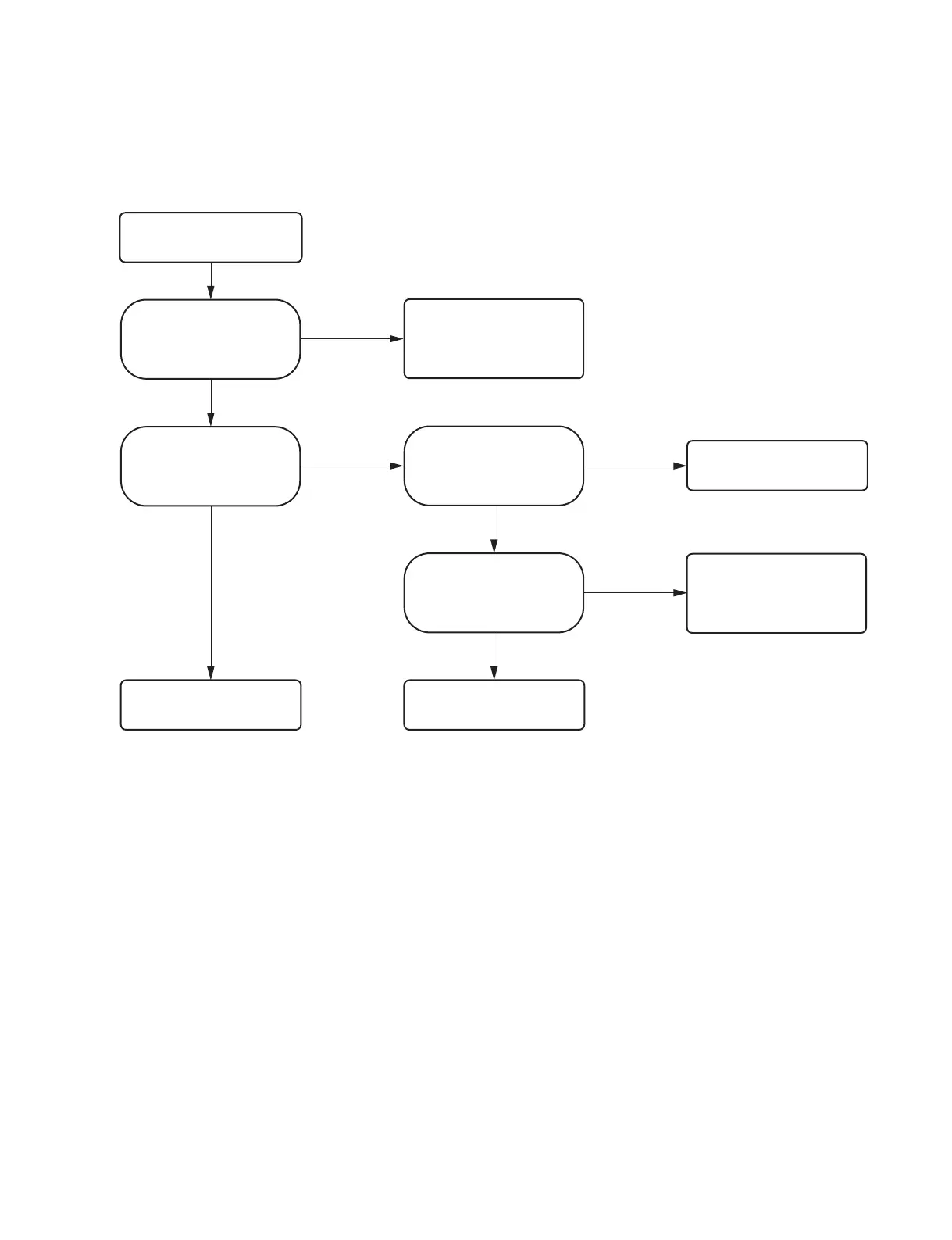
2-2. Trouble Flow Chart
2-2-1. Power does not turn on even though the power switch is turned on
No
Yes
Power does not turn on even
though the power switch is turned
on
Is the connection of harness
between switching regulator
and CN101 on the MA-195
board normal?
Connect haeness correctly. If the
symptom persists, replace
haeness. (Refer to Section 5.)
No
Yes
Yes
Is a voltage of 15 V output from
pins 6 and 7 of CN101 on the
MA-195 board?
Is the power cord connected to
CN101 on the switching regulator
correctly?
No
Replace the switching regulator.
(Refer to Section 3-5.)
Connect the power cord correctly.
Is the power cord connected to
CN101 on the switching regulator
correctly?
No
Replace the MA-195 board.
(Refer to Section 3-1.)
Yes
Check the AC power supply state.
Check the power cord.
Check the connection of the
power cord again.



 To Next Page