3-3 (E)
UP-D898MD/X898MD
3-1-2. Saving of Setting Value
1. Click the [GET] button of “Printer Settings” of the Setup tab to save the setting information
*
of this
unit on PC as binary file (.CNS).
*: The setting information of this unit includes the setting value and information displayed in “Printer
Information” of the Information tab and the menu setting (including service menu) of this unit.
n
Be sure to keep the saved file because it is important for setting this unit after replacement of the MA-
195 board.
UP-X898MD only
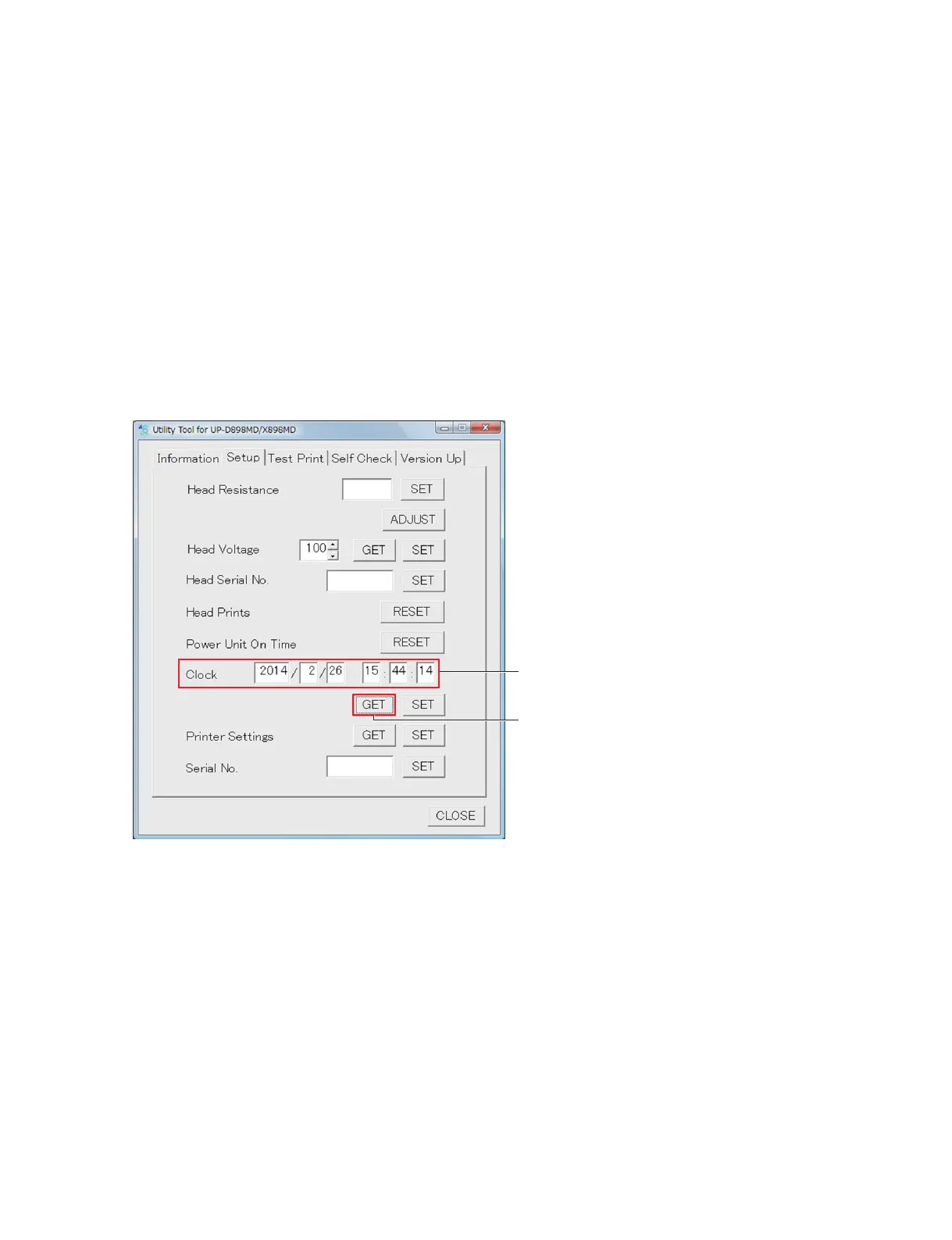
2. Click the [GET] button of “Clock” and write down the time displayed in the edit box.
At the same time, write down the current time and compare it with the time obtained by this unit.
Clock
[GET] button



 To Next Page