2-15 (E)
UP-D898MD/X898MD
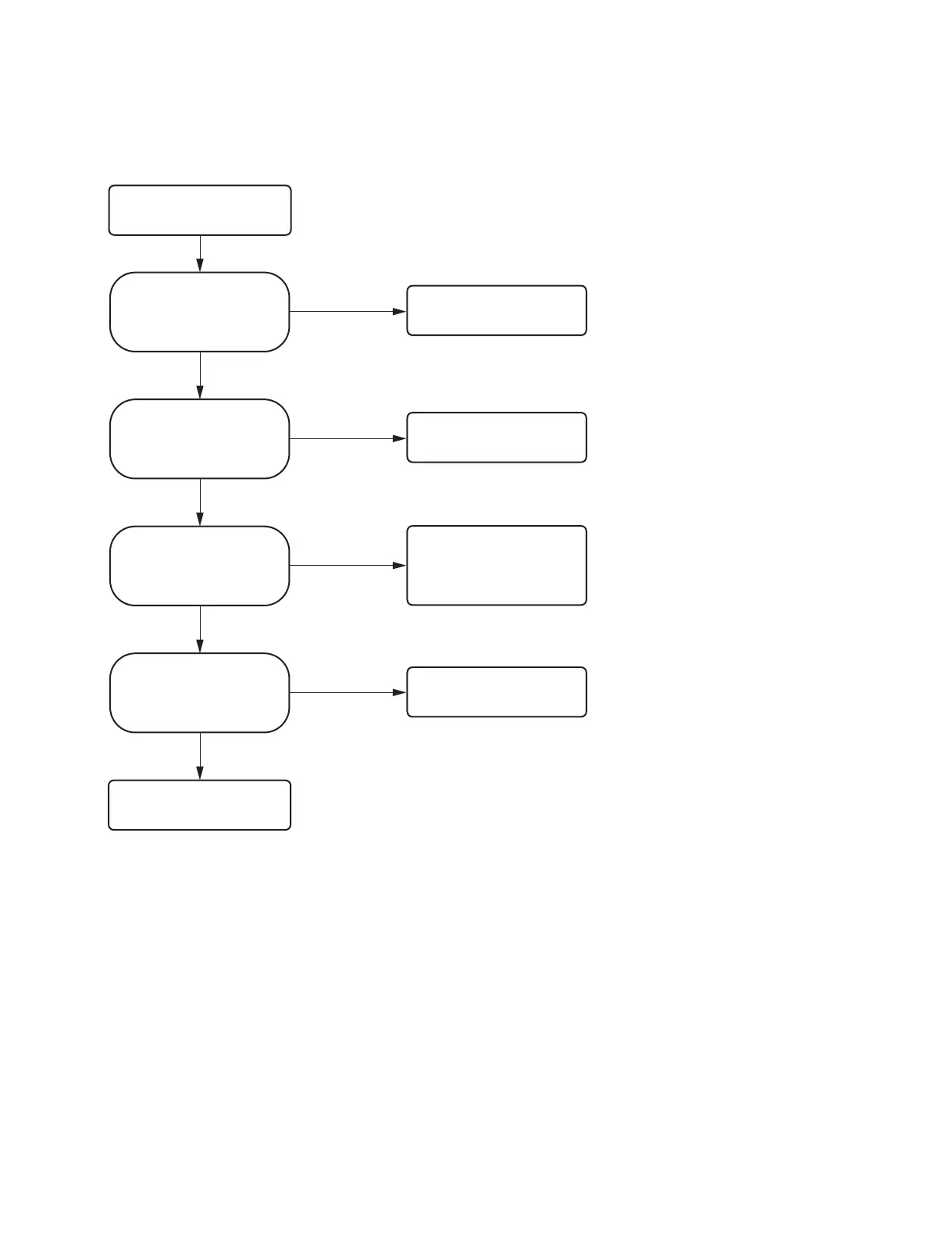
2-2-13. Image is not written in the USB flash memory after printing
(UP-X898MD only)
No
No problem
Yes
Yes
No
Yes
No
Connect the USB flash memory
correctly.
Image is not written in the USB
flash memory after printing.
Does the indicator located under
the mark of the USB terminal
(type A) blink in amber?
When you connect more than one
USB flash memory that satisfies the
requirements described in the
Operating Instructions, is the image
written in it?
Is the USB flash memory
connected to the USB connector
(type A) or to the USB flash
memory extension cable correctly?
The USB memory is not
compatible with this unit.
Replace the MA-195 board.
(Refer to Section 3-1.)
No
Yes
Set the setting so that the image
written in the USB flash memory
is saved. (Refer to Section 1-8.)
Did you set the setting so that
the image written in the USB
flash memory is saved?
(Refer to Section 1-8.)



 To Next Page