1-26 (E)
UP-D898MD/X898MD
1-9. Menu Lock Function
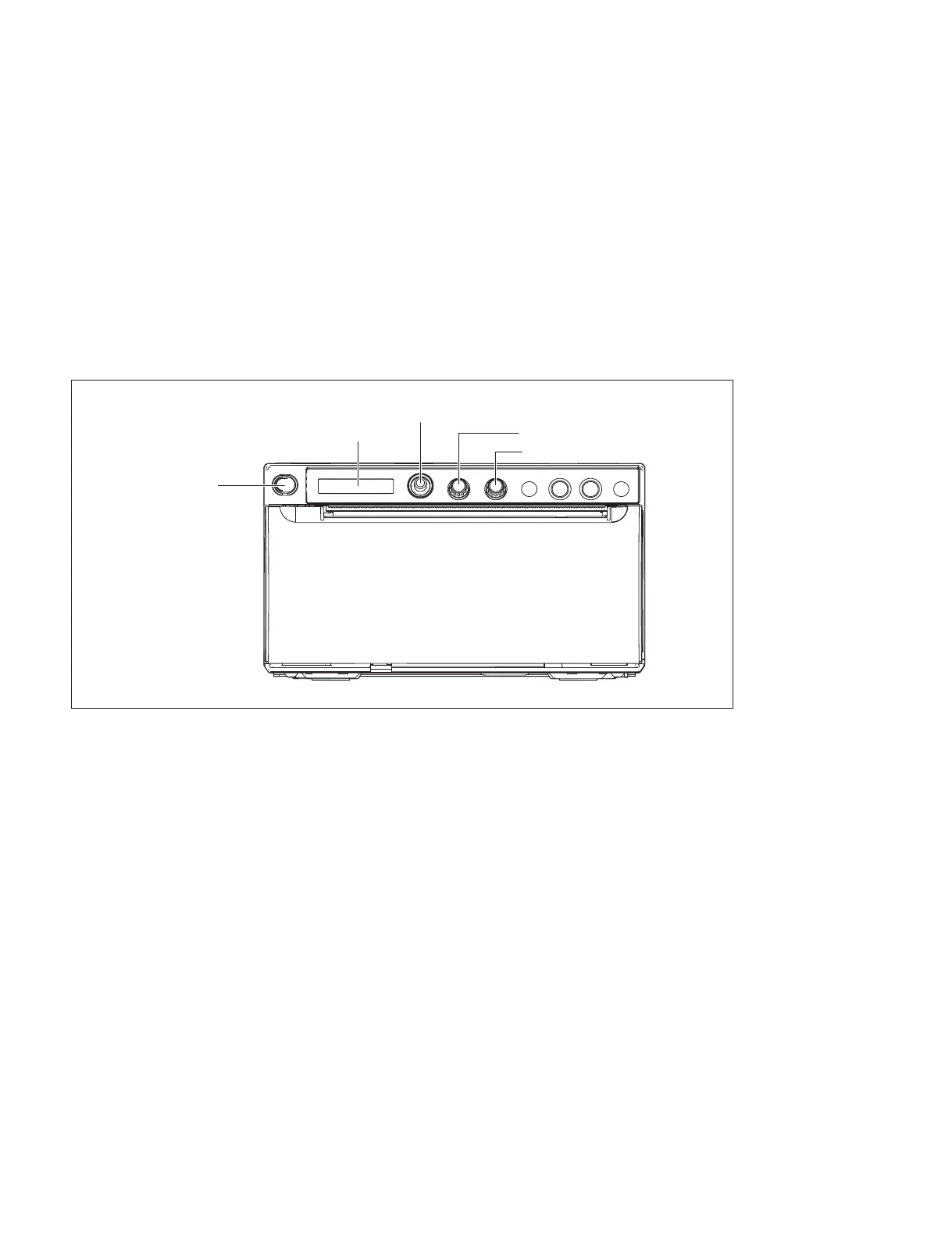
The menu lock function locks and unlocks the operation on a menu lever, CONTRAST control knob, and
BRIGHT control knob. Unlock it when operation is locked during maintenance service. Lock the opera-
tion after maintenance service is completed.
An alarm (“beep”) sounds when you operate the menu lever, CONTRAST control knob, and BRIGHT
control knob during lock. “LOCK” then appears on the LCD display of this unit.
1. Turn on the power switch while pressing the menu lever.
2. Check that the buzzer “beeps” after about three seconds and release your hand from the menu lever.
“LOCK” appears on the LCD display of this unit when operation is locked. “UNLOCK” appears
when operation is unlocked.
LCD
Power switch
CONTRAST control knob
BRIGHT control knob
Menu lever



 To Next Page