2-5 (E)
UP-D898MD/X898MD
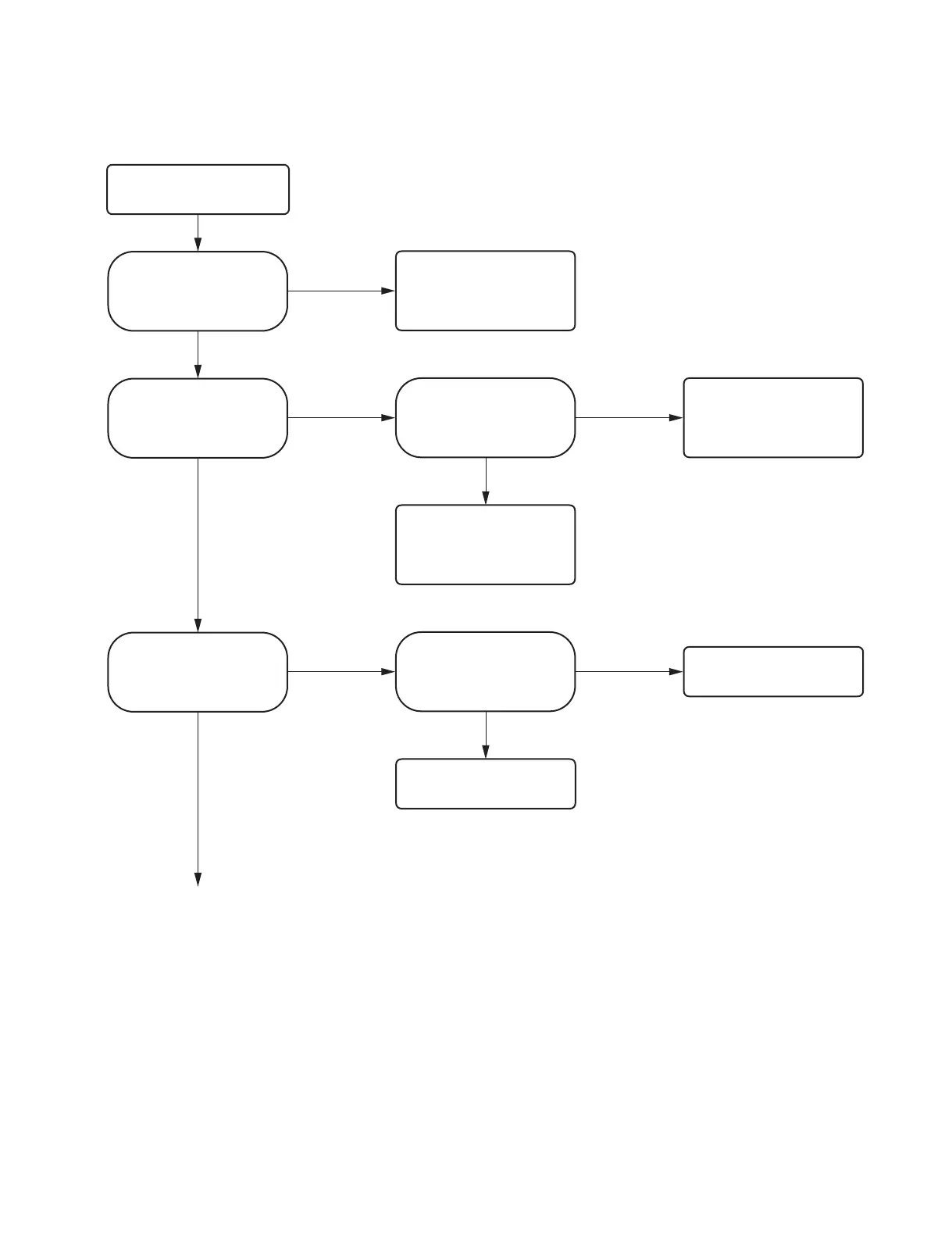
2-2-3. Printing cannot be performed normally from PC or no image is output
No
Yes
No
Yes
Yes
No
Yes
No
No
Yes
Normal
Printing cannot be performed
normally from PC or no image is
output.
Is the USB cable connecting this
unit and PC normal?
Check the connection of the USB
cable. If the symptom persists,
replace the USB cable.
Does PC recognize this unit?
Is the operation of each button on
the front panel normal?
Check the solder of the USB-B
connector (CN802) on the MA-195
board. If the symptom persists,
replace the MA-195 board.
(Refer to Section 3-1.)
The PC printer driver is defective.
Re-install the printer driver
(applicable to OS of PC) on PC.
Is the printing performed normally
using the test page of printer
property on PC?
Is the printing normally performed
after restarting PC and reinstalling
the printer driver (applicable to
OS of PC) on PC?
FFC: Flexible flat cable
Go to next page.
Replace the MA-195 board.
(Refer to Section 3-1.)



 To Next Page