3-9 (E)
UP-D898MD/X898MD
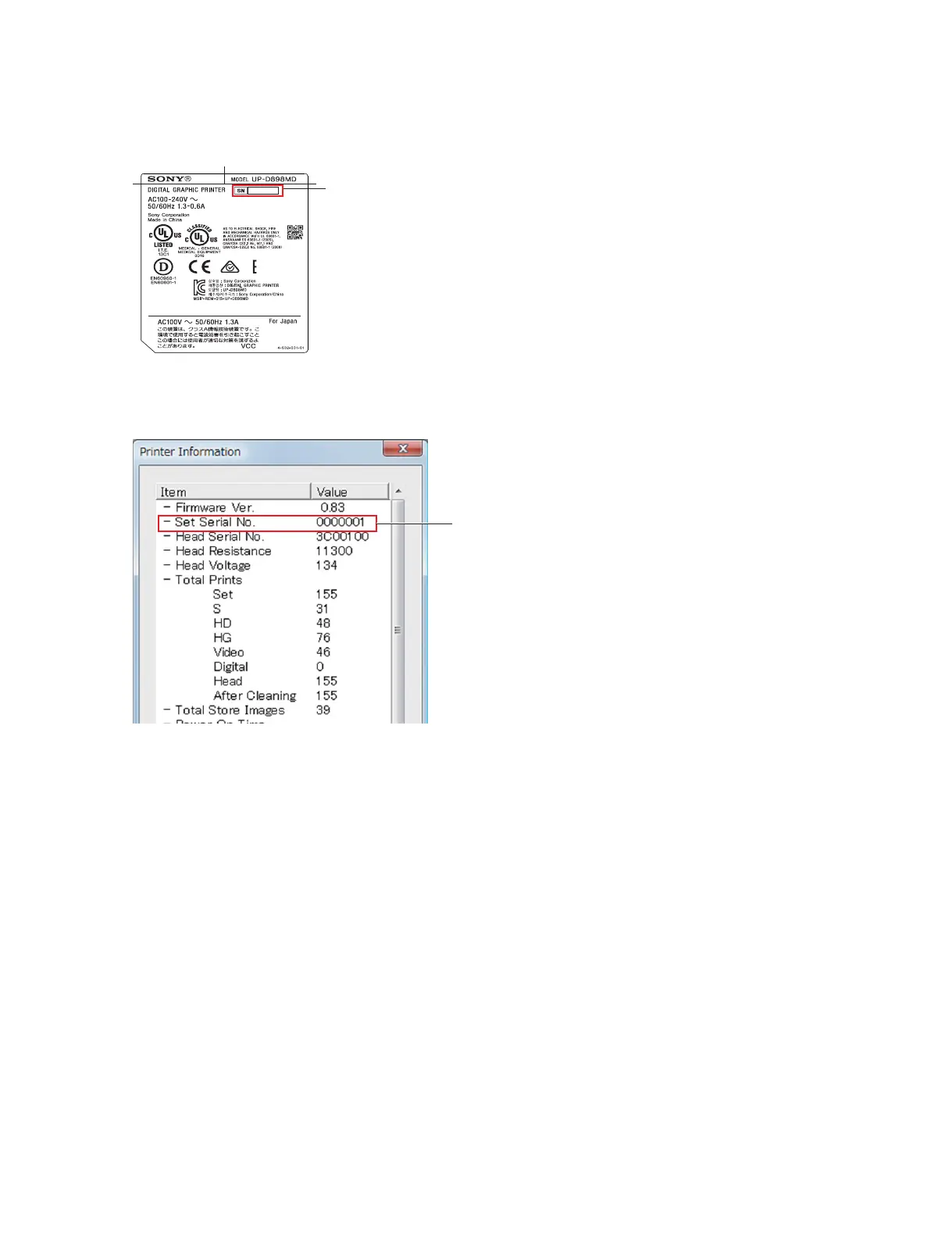
5. Type the serial number (e.g.: 000001) indicated on the model nameplate of this unit in the edit box of
“Serial No.” of the Setup tab, and then click the [SET] button.
6. Click the [OPEN] button of “Printer Information” of the Information tab.
The Printer Information screen is displayed.
7. Check that the value of “Set Serial No.” is the same as the serial number of this unit.
Type serial number.
000001
Set Serial No.



 To Next Page