SPACE s.r.l.
Soc.a socio unico
PFB035 SERIES – PFB040 SERIES
PFB045 SERIES – PFB060 SERIES
SPRT102/4 SERIES – SPRT102/5 SERIES
SPRT102/6 SERIES – SPRT102/7 SERIES
Code M0247 - Ver.1.4
(09/2016)
SPACE s.r.l. – 10090 TRANA (TO) Via Sangano, 48
Tel. (+39) 011/ 934 40 300 – Fax (+39) 011/ 933 88 64
e-mail: info@spacetest.it - www.spacetest.com
OPERATOR NAME
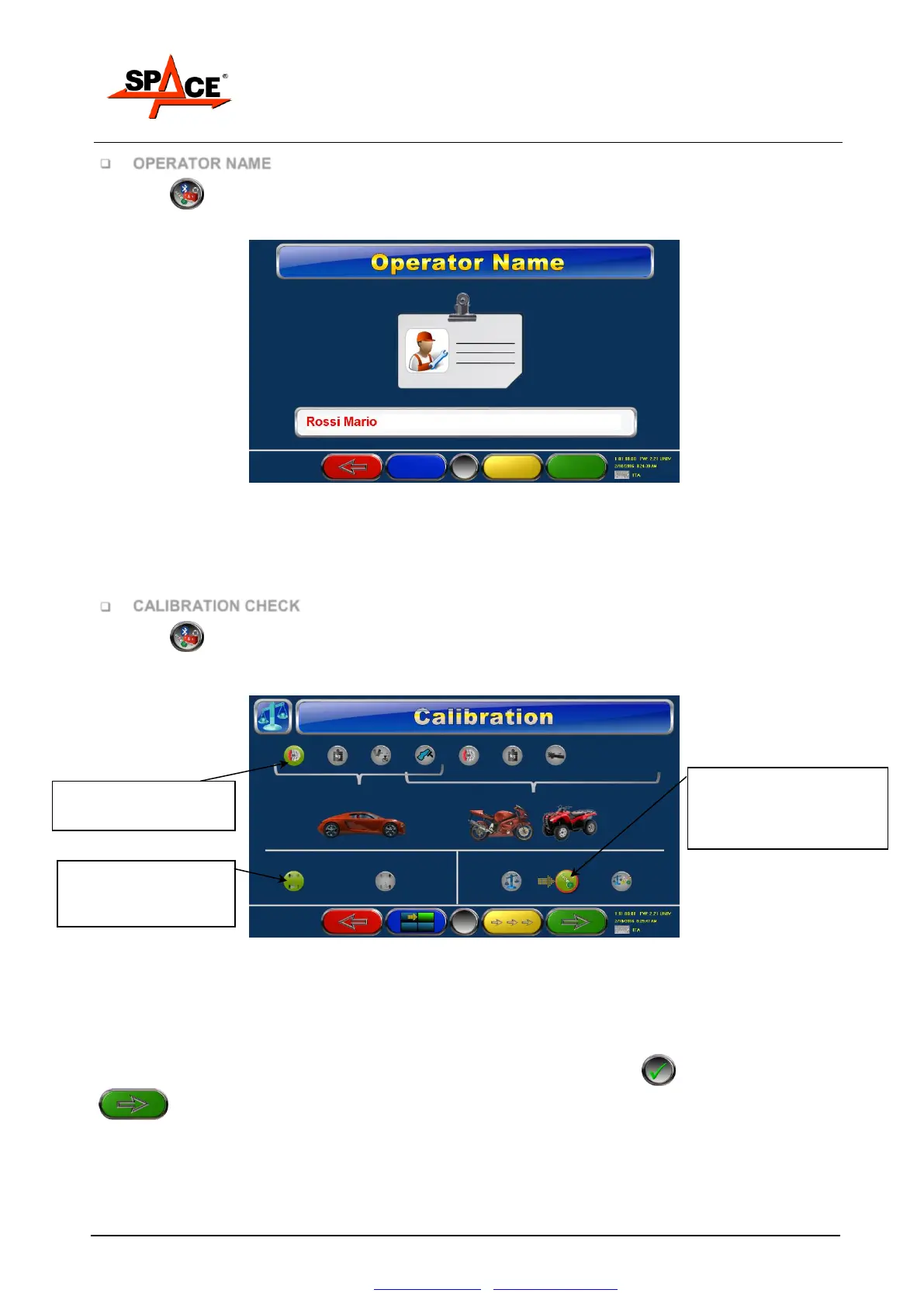
Press F5 from the main page (Figure 27).
Select with “F2/F3” the menu “User name” (see Figure 31) and confirm with ENTER/F4.
Figure 34
Insert the name of the technical manager that will be print in the report, the press F4 to confirm
the selection.
CALIBRATION CHECK
Press F5 from the main page (Figure 27).
Select with “F2/F3” the menu “Calibration check” (see Figure 31) and confirm with ENTER/F4.
Figure 35
The calibration is reserved to authorized SPACE S.R.L. personnel, the operator can only check the
calibration, in this session only checks are made; the calibration saved in the program WILL NOT
CHANGE.
Select the device on which the calibration check is needed. Confirm F5 , then press F4
to go on.
Below is shown the example of a check on the calibration on the LH braking force.
Selection ONLY checks,
(the mode Calibration and
Calibration + Checks NOT
available)
Selected device
(in this example BRAKE)
Chanel LH or RH
selected
(in this example LH)



 To Next Page