Chapter 2: Installation and Setup
Procedure 9: Confirm the Ethernet Link
SmartBits 600x/6000x Installation Guide | 55
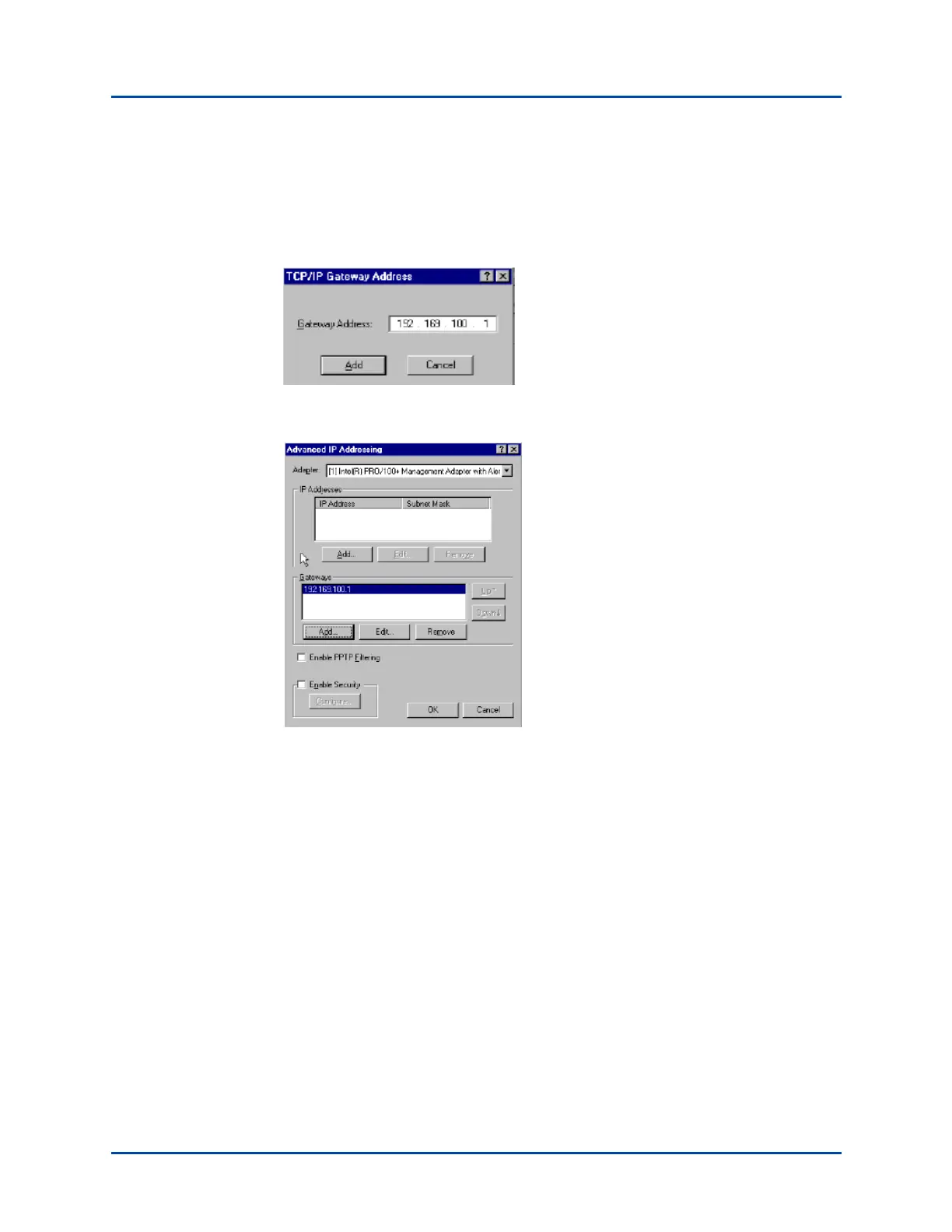
9 Click the Add button under the Gateways pane to add the new gateway address.
10 Enter the IP address of the router port for the subnet where the SmartBits chassis is
located. In this example, the connecting chassis has an IP address of 192.169.100.19.
Enter 192.169.100.19 and click Add.
The gateway address now appears in the Gateways pane (see the following figure).
11 Click OK to close the Advanced IP Addressing window.
12 Click OK to close the Network window.
13 Shut down and restart Windows 2000/NT/XP for the change to take effect.
14 Ping the SmartBits IP address again, as described on page 52. If you are unable to
ping the SmartBits chassis, refer to Chapter 4, “Troubleshooting and Maintenance.”
Artisan Technology Group - Quality Instrumentation ... Guaranteed | (888) 88-SOURCE | www.artisantg.com



 To Next Page