Chapter 2: Installation and Setup
Procedure 10: Update Firmware Version (optional)
SmartBits 600x/6000x Installation Guide | 63
Download Firmware to an Individual TeraMetrics Module
To download firmware to a TeraMetrics module:
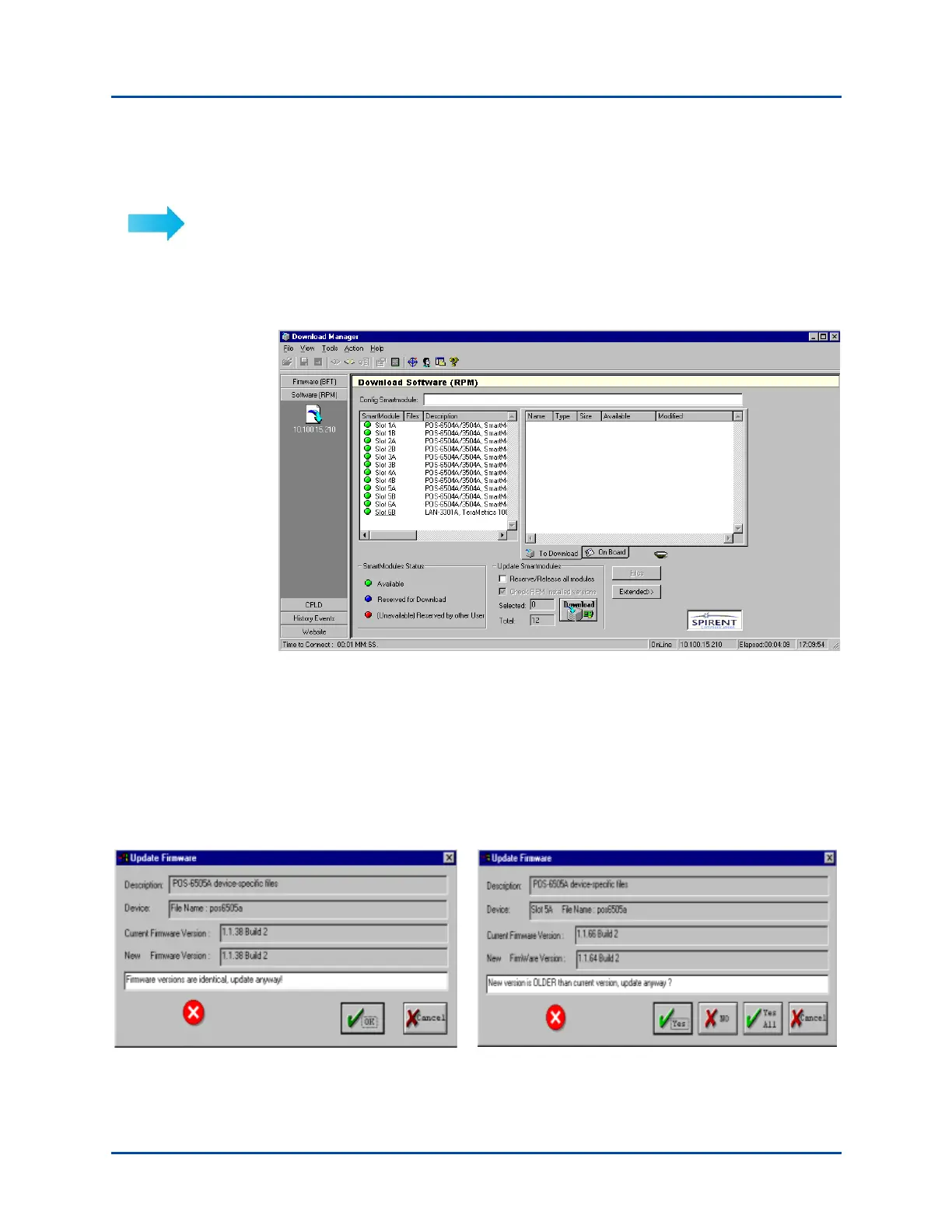
1 Select the Software (RPM) tab. The Download Software (RPM) window appears,
displaying the current firmware version of every TeraMetrics module installed in the
chassis.
2 To reserve an individual TeraMetrics module, click the green button next to the
module to reserve it for download (the button turns blue to indicate reserved status).
3 Select the To Download tab, then click the Files button and select Add.
4 Using the mouse and the Ctrl key or Shift key, select the .rpm file(s) that you want to
download to the selected module and then select Open. You must select the
appropriate .rpm file(s) for each TeraMetrics module.
If the version of the firmware that you are downloading is older or the same as the
version you already are using, you will see one of the following windows:
Artisan Technology Group - Quality Instrumentation ... Guaranteed | (888) 88-SOURCE | www.artisantg.com



 To Next Page