Safety copies of Leonova files
The Leonova Service program
is also used to make safety
copies of all measurement files
saved in Leonova, and to reload
these files to Leonova when
needed. Leonova safety copies
must have the extension ‘lsc’;
the rest of the file name is your
choice.
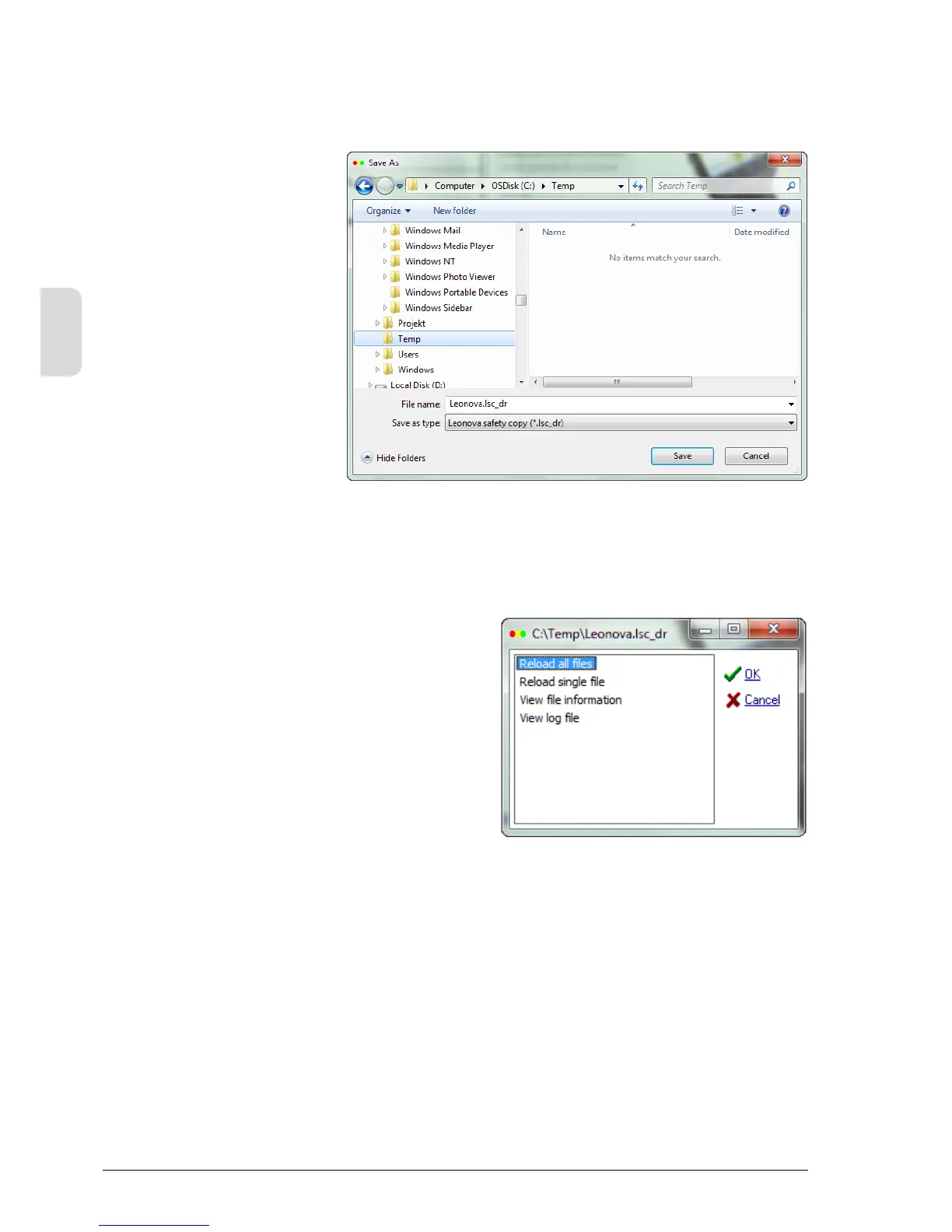
To make a safety copy,
• ConnectLeonovatothePC.
• Open‘Communication’onthe
instrument.
• StarttheLeonovaServicepro-
gram on the PC.
• Select‘Safetycopy’,click
CONTINUE.
• SelectafolderonyourPC,e.g.
your Condmaster folder, and
click SAVE.
When reloading from a safety copy, there are two
alternatives, all files or a single file. The single file
option can be used to transfer a measurement
file from one Leonova to another, and from there
to Condmaster.
Select ‘View file information’ to see instrument
data, licenses, etc. Select ‘View log file’ to see
the instrument’s log file.



 To Next Page