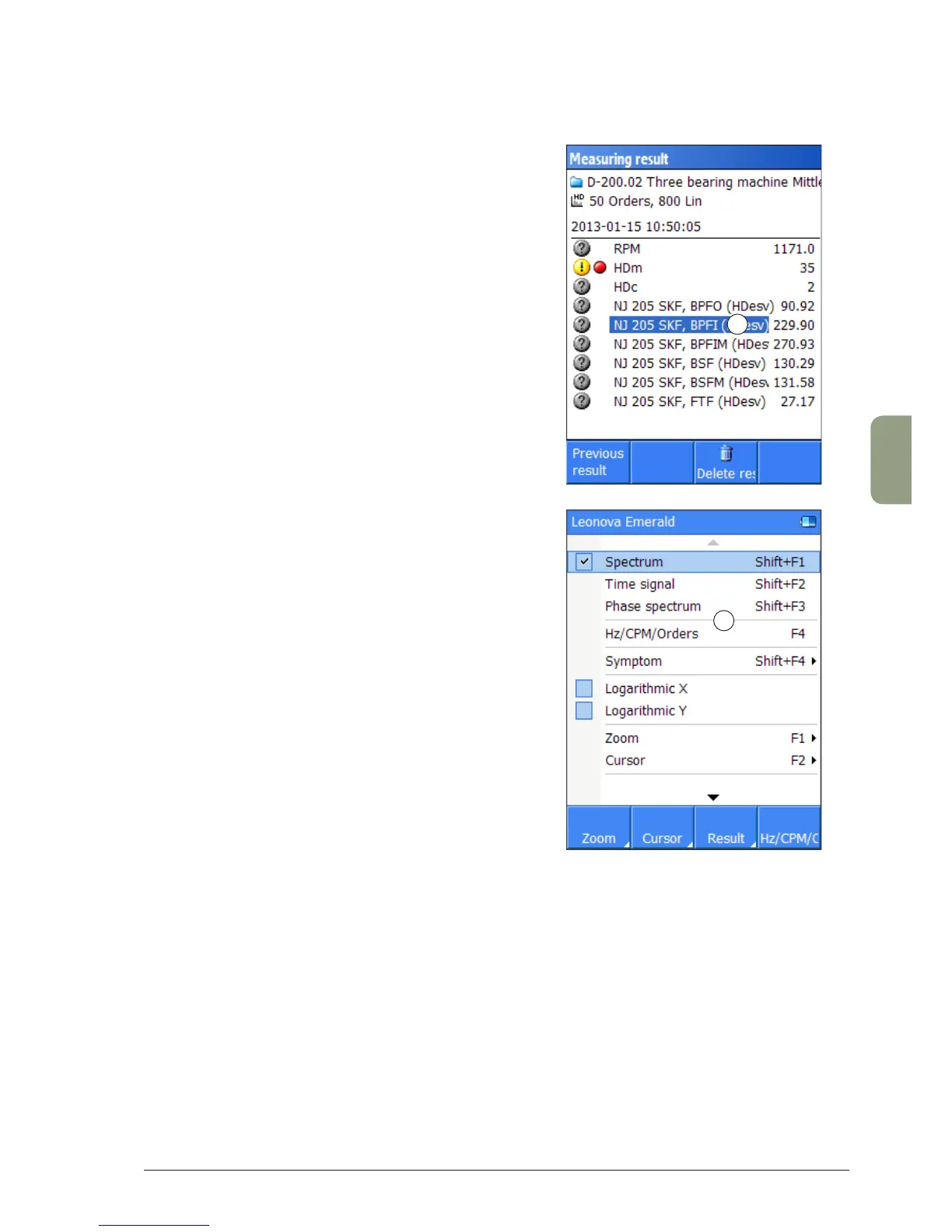
The F1 (‘Measuring result’) key opens a window with
further options for the spectrum window; use the UP/
DOWN arrow keys to select a symptom (1) for display,
and the function keys F1 (‘Previous result’) and F2
(‘Next result’) to toggle between measuring results.
‘Symptoms’ are instructions to search for and highlight
spectrum lines or groups of spectrum lines that are
typical for certain machine faults. Their purpose is to
point out the significant data contained in the spectrum.
Symptoms are selected and configured when the
measuring point is created in Condmaster. They are
downloaded with the measuring round. The only fac-
tor added in Leonova is normally the machine speed
(unless the measuring point is configured with a fixed
rpm, which it should not be when spectra are measured).
For a spectrum, the list of symptoms shows the symptom
value, i. e. the RMS value of the included symptom lines
(1). When the spectrum is measured with an appropriate
resolution and over a frequency range large enough to
accommodate the pattern, the number of matches will
normally equal the number of lines in the symptom.
Pressing the MENU function key in the spectrum window
opens further functions for the spectrum (2).
2
1



 To Next Page