P340 flexiprobe Operation Manual 8
Section 3: Quick start guide
This Section provides the user with quick start instructions for operating the P340 controllers. Note this
Section is intended as a reference for experienced users; first-time users should read this manual in its
entirety before proceeding.
3.1 Quick start procedure
• Ensure the power switch is set to the Off position.
• Mount the controller on top of the reel if desired (mounting bracket is optional on the P341 models).
• Using the link cable, connect the reel to the connector on the rear of the controller.
• Insert a compatible Compact Flash card (or USB flash drive) into the controller.
• Connect the power supply to the controller power input.
• Switch the controller on. There is a delay of several seconds before the Power up screens appear.
• Press OK to clear the welcome screen.
• Calibrate the reel and zero the camera’s
position. Press F10 on the keyboard, or
and on the keypad simultaneously.
• Deploy the camera into the pipe as
required.
• On the keypad, press the ● key to start
recording the inspection. If required:
o Enter your JOB details by entering
the client name, site address,
survey start and finish references.
See Section 9.1 for more details
about JOBS or Section 5.8.1 to
disable the quick job creation
option.
o Press ● again.
Press the key to take screen captures.
If required:
• To pause a recording press key.
• To stop a recording, press the key.
NOTE: Do not extract the removable storage
device during recording or playback. Doing so
may corrupt all data on the storage device and
crash the controller.
To add text quickly on your survey, press PG UP or PG DN on the keyboard, followed by the OK button to
confirm.
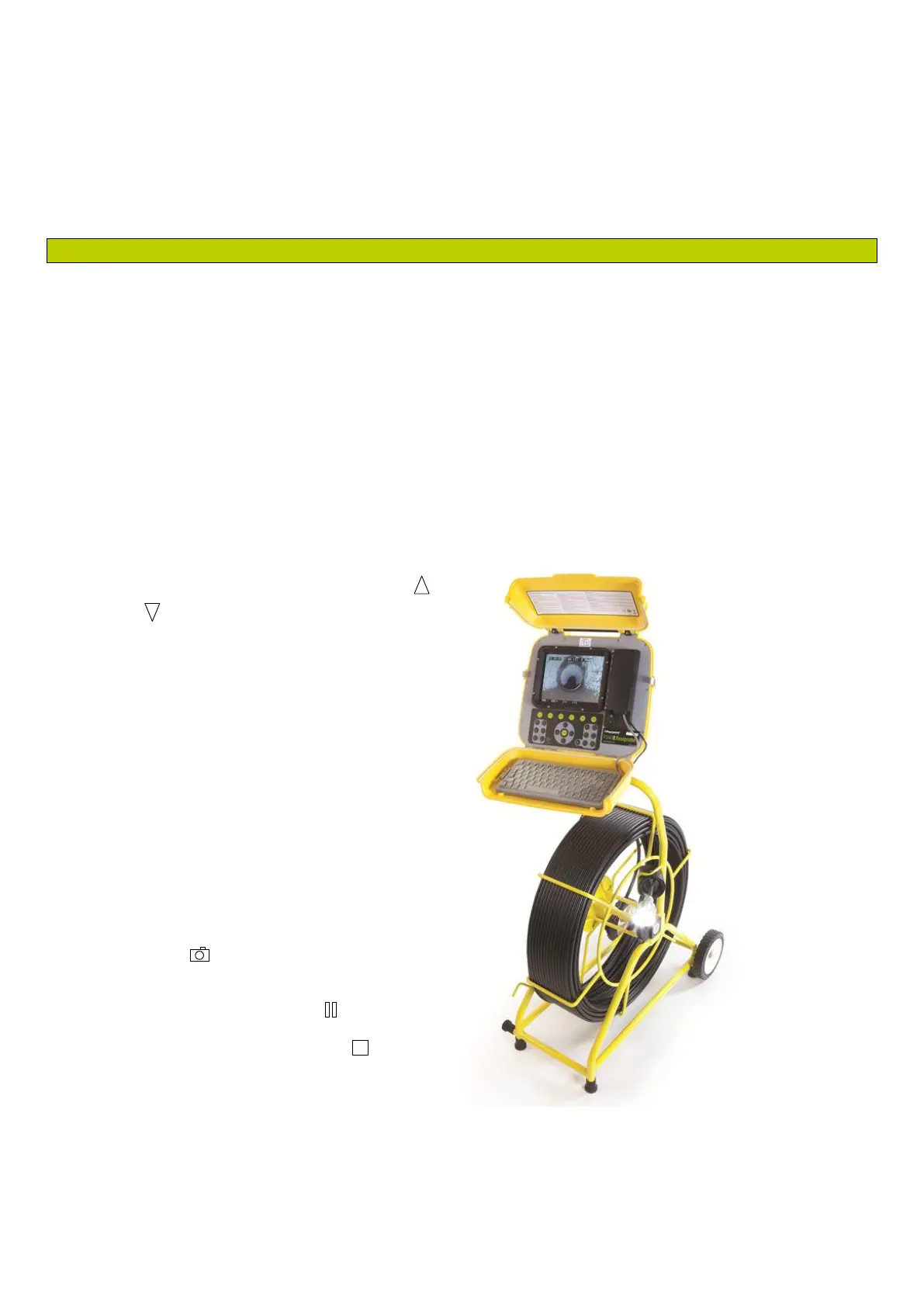
Figure 3.1: Controller installed on pushrod reel.



 To Next Page