P340 flexiprobe Operation Manual 29
5.11 Company details
The P340 controller allows you to customize your
system by storing your company details and logo
on the controller. These details are used to
personalize reports and the video title screen.
NOTE: Video titles are optional. For more
information please refer to Section 5.8.
Once you save your company’s information you
will not need to enter it again unless you perform
a factory reset (see Maintenance Section below).
5.11.1 To set your company details:
From the Setup screen enter the On-Screen
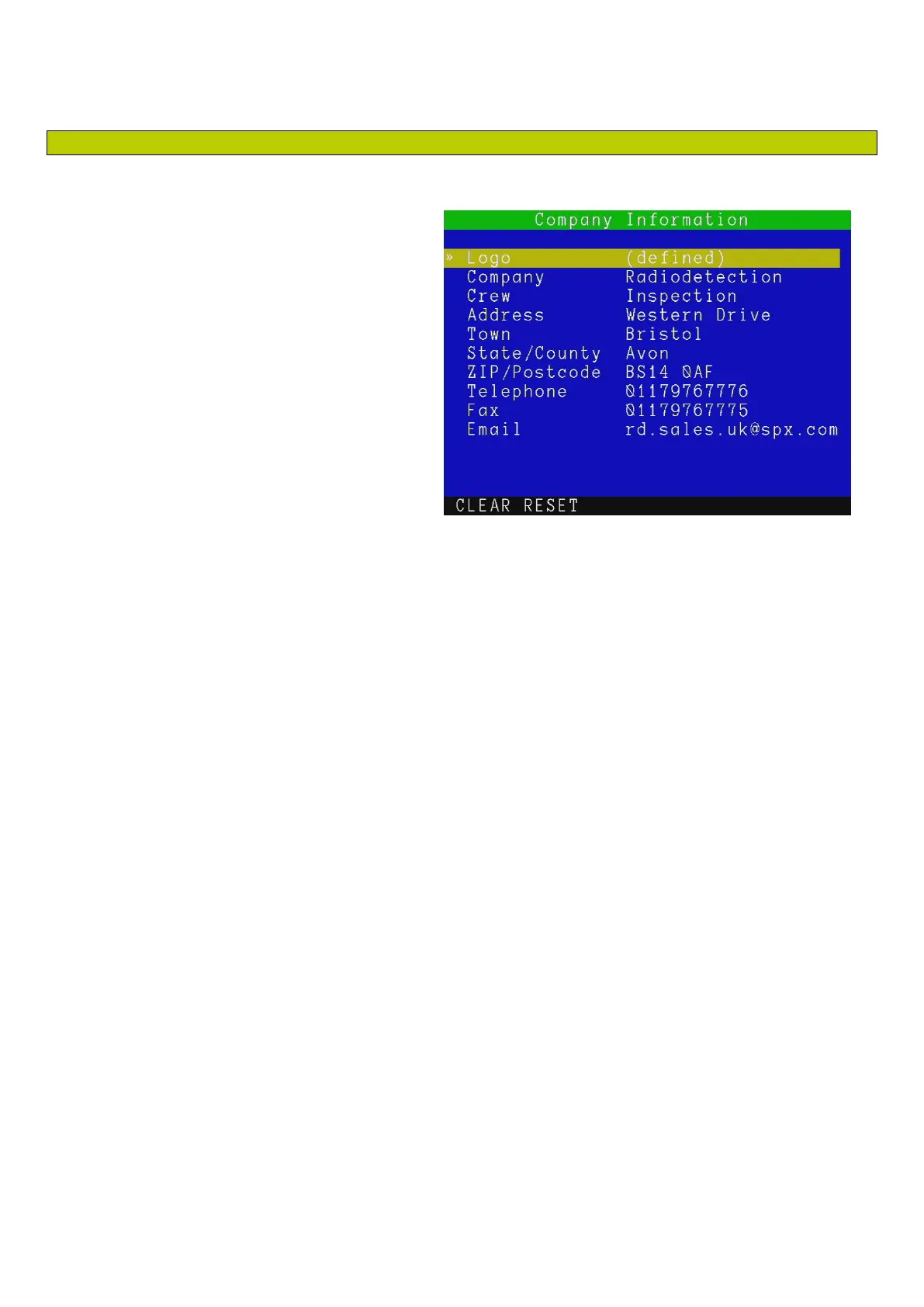
Information menu, see Figure 5.14
There are 10 company fields to fill out:
Logo: use this field to enter your company logo (See below).
Company: use this field to store your company or trading name (30 characters maximum).
Crew: use this field to record the name of the crew or individual who is in charge of the P340
flexiprobe system (30 characters maximum).
Address: use this field to record your company’s street address (30 characters maximum).
Town: use this field to record your company’s city or town (30 characters maximum).
State / County: use this field to record your company’s State or County (20 chararacters
maximum).
ZIP / Postcode: use this field to record your company’s ZIP or postcode (10 chararacters
maximum).
Telephone: use this field to record your company’s contact telephone number (20 chararacters
maximum).
Fax: use this field to record your company’s fax number (20 characters maximum).
Email: use this field to record your company’s contact email address (30 characters maximum).
1. Press CLEAR to delete the selected field data.
2. Press RESET to delete all data.
Figure 5.14 Company information menu



 To Next Page