P340 flexiprobe Operation Manual 23
o Camera selects the P340 camera as the default video source.
o External selects the external video source. You can connect an external video source to the
controller using standard composite RCA. The controller’s video input jack is located inside
the I/O interface panel (Item 8 in Figure 2.3) and is highlighted with a yellow ring around the
jack.
Job prompt: When set “on” this prompts you to enter client, site and survey start and finish
information at the beginning of your first recording session (video or photo). This will set the job for
all your recordings during the session. See Section 9.1 for more details regarding jobs and the way
your files are organized. If the prompt is off, you will go to the Quick Job Start (see Section 9.2).
5.8.2 Recording options
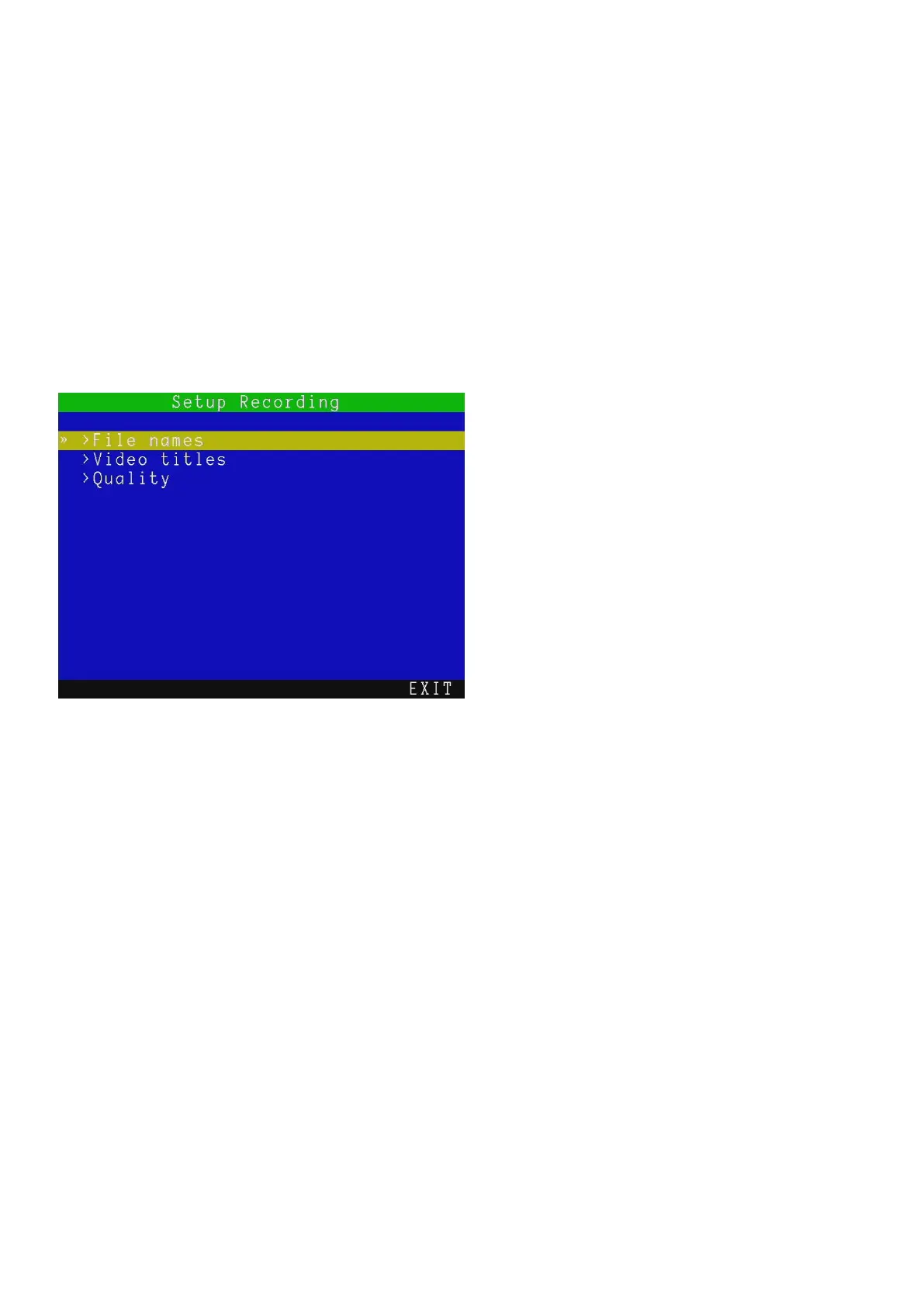
This menu, see Figure 5.6, gives you access to all the recording settings:
File Names:
In this menu you can change the way the controller names your video or photo files.
There are two settings available: Prefix and Scheme.
Prefix
You can enter a prefix (7 characters maximum) to be automatically added to all your recordings.
Use this to help you to easily identify files created by a specific crew or operator.
New file names will have the following structure:
Prefix_ddmmm_xxx.ext
For example, Crew1_30Nov_001.MP4 where Crew1_ is the prefix and 30Nov_001.MP4 is the date-stamp
and numeric counter included by the date scheme.
NOTE: no spaces are allowed in the prefix.
Figure 5.6: Setup Recording menu



 To Next Page