P340 flexiprobe Operation Manual 30
5.11.2 How to setup your company logo
To enter your company logo, copy a JPEG version of your company logo (32KB maximum) into the
root of your memory storage device and insert it in the controller.
NOTE: The root directory refers to the top-level directory or folder of your memory storage device.
1. Browse the root of the memory storage device.
2. Press SHOW to check the highlighted JPEG logo.
NOTE: The controller can only display pictures with width and height in multiples of 16 pixels. Pictures of
other sizes will not be displayed by the controller but will work in the final report.
3. Press BROWS to continue browsing.
4. Press USE to select the desired logo file and return to the company setup menu.
5. Press CANCL to cancel the operation and exit.
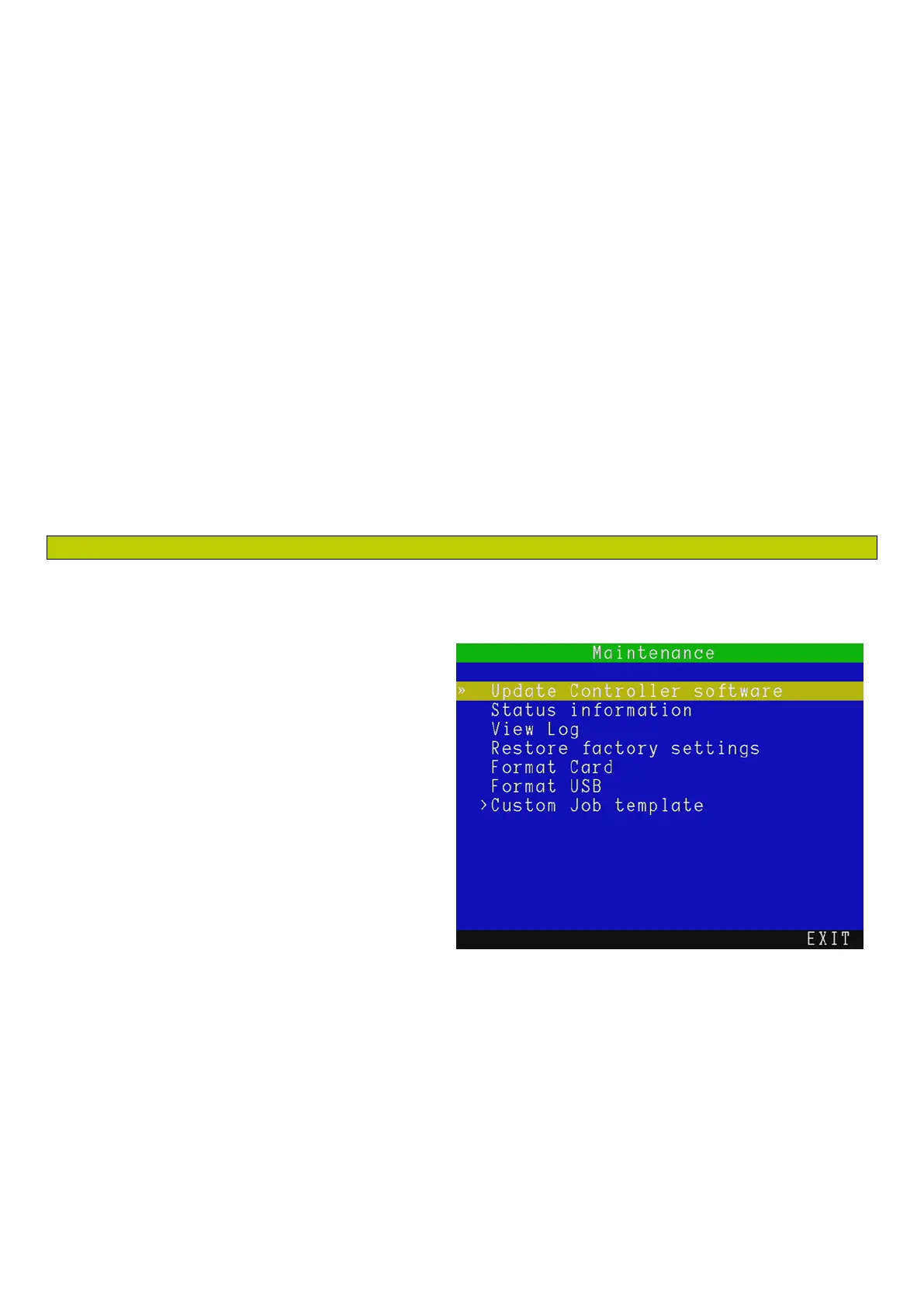
5.12 Maintenance (including software updates)
The maintenance menu allows you to perform infrequent operation such as updating the controller
software, formatting your memory device or
viewing your controller system log.
From the Setup screen enter the Maintenance
menu, see Figure 5.15
There are 7 maintenance options available:
Update Controller Software: Select this
to update the controller software. See
Section 5.11.1.
Status Information: Service personnel
option to access detailed information
about the controller internal hardware
components.
View log: Select this to review the
controller system log to analyze activity.
Restore factory settings: Select this to restore your controller to its factory settings.
NOTE: Restoring the controller will erase all your system settings, personal preferences and your company
details.
Format Card: Select this to format your Compact Flash card.
Format USB: Select this to format your USB flash drive.
Figure 5.15 Maintenance Menu



 To Next Page