P340 flexiprobe Operation Manual 46
Section 8: Adding text - Text pages
This Section introduces the P340 controller text page overlay features.
8.1 Video Text Pages
During an inspection, the user can choose to overlay a text page such as Figure 8.1 on videos or pictures
to document the findings for audit or review.
The system can also be set to display several text pages at the beginning of the video recording as video
titles. See section 8.2. .
The P340 controller allows the user to create, edit and save up to 20 pages (13 rows x 36 characters) of
text using the Text menu. In TV mode, there is a limit of 32 characters per row.
Each page is numbered. The controller shows the page number at the top of the overlaid text as well as
the title status.
NOTE: The system does not record the page number and title status, even when displayed on the screen.
8.2 Text Menu
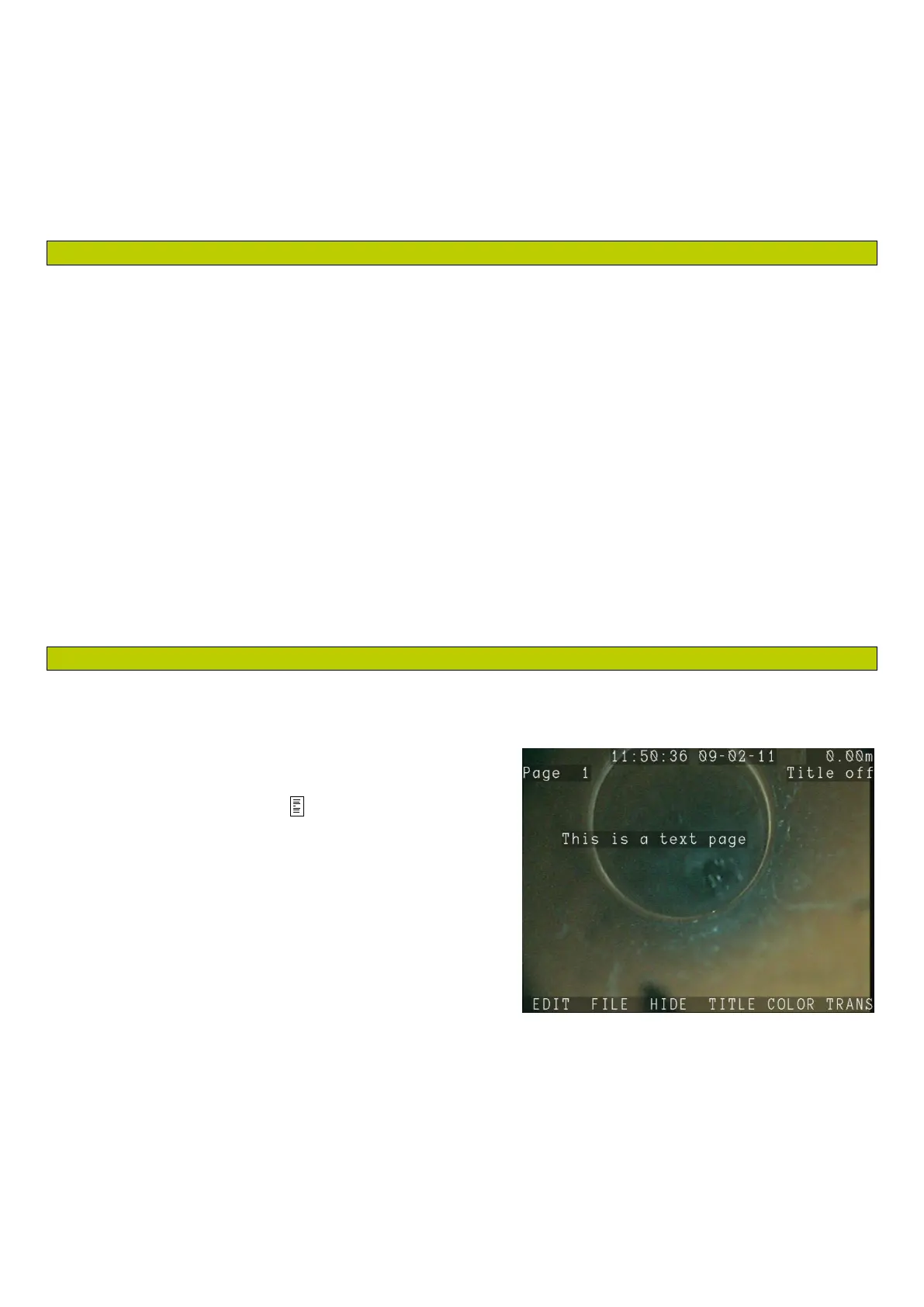
The Text menu, see Figure 8.1, allows you to browse, edit, import and export text pages. You can also
change the text characters color and background
transparency.
To enter the Text menu, press on the keypad. To exit,
press the ◄ key.
NOTE: When recording a video, this will automatically
pause and resume when you exit.
The Text menu gives you 6 choices:
EDIT: Edit the select page.
FILE: Import or export text pages files.
HIDE: Hide the current text page and return to the main menu, or resume recording.
TITLE: Toggles the selected text page “on” or “off”. When “on” this page will display during the
start of the video. If multiple text pages are turned on, they will play sequentially in numerical
order. Useful for inserting your company details that will not change.
COLOR: Set the text characters color, including the On-Screen information fields and menu bars.
Figure 8.1: Text menu and Overlay text



 To Next Page