1
1
3
3
-
-
6
6
2
2
9
9
5
5
1
1
1
1
X
X
1
1
C
C
e
e
n
n
t
t
r
r
e
e
S
S
e
e
c
c
t
t
i
i
o
o
n
n
B
B
u
u
s
s
c
c
a
a
r
r
d
d
R
R
e
e
m
m
o
o
v
v
a
a
l
l
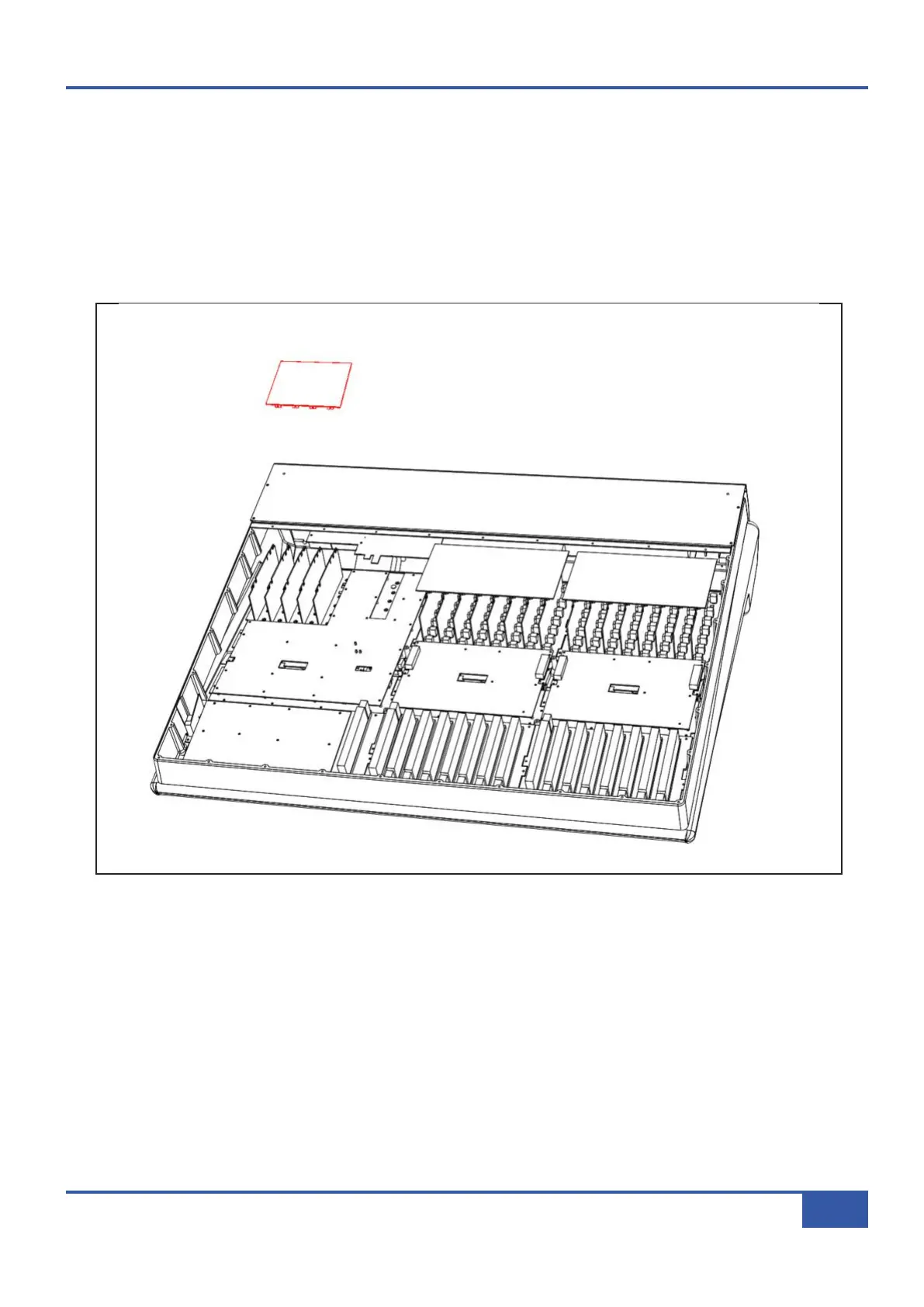
• Follow instruction #1 for removal of the base plate, unscrew and slide the rear panel backwards to gain access to buscards.
• Unplug loom G from the channel buscard to allow easy access to the centre section buscard.
• The buscard is locked to the centre section modules with four plastic retaining clips, one at each corner.
• To remove the card, press the tabs on two adjacent clips and pull the card upwards slightly so that the clips do not lock
back in place, repeat for the remaining two clips. Lift the buscard clear and unplug the remaining looms.
• When fitting the replacement buscard ensure that all four locking clips are in place and that all cards fully inserted.
Appendix G - Service
131
Matrix Owner’s Manual



 To Next Page