Stonex R20 – User Manual 14
• Function keys (“F1-4”)
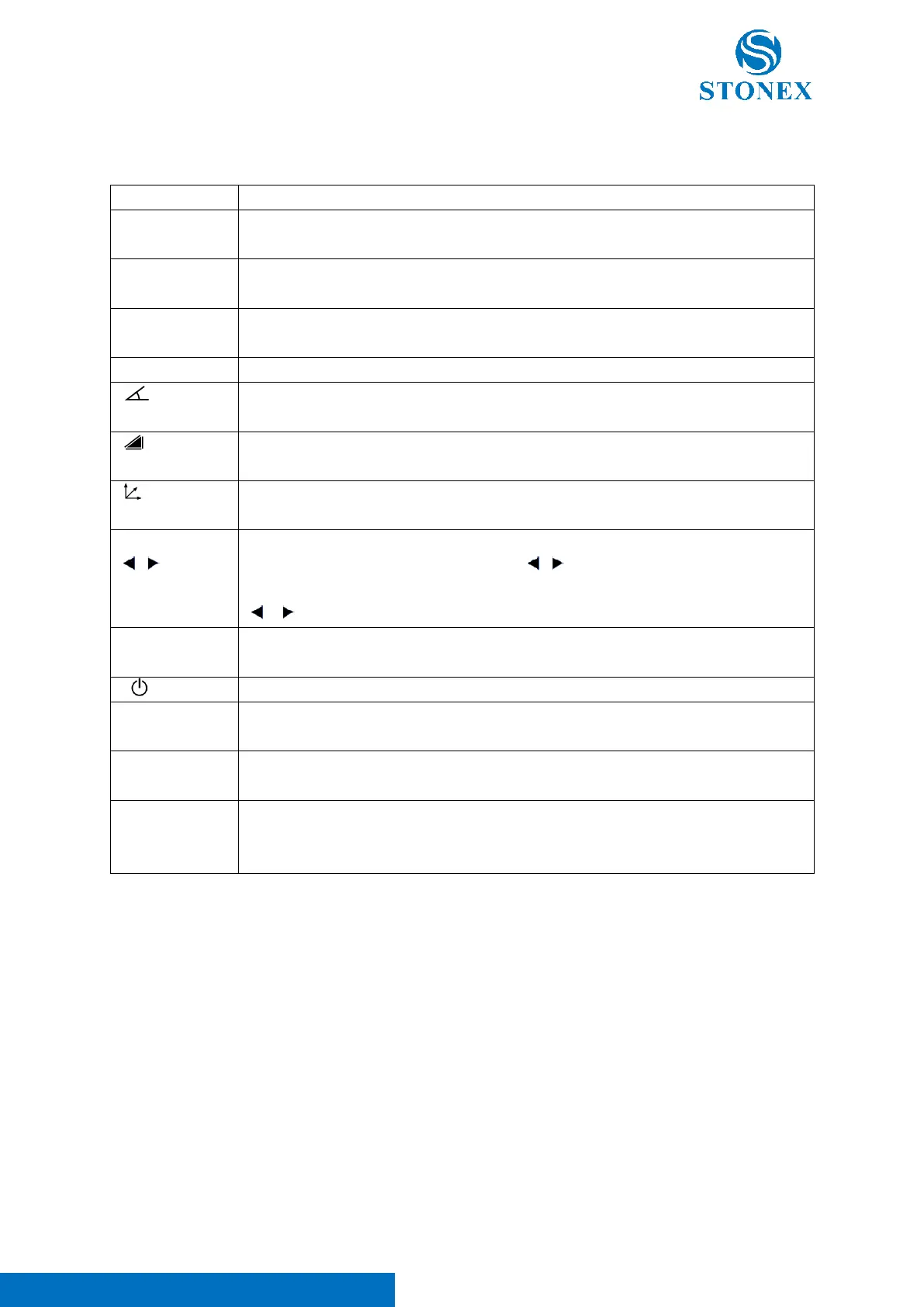
Common Functions of the Keys:
Numeric keys. For entering numbers, letters and common symbol. The keys are also used
to select the same number of options in the interface menu.
Enter “.” .
Switch on/off the laser pointer in measurement mode.
Enter “-” .
Directly open {level & Plummet} in measurement mode.
Menu key. Multifunctional key of [7]. Enter {Main Menu} in measurement interface.
Angle mode key. Multifunctional key of [4]. Switch to the angle mode in measurement
interface.
Distance mode key. Multifunctional key of [1]. Switch to the distance mode in
measurement interface.
Coordinates mode key. Multifunctional key of [0]. Switch to the coordinates mode in
measurement interface.
Navigation keys, i.e., four arrow keys. [▲] [▼] are primarily used to move up and down in
the menu to select activated options or fields. [ ] [ ] are primarily used to move the cursor
or toggle specific options for an activated item.
[ ] [ ] can also be set as shortcut keys. Refer to Shortcut Keys
.
Quick functions key. Call some common functions directly from the measurement related
interface.
Power key. Press and hold for power on/off operation.
Escape key. Quit current dialog or the edit mode. Leave the previous value unchanged and
return to the previous or higher interface.
Enter key. Confirm an input and continue to the next
Field. Confirm an option.
Function keys. Press to Call up the assigned functions of corresponding softkey. The
currently available softkeys are shown in the bottom softkey bar of the workspace on
display, up to four of them, can be activated by corresponding function keys.



 To Next Page