Stonex R20 – User Manual 53
8. File Management
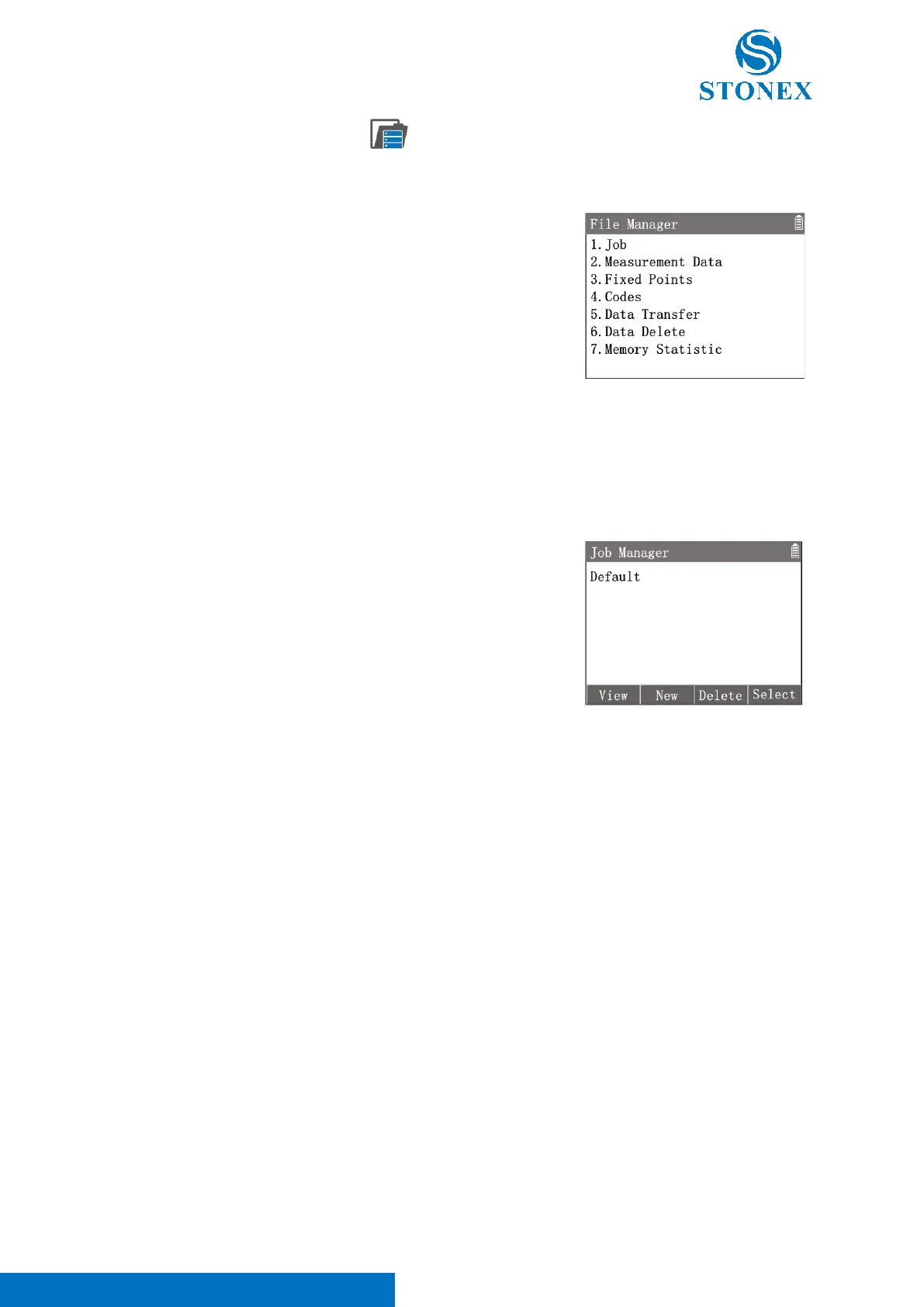
The file manager provides management functions for checking, editing and transmitting data in the instrument.
①In the measurement interface, press [M] to enter {Main Menu}.
②Use the navigation keys to select 〈1.File〉and press [ENT], or simply
press the numeric key [1] to enter {File Manager}.
8.1. Job Management
Jobs are like folders of different types of data, e.g., measured points, fixed points, codes, calculated results, etc.
All the various data of the instrument are stored in jobs. And all applications must work based on a job.
1. In {File Manager}press [1]〈1.Job〉to enter {Job Manager}.
The workspace list all the jobs available.
2. Use [▲] [▼] to highlight a job name and press [ENT] or [F4]
【Select】to set it as the current job.
[F1]【view】: Display the summary of the highlighted job.
[F2]【New】: Create a new job.
[F3]【Delete】: Delete the highlighted job. The current set job can not be
deleted.
[F4]【Select】: Selcet the highlighted job as current job.
The system supports up to 30 jobs.
The job named〈Default〉is created automatically by the system.
New job definition consists of job name and user. The name is required. The system will automatically generate
the number of records and the date/time of creation.
8.2. Measurement Data
The measurement data contains all the recorded data in the instrument internal memory. All the measurement data
can be checked, searched or deleted.



 To Next Page