Stonex R20 – User Manual 60
9.2. Angle Settings
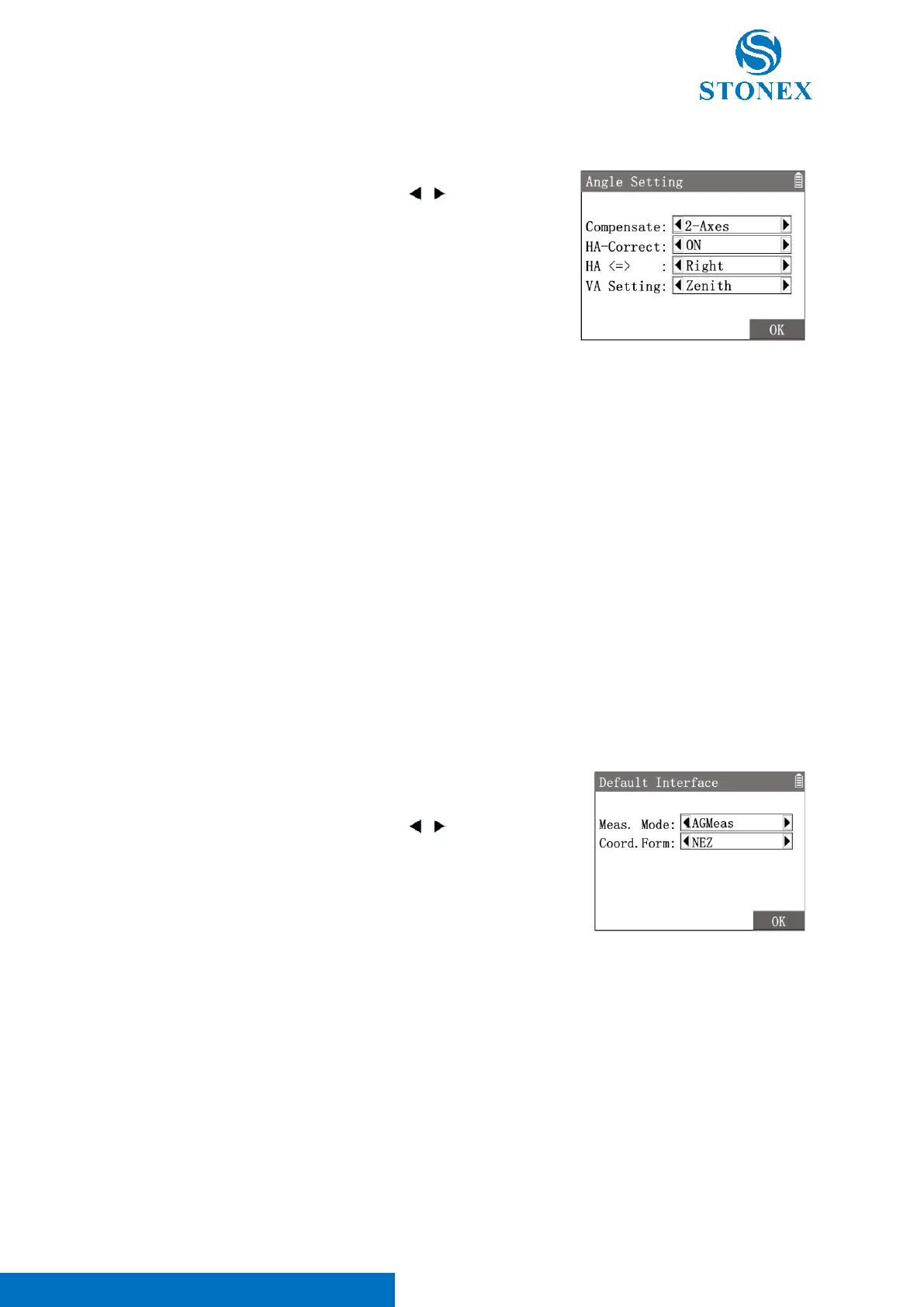
1. In {Setting}press [2]〈2.Angle〉to enter {Angle Setting}.
2. Use [▲] [▼] to highlight a item then use [ ] [ ] to toggle the
options available.
3. Press [F4]【OK】to confirm the settings.
〈Compensate〉:Set the function of tilt compensator: 2-Axes/OFF/1-Axis
Refer to Tilt Compensation.
In the measurement interface of angle measurement mode, press [F1]【Level】of 2
nd
page of softkey to enter
{Level & Plummet} to set the compensation. Press [★] in the measurement related interfaces also can select
then enter {Level & Plummet}.
〈HA-Correct〉: Set the collimation error auto correction on HA: ON/OFF
〈HA <=>〉: Set the incremental direction of the HA.
• Right : HA increases on rotating clockwisely. The HA displays HAR.
• Left : HA increases on rotating anticlockwisely. The HA displays HAL.
〈VA Setting〉: Set the mode of VA.
• Zenith : The VA is 0 when aiming at the zenith.
• HZ0 : The VA is 0 when aiming horizontally. Positive VA when rotated upwards.
• Slope % : Display the VA with slope in pecent. Positive VA when rotated upwards.
1. In {Setting}press [3]〈3.Default Interface〉to enter {Default
Interface}.
2. Use [▲] [▼] to highlight a item then use [ ] [ ] to toggle the
options available.
3. Press [F4]【OK】to confirm the settings.
〈Meas.Mode〉: Set the first measurement interface after power on.
• AGMeas : Angle measurement interface.
• DTMeas : Distance measurement interface.
• CoordMeas : Coordinates measurement interface.
〈Coord.Form〉: Set the display format of coordinates.
• NEZ : Coordinates order North, East, Height.
• ENZ : Coordinates order East, North, Height.



 To Next Page