Stonex R20 – User Manual 55
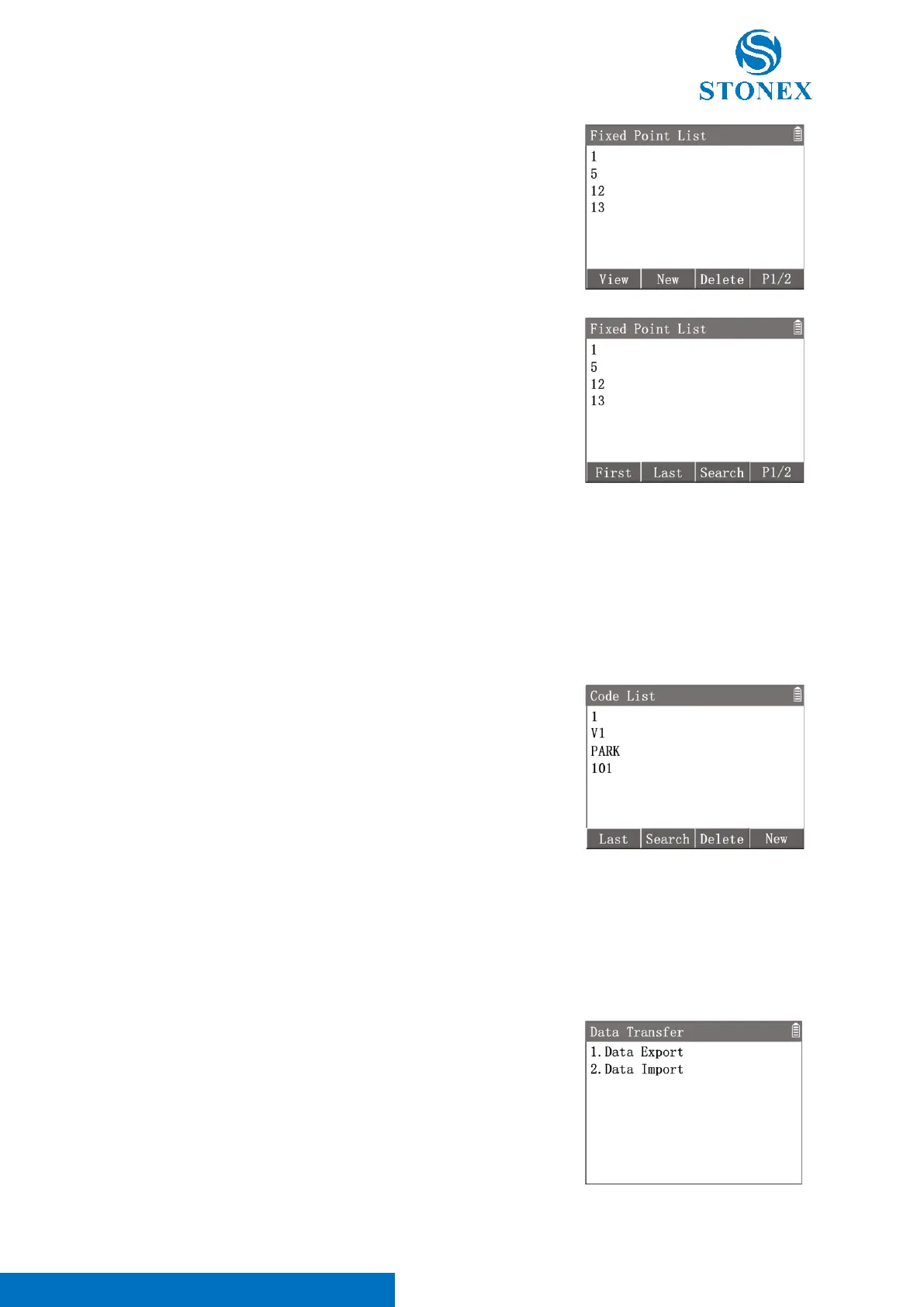
[F2]【Last】: Turn to the last page of the list and highlight the last point
record.
[F3]【Search】: Enter {Search} to input a 〈PointID〉then press [F4]【OK】
to find the related point records.
[F4]【P2/2】: Turn to the 1
st
page of softkeys.
Valid fixed-point record contains at least the〈PointID〉and the coordinates (N, E, Z).
8.4. Codes
Codes can be defined manually. All the point can be recorded with a code. Codes help users to manage a large
number of points in groups or categories.
1. In {File Manager}press [4]〈4.Codes〉to enter {Code List}.
2. Use [▲] [▼] to highlight a code.
[F1]【Last/First】: Turn to the last/first page of the list and highlight the
last/first code.
[F2]【Search】: Enter {Search} to input a 〈Code〉then press [F4]【OK】
to find the related codes.
[F3]【Delete】: Delete the highlighted code.
[F4]【New】: Enter {New Code} to create a new code.
8.5. Data Transfer
The instrument has a USB port, which support USB storge device to perform data transfer. A qualified USB stick is
recommended.
In {File Manager}press [5]〈5.Data Transfer〉to enter {Data Transfer}.
Open the waterproof cover on the instrument's USB port and insert the
USB flash drive into it, taking care of the orientation.



 To Next Page