Stonex R20 – User Manual 24
5. Measurement
5.1. Measurement Interface
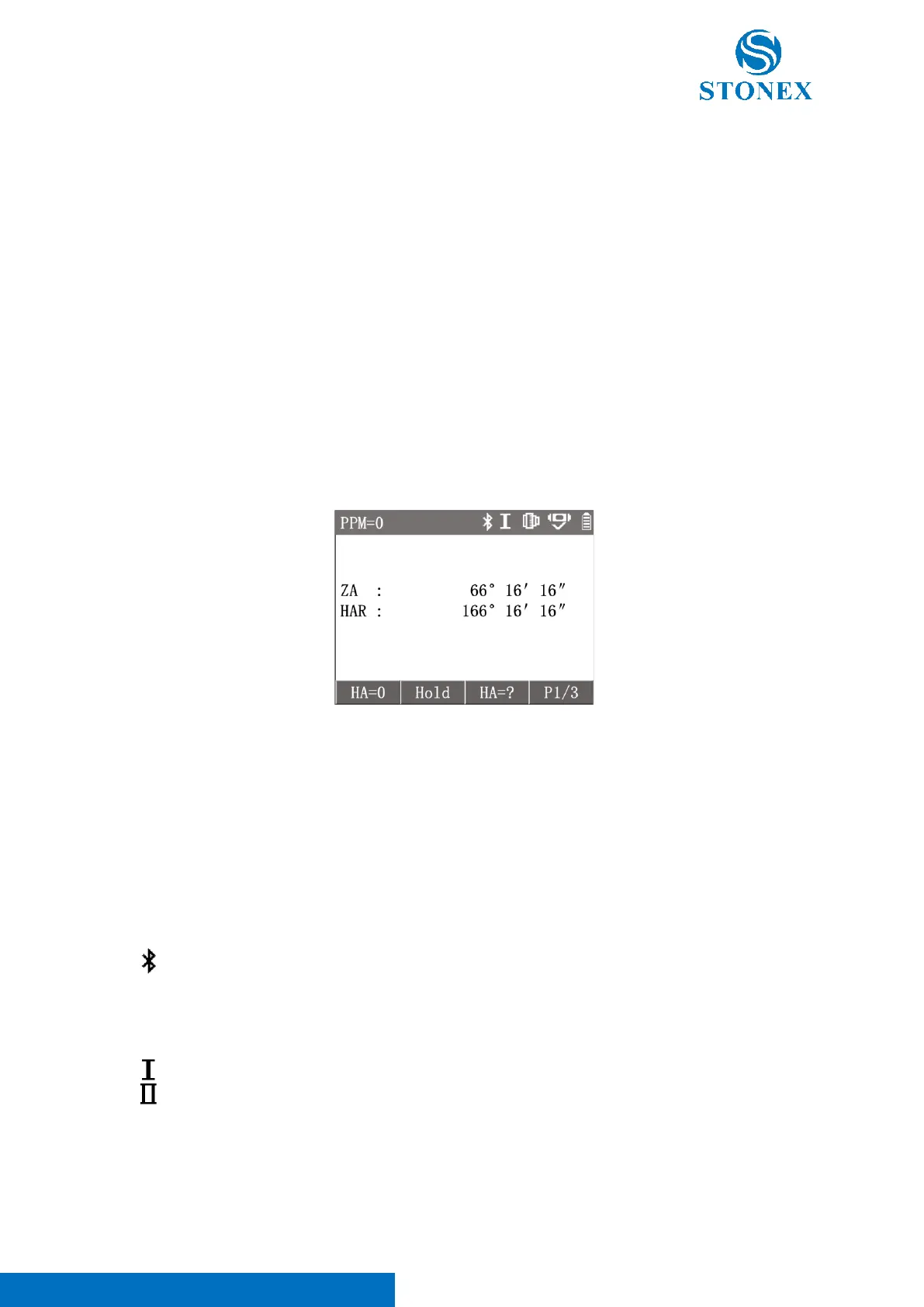
The measurement interface is the basic interface of the instrument, and the display will enter the measurement
interface after power on. Pressing [ESC] several times in most of the working interfaces will also eventually return
to the measurement interface.
The measurement interface has three modes. Press fixed functions keys ([4/1/0] multifunctional keys) can switch
the measurement interface to Angle/Distance/Coordinates modes.
The default measurement interface can be set as angle measurement or distance measurement, please refer to
Default Interface.
NOTE: If tilt compensator is on and the SA tilt angle out of the compensation range and continues for more than 5
seconds, the instrument will pop up {Level & Plummet} to guide the operator to check the tilt status of the
instrument and to level it.
Measurement Status Icons
There are some current measurement status icons in the status bar of the measurement interface.
The current PPM value is N, i.e., the atmospheric correction value is N, which not include projection
scale factor and inputted PPM.



 To Next Page