Stonex R20 – User Manual 25
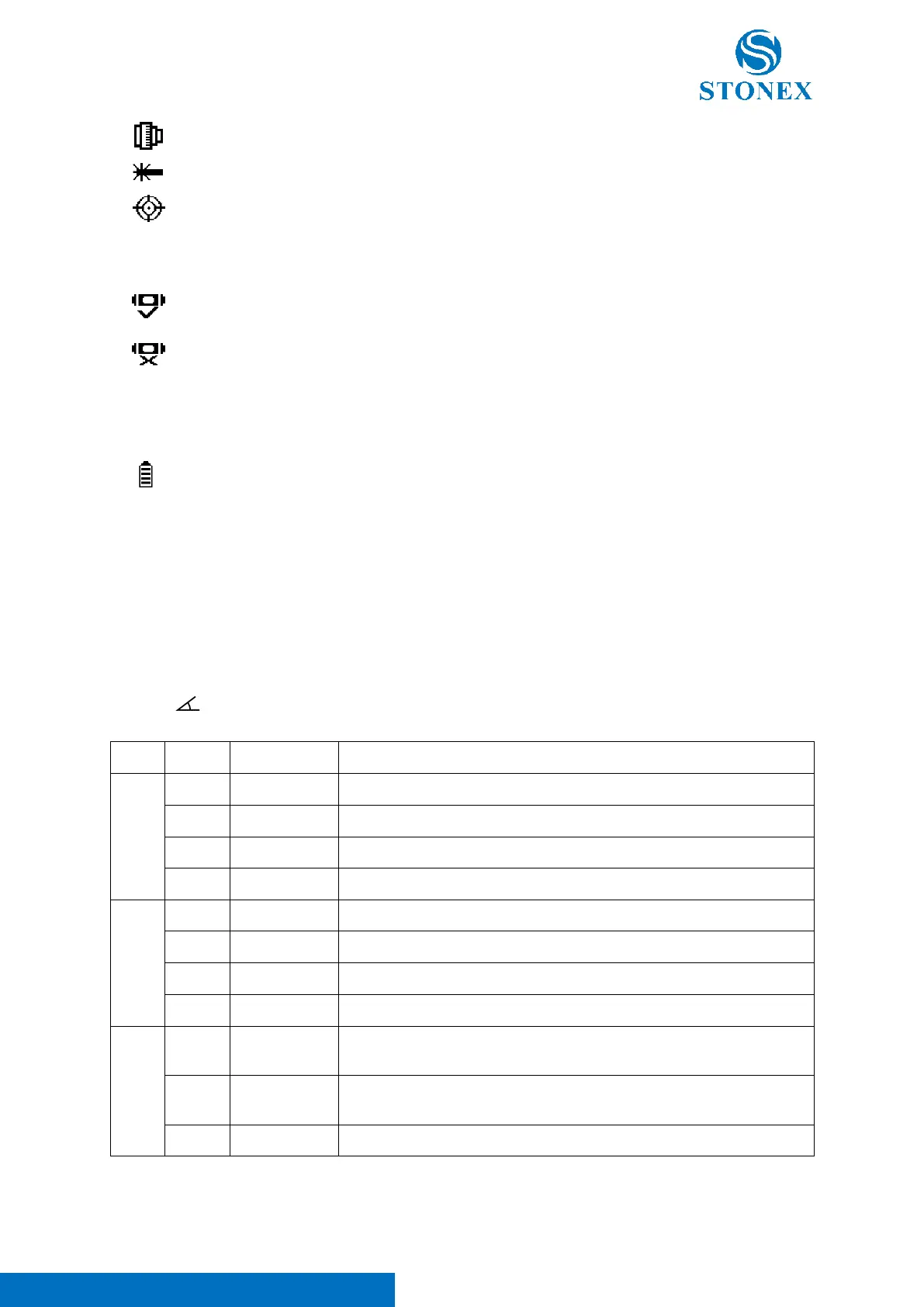
Current target is reflector prism. The prism offset (constant) can be set by the user.
Current target is reflectorless.
Current target is reflector tape.
Tilt compensator is on (2-Axes or 1-Axis).
Battery Capacity:
Indicates the estimated remaining battery capacity.
Show current battery capacity in four levels.
Due to various environmental conditions and different working modes, the remaining battery
capacity is only a reference value and cannot accurately indicate the remaining operating time of
the instrument. When the icon shows one cell or less, please replace or charge the battery
promptly
Softkeys of Measurement
In the measurement interfaces, the soft keys correspond to different functions in different measurement modes.
Angle Measurement:
Press the [ ] fixed function key in the measurement interface to enter the angle measurement mode.
Set the horizontal angle to 0°00′00″.
Lock current horizontal angle.
Input custom horizontal angles.
Turn to the 2
nd
page of softkeys.
Enter {Re-measure} to HA’s repeative measurement.
Display vertical angle in percentage slope mode.
Turn to the 3
rd
page of softkeys.
Convert HA incrementation between right and left, i.e., clockwise and
counterclockwise directions.
Vertical angle display format, switch between horizontal zero and zenith
zero.
Turn to the 1
st
page of softkeys.



 To Next Page