Stonex R25/R25LR Total Station - User Manual 75
8.8.2. Reference Arc
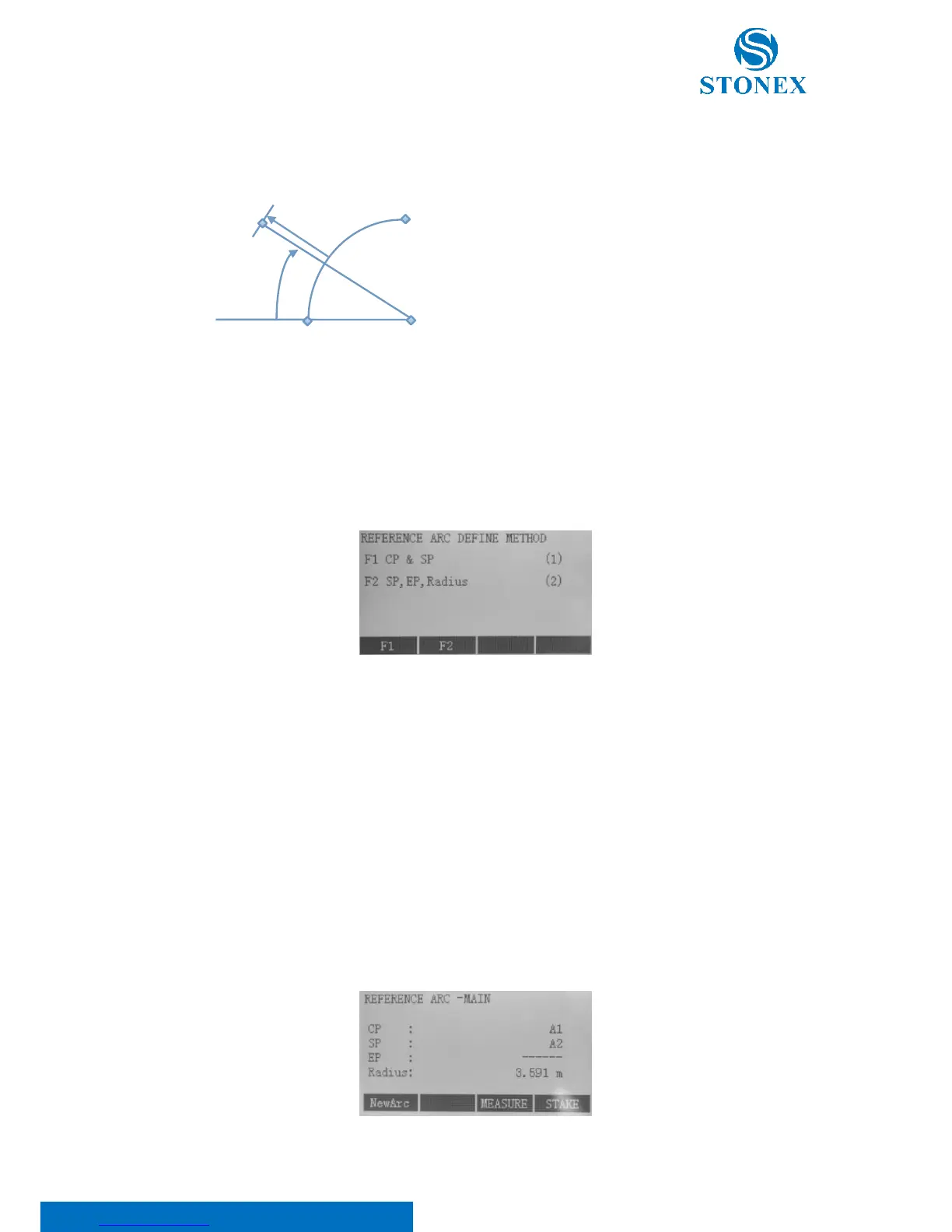
This application permits the user to define a Reference Arc and then measure or stake out in relation to the arc.
SP: Start point of arc
EP: End point of arc
CP: Centre point of circle
P: Point to stake
R: Radius of circle
Line: Distance from start of arc along with the curve
Offset: Vertical distance from arc
Press F3[REFARC] to start defining the arc.
When starting the application, you were offered two methods to define reference arc: “Center Point & Start Point”
(CP&SP) or “Start Point, End Point, Radius” (SP, EP, Radius).
Depending on the type you have chosen, you also have to define points to determine the arc and proceed.
For the former, press F1. It will be asked to measure the center and the start points.
For the latter, press F2. It will be asked to measure the start and the end points and the arc radius. The created arc
will be concave respect to the station position (for a convex arc use the previous method).
In both the cases, points have to be defined in one of the following ways:
• Measured points: Input PtID and measure base points with [ALL] or [DIST]+[REC];
• Input coordinates manually: Press [ENH] to input;
• Find points from memory: Press [FIND] to search for entered PtID or press [LIST] to choose from a
series of point.



 To Next Page