Stonex R25/R25LR Total Station - User Manual 76
Then, decide to measure or stake out. Press F3[MEASURE] key to activate Line & Offset measuring or press F4[STAKE]
key to start the application to stake out. Using F1[NewArc] it is possible to change the arc.
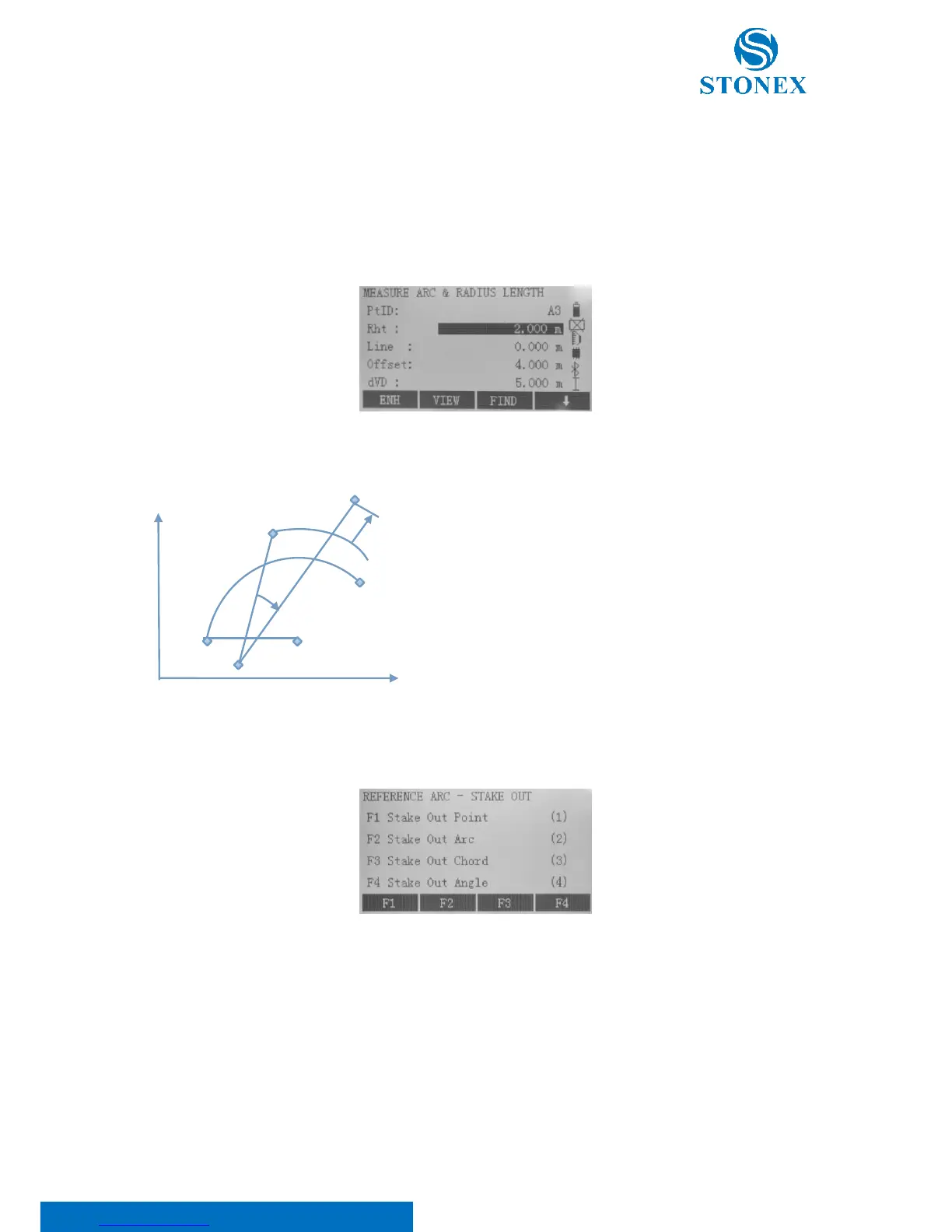
"Line & Offset" Measuring
Here you can measure, select points from memory or input coordinates manually and then Line and Offset values
referring to the arc will display.
"Stake Out" application
ST: Station
SP: Start point of arc
EP: End point of arc
CP: Centre point of circle
P: Point to stake out
MP: Measured point
dHz: Difference in horizontal angle
dHD: Difference in distance measurement
Notably there are four ways available for this application: Stake Out Point, Stake Out Arc, Stake Out Chord and Stake
Out Angle.
1. Stake Out Point
This allows to stake out a point by entering a line and an offset value. Also negative values are editable.



 To Next Page