Stonex R25/R25LR Total Station - User Manual 78
• Start Point: All of the closure will be added to the first segment of arc;
• End Point: All of the closure will be added to the last segment of arc;
• Average: The closure will be equally distributed among all segments.
Arc Length: Input the length of the arc-segment which you want to stake out.
Line: Display the line-value of the stake out point. This is calculated by the arc length and the selected closure
distribution.
Offset: Input the offset value here.
Use the softkeys:
• F1[RESET] to set all values to 0;
• F2[PT +]/F3[PT -] to toggle through the calculated stake out points;
• F4[ENT] to proceed to Stake Out display:
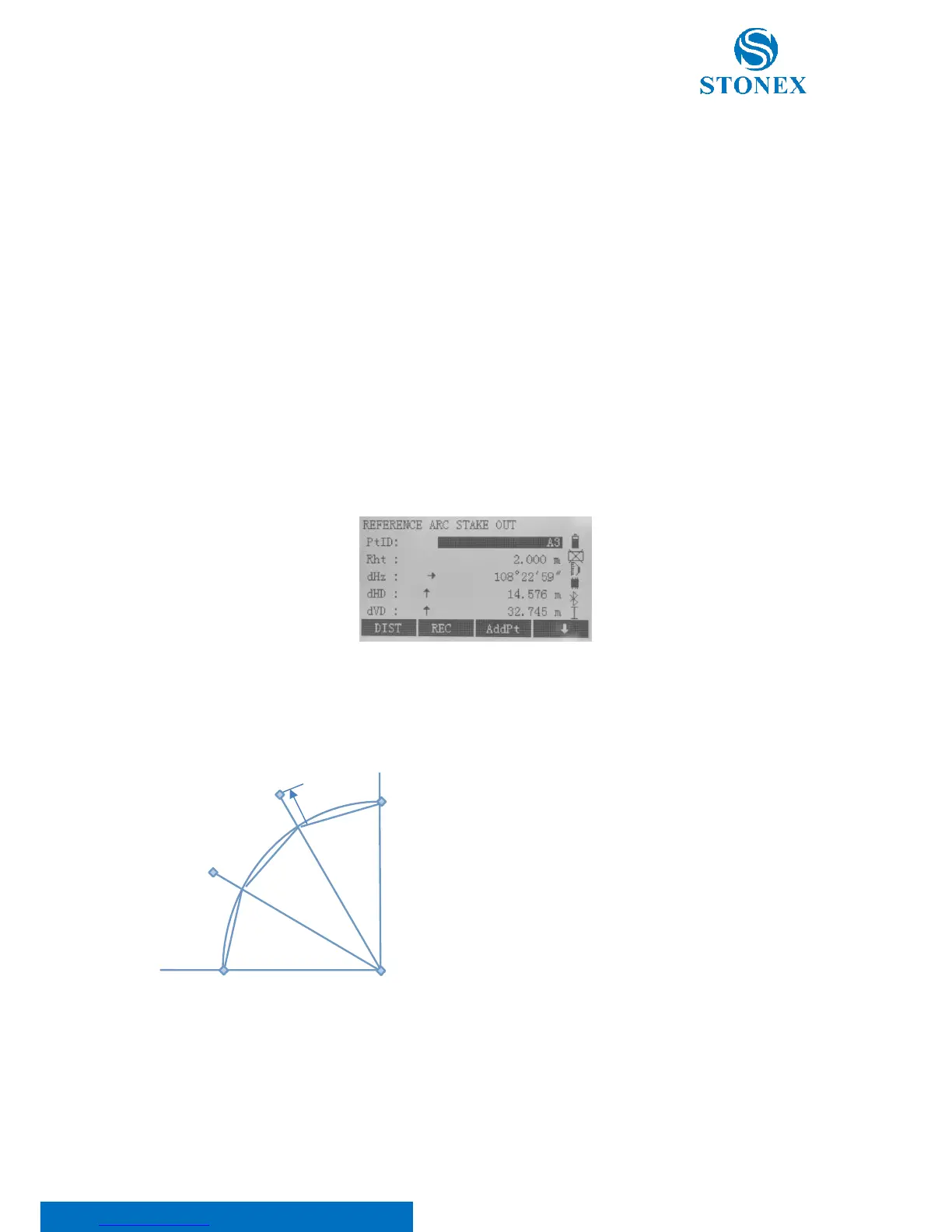
3. Stake Out Chord
This allows to stake out series of equidistant chords along with the arc. The contents and the softkey functions are
the same as described in "Stake Out Arc" section.



 To Next Page